
- Title: THL T6S Android 5.0 ROOTED Flashtool version
- Listed: May, 2015
- Last modified: 05/08/2015 2:47 pm
- Version: 5.O rooted
You must be logged for ROM download.
34427 total views, 2 today
36 Total favorites
CUSTOM









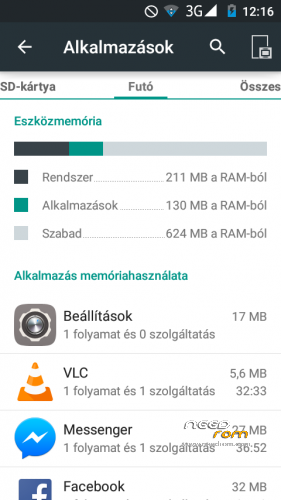


 Member Info
DESCRIPTION
flashtool version.
unzip. open with flashtool 5.0. open scatter and DA agent all in one).
Select recovery1.img its an upside-down cwm recovery.
select firmware update. press download.
wait 5-15 minutes.
enjoy.
PLEASE HELP ME WITH DONATE  THANKS
※Please make a backup of your device before installing or updating ROM
details descriprion
please
Am I the only one with not working proximity sensor? First time installed, it was working, after 2nd install not, any tips?
Thank you for putting this together wesder.
Could you please tell me the FOURTH letter of your S/N?
The SN is behind the battery. The forth letter should be either C or T. Mine is T version. I wonder if this update should work.
It works on ANY T6S devices.
PLEASE DONATE ME
FM radio sound is too low in the headset. How do I upgrade?
With mobiluncle tools. Google will help you
Where i can download the Flashtool 5.0? Whats the correct name to find?
auto focus camera does not work, you can fix it?
It works for me, got two touch.
good
Can someone tell me how to install this rom step by step? What mean select recovery1.img and then select firmware update? What i have to do. I've got the rom and Flashtool on my PC.
Load it into the flashtool, then in the list, load instead of recovery.img recovery1.img which is also in the directory.