
- Title: THL T11 ZenUI RoM v2.1 by frakk
- Listed: May, 2015
- Last modified: 06/03/2015 5:04 pm
- Version: 4.4.2.
You must be logged for ROM download.
24313 total views, 2 today
3 Total favorites
 Member Info
DESCRIPTION
THL THL T11 ASUS ZenUI RoM by frakk
THL THL T11 ASUS ZenUI RoM v2.1 by frakk
(Version 2.0 was incorrectly uploaded, repaired)
New Base: thl T11 Original KK
(more pictures of the 18. post comments)
(Official ROM THL T11 version: thl_T11.159A.A2.KK.FHD.B1B5.EN.16P128.OV8825.MT6592GW.20141014)THL T11
- Android 4.4.2
- 100 % Deodex
- Multilanguage version (default language:English)
- Gapps include
- Root (SuperSu)
- Add. busybox
- Add. Black THL Bootlogo
- Add. ASUS ZENPHONE Bootanimation
- Add. ASUS ZENPHONE Boot Sound
- Full White Statusbar Icon's
- Build.prop edited
- LED notifications OK!
- SMART WAKE OK!
- NFC OK!
- Missing SIM-cards notify disabled
- Charging LED turns off 90%
- USB Debugging icon from Status Bar Disable
Added:
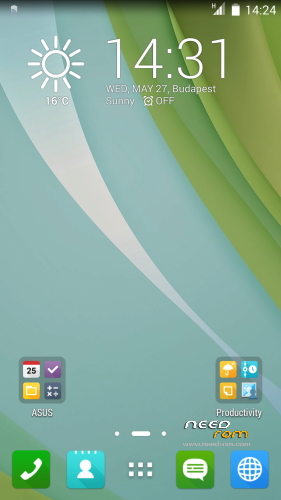
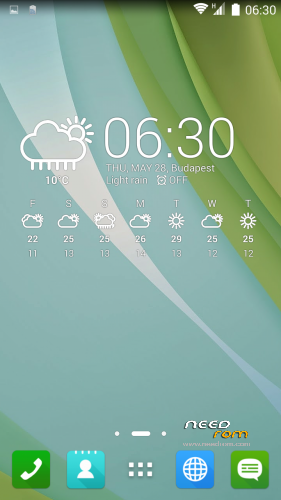
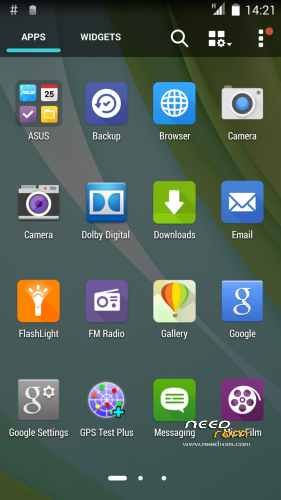
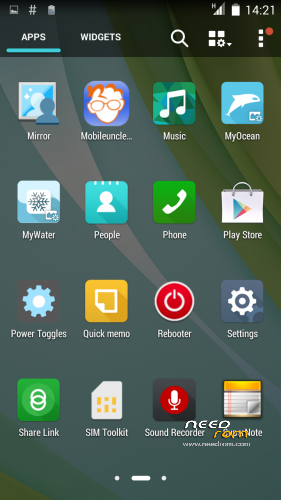
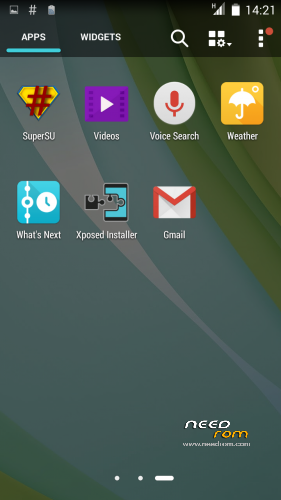
- ASUS Launcher
- ASUS Calendar + Widget
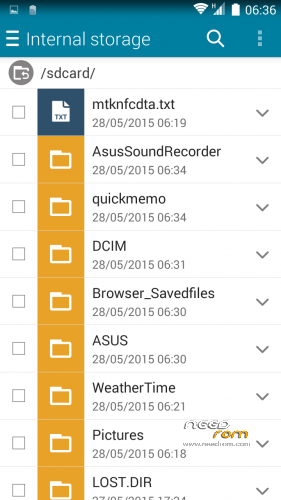
- ASUS FileManager
- ASUS Camera(removable apps)
- ASUS Backup and Restore
- ASUS Calendar
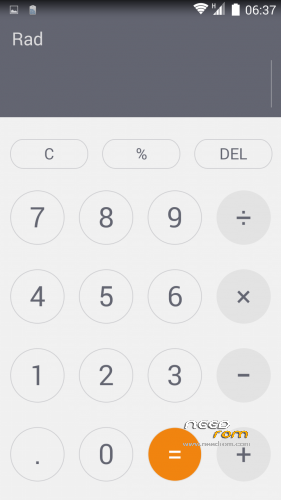
- ASUS Calculator
- ASUS Clock and Alarm Clock
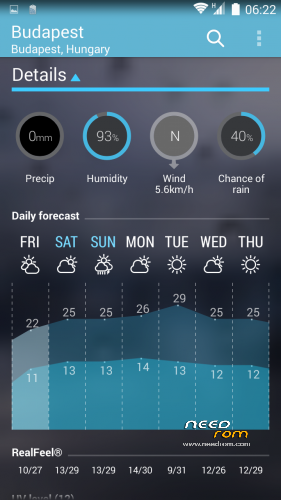
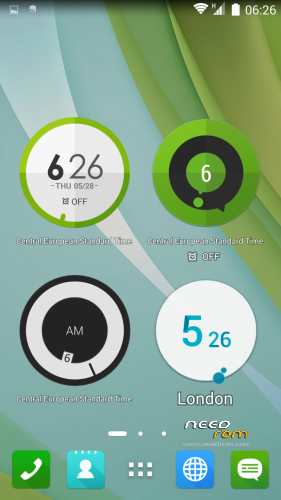
- ASUS Weather Widget
- ASUS Keyboard + Dictionary
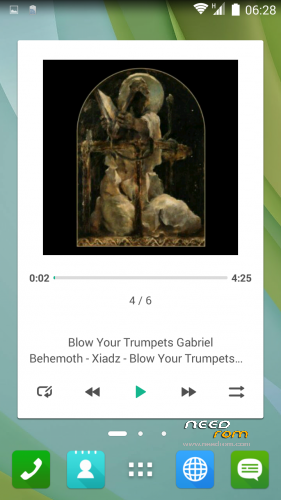
- ASUS Player + Widget
- ASUS MyWater Live Wallpapers
- ASUS MicroFilm-Slideshow Maker
- ASUS Browser
- ASUS Quicmemo
- ASUS WhatsNext
- ASUS Share Link
- ASUS FLASHLIGHT
- ASUS Supernote
- ASUS SoundRecorder
- ASUS Weathertime
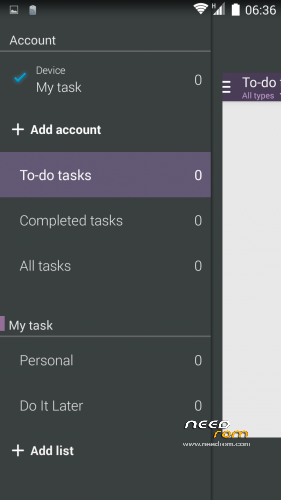
- Asus Do It Later
- Asus MyASUS
- Asus WebStorage
- Dolby Digital Plus
- Rebooter
- GPS Test
- Mobileuncle MTK Tools
- Other app icons replaced ASUS icon
Potential Problems and Solutions:
- if you do not show up in the city of the weather widget:
Remove the main view of the weather widget, and then put it back.
Immediately displayed and added to the city.
Please make a backup of your device before installing or updating ROM
CWM install.
Step 1: Download the custom ROM copied to an external SD card root directory.
Step 2: the shutdown state. While holding down:
– Power button + volume button up, to enter the recovery mode.
– Wipe Data / Factory Reset -> delete all user data.
– Wipe Cache Partition -> Wipe cache.
– Advanced -> Wipe Dalvik Cache.
Step 3: Return to recovery main interface Install zip from sdcard -> choose zip from sdcard -> Select your ROM.
Step 4: Brush complete, restart
The phone Patience required – first boot takes a while.
※Please make a backup of your device before installing or updating ROM
Hello, help to understand, when you call when the subscriber answers, I have an error "com.android.phone". If you press "ok", the call end
any link for Asus DayScene Live Wallpaper ?
i try to download, but " Item not found " …. thank you…
Can I port your rom for T100s users sir?
I would be honored.
theme and appearance applications


Found a problem
When phone gets to 10% battery it goes into a loop with error systemui has stopped
Only way to fix it is to start charging the phone
I found a mistake fix it soon
May i port to evercoss device sir..
of course
Version 2.0 has been uploaded incorrectly, and therefore deleted
The corrected version 2.1 uploaded name.
Did you see the problem when the battery is almost dead it gives error
has been corrected
Thanks will give it a try.
Might not be a problem with the rom but I can't seem to get this one to connect bluetooth to my car kit.
All other's worked fine.
Anyone else had any problems with bluethooth