
- Title: THL T11 ZenUI RoM v2.1 by frakk
- Listed: May, 2015
- Last modified: 06/03/2015 5:04 pm
- Version: 4.4.2.
You must be logged for ROM download.
24314 total views, 3 today
3 Total favorites
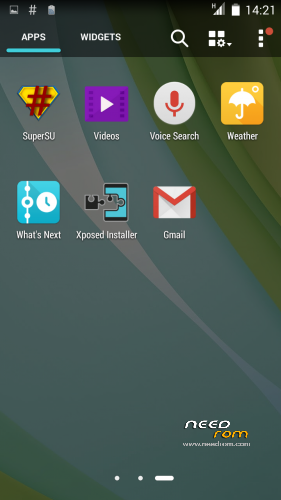
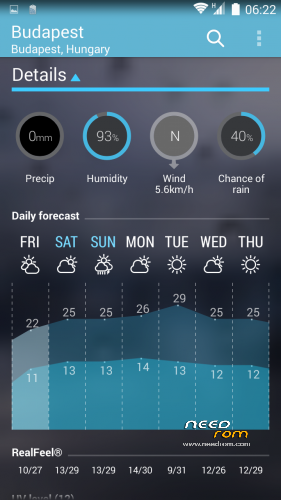
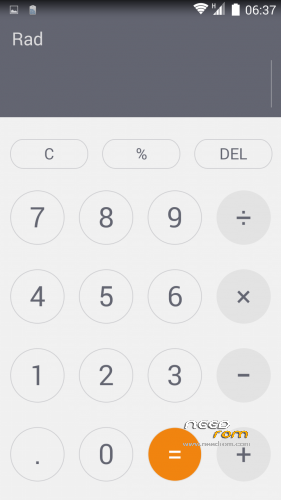
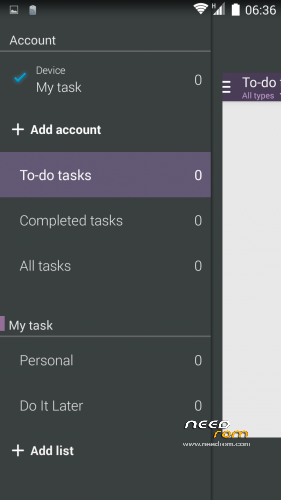
 Member Info
DESCRIPTION
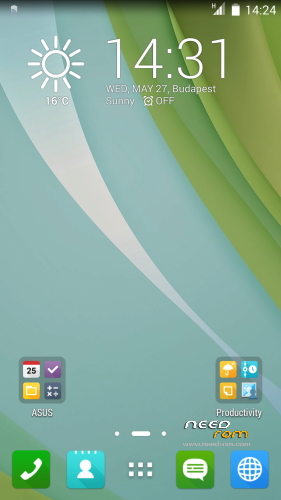
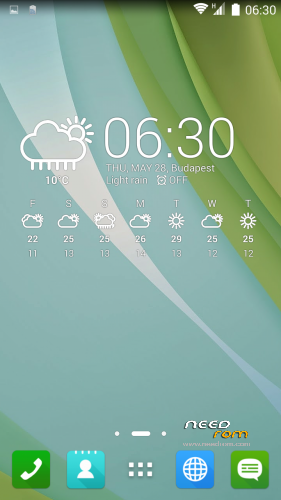
THL THL T11 ASUS ZenUI RoM by frakk
THL THL T11 ASUS ZenUI RoM v2.1 by frakk
(Version 2.0 was incorrectly uploaded, repaired)
New Base: thl T11 Original KK
(more pictures of the 18. post comments)
(Official ROM THL T11 version: thl_T11.159A.A2.KK.FHD.B1B5.EN.16P128.OV8825.MT6592GW.20141014)THL T11
- Android 4.4.2
- 100 % Deodex
- Multilanguage version (default language:English)
- Gapps include
- Root (SuperSu)
- Add. busybox
- Add. Black THL Bootlogo
- Add. ASUS ZENPHONE Bootanimation
- Add. ASUS ZENPHONE Boot Sound
- Full White Statusbar Icon's
- Build.prop edited
- LED notifications OK!
- SMART WAKE OK!
- NFC OK!
- Missing SIM-cards notify disabled
- Charging LED turns off 90%
- USB Debugging icon from Status Bar Disable
Added:
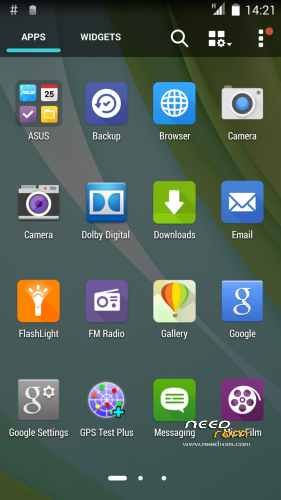
- ASUS Launcher
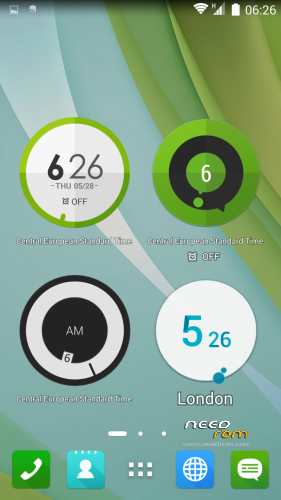
- ASUS Calendar + Widget
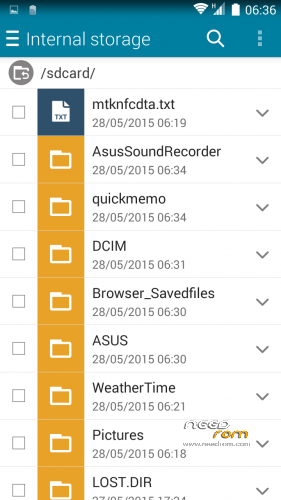
- ASUS FileManager
- ASUS Camera(removable apps)
- ASUS Backup and Restore
- ASUS Calendar
- ASUS Calculator
- ASUS Clock and Alarm Clock
- ASUS Weather Widget
- ASUS Keyboard + Dictionary
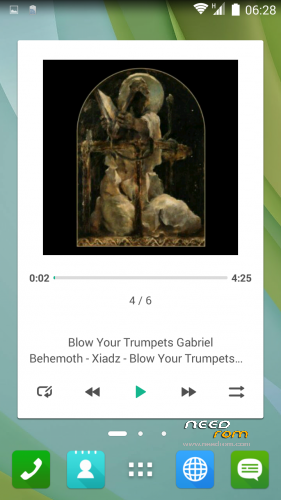
- ASUS Player + Widget
- ASUS MyWater Live Wallpapers
- ASUS MicroFilm-Slideshow Maker
- ASUS Browser
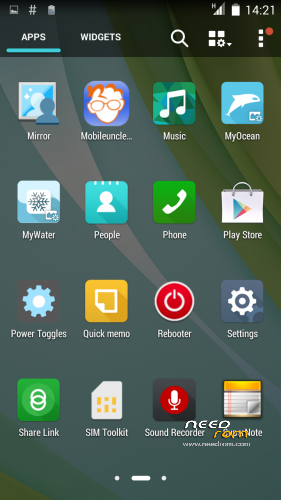
- ASUS Quicmemo
- ASUS WhatsNext
- ASUS Share Link
- ASUS FLASHLIGHT
- ASUS Supernote
- ASUS SoundRecorder
- ASUS Weathertime
- Asus Do It Later
- Asus MyASUS
- Asus WebStorage
- Dolby Digital Plus
- Rebooter
- GPS Test
- Mobileuncle MTK Tools
- Other app icons replaced ASUS icon
Potential Problems and Solutions:
- if you do not show up in the city of the weather widget:
Remove the main view of the weather widget, and then put it back.
Immediately displayed and added to the city.
Please make a backup of your device before installing or updating ROM
CWM install.
Step 1: Download the custom ROM copied to an external SD card root directory.
Step 2: the shutdown state. While holding down:
– Power button + volume button up, to enter the recovery mode.
– Wipe Data / Factory Reset -> delete all user data.
– Wipe Cache Partition -> Wipe cache.
– Advanced -> Wipe Dalvik Cache.
Step 3: Return to recovery main interface Install zip from sdcard -> choose zip from sdcard -> Select your ROM.
Step 4: Brush complete, restart
The phone Patience required – first boot takes a while.
※Please make a backup of your device before installing or updating ROM
Hey Frakk
It is quit the last Weeks,make no Roms for the t11 anymore?
I move soon.
Hi all, this release solves the problem i’d notify in the past?
“i’ve experience with kk official rom, and i quold like to know if in this rom too there’s the same problem:
about wifi+connection data off when screen off: nobody has the same problem?
i made a test: screen off, my friend send me a whatsapp; my phone doesn’t receive anything; when i wake up my phone, then it connect to internet and message arrives.
any feedback?”
Tnx
Db
It restarts when you are in a call.
Everything else works right.