
- Title: THL W11-C Sony
- Listed: September, 2013
- Last modified: 09/13/2013 1:51 am
- Version: ROM Android 4.2.2
You must be logged for ROM download.
18266 total views, 2 today
 Member Info
DESCRIPTION
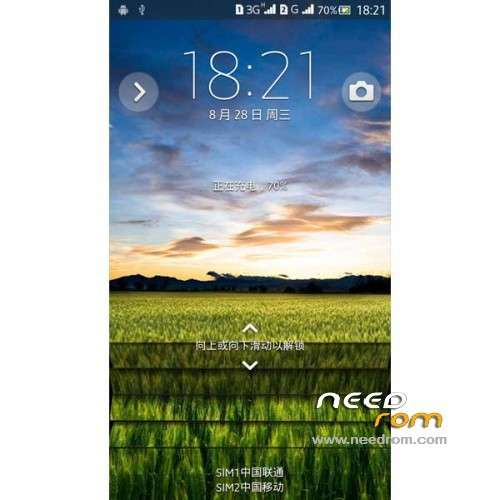
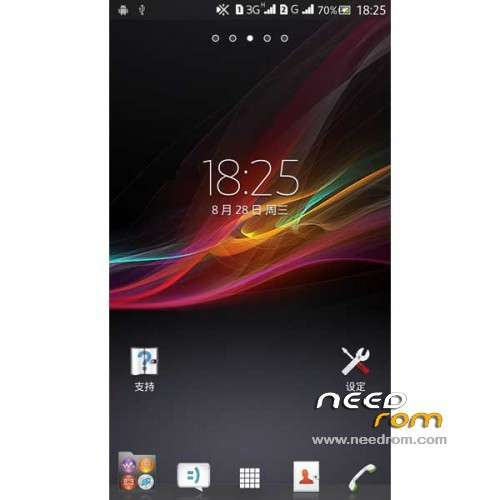
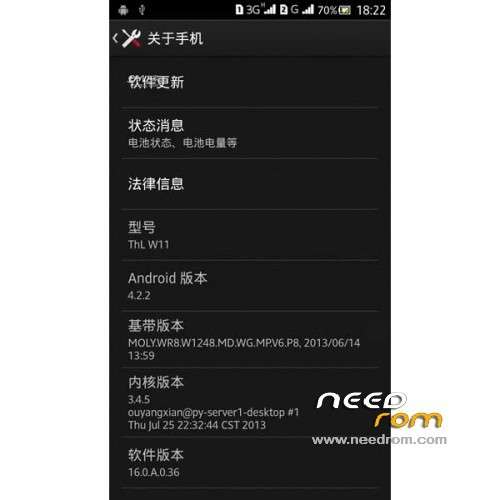
ROM Mobile THL W11 – ROM Android 4.2.2
Only For 2GB Ram and 32 GB Rom Version C
Features ROM:
1 Based on the Sony Xperia S39h transplant
2 perfect support 1080P resolution
3 Adjust the resolution of some icons and splash screen
4 call data wifi bluetooth camera compass, GPS and other basic functions are normal, dual card dialing
5 Sony original camera only for Sony, has been replaced with the official original camera
6 Add INIT.D start and V6 optimization script
7.boot saving technology
8.sony image display engine
9.build Touch / VM / image optimization
10.gps optimize, host advertising shield
11 frames to load optimization,
12 shows a very smooth running
Note: SN code view: enter the dial-up interface ", enter * # 08 #" to see the SN code; and look letter 7
No Gapps – Rooted
Language support: EN/CN
Install ROM:
CWM
Step 1: Download the custom ROM copied to an external SD card root directory
Step 2: the shutdown state. While holding down:
– Power button + volume button up, to enter the recovery mode.
– Wipe Data / Factory Reset -> delete all user data
– Wipe Cache Partition -> Wipe cache
– Advanced -> Wipe Dalvik Cache
Step 3: Return to recovery main interface Install zip from sdcard -> choose zip from sdcard -> Select your ROM
Step 4: Brush complete, restart the phone Patience required – first boot takes a while
※Please make a backup of your device before installing or updating ROM
Add russian language please
HELLO.
PERFORM THESE STEPS:
Step 1: Download the custom ROM copied to an external SD card root directory
Step 2: the shutdown state. While holding down:
- Power button + volume button up, to enter the recovery mode.
- Wipe Data / Factory Reset -> delete all user data
- Wipe Cache Partition -> Wipe cache
- Advanced -> Wipe Dalvik Cache
Step 3: Return to main interface recovery Install zip from sdcard -> choose zip from sdcard -> Select your ROM
Step 4: Brush complete, restart the phone Patience required – Takes a while first boot
DECOMPRESSION COMPLETED THE FILE AND SHOWED what message will restart in 3 SECONDS
************************************************** **********************************
OK OK OK OK OK OK OK
************************************************** ***********************************
AND PHONE NO LONGER JUST STARTED OPERATING SYSTEM REMAINS LOCKED SCREEN THL
If I would like to port your rom to 720p device. May you suggest me to mod some part of code? Thank you if you reply me.
can i use it for umi x2…
is greek language support ??? please answer !!!!!!!
Language support: EN/CN
thanks a lot
Make this rom for B revision please(((