
- Title: ThL W300
- Listed: September, 2013
- Last modified: 09/24/2013 8:25 pm
- Version: ROM Android 4.2.1
You must be logged for ROM download.
27379 total views, 2 today
7 Total favorites
 Member Info
DESCRIPTION
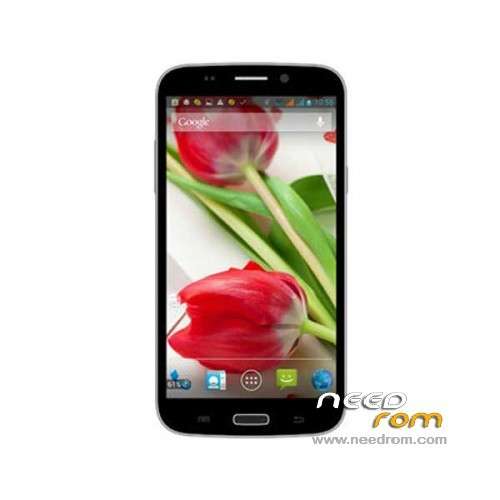
ROM Mobile THL W300 – ROM Android 4.2.1
2GB RAM + 32GB Rom
ROM Version Official THL W300: ThL_W300.JB2.FHD.EN.COM.16P256_MT6589T_V10_130905
Gapps include – No Rooted
Language support: Multilang
Install ROM:
- Unpack FlashTools, and Click on Flash_tool.exe
- Select a the MT6589_Android_scatter_emmc.txt in ROM
- Wait file to be added into Flash Tool
- choose Option->USB Model,click USB Model
–> Choose Option->DA DownLoad All->Speed->High Speed, click High Speed
- Turn off your phone, remove the battery.
- "Press F9 (hit Download button)" OR " if upgrade ROM Firmware->Upgrade "
- and connect your phone into the computer via USB data cable.
- The process will start and a red progress bar will appear after color purple, yellow.
- And green circles display
- Finish !
- You can now safely disconnect your phone and turn it on.
※Please make a backup of your device before installing or updating ROM
I have tried just about every method of installing this so called updated rom on my thl w300, and failed miserably every time.
The instructions are vague at best. The flash tool method just stays at 0% no matter what you try, booting the phone into recovery by pressing power and volume up gets you nowhere.
Is it actually possible to update this rom or not, because if not then I won't be keeping the phone anddefinietely won't be buying another thl.
No phone should be this difficult to update. And yes I am extremely cheesed off right now!
This means that you didn't installed the MTK6589 usb drivers.
search for (mtk6589 drivers") and you will sucseed
WIN XP is best for this, win8-7 somtimes have problem like yours + try other USB ports and Original USB cable/High quality cables.
Hey guys, what is the changelog?
https://www.facebook.com/pages.....321527801367532
root,cwm,led notification,etc…
led fixed isgood!
Perfect ROM.