
- Title: THL W5
- Listed: January, 2013
- Last modified: 01/14/2013 3:05 pm
- Version: ROM Android 4.0.4 01/09/13
You must be logged for ROM download.
18490 total views, N/A today

 Member Info
DESCRIPTION
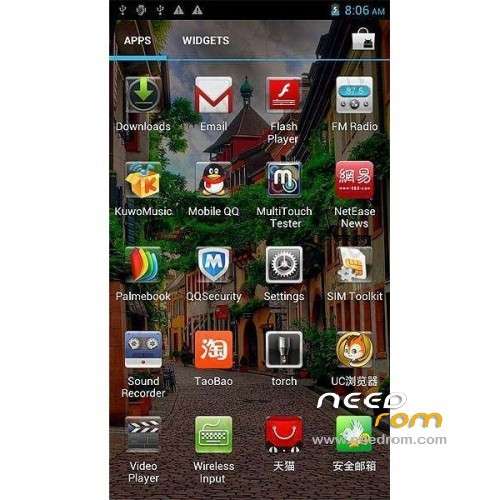
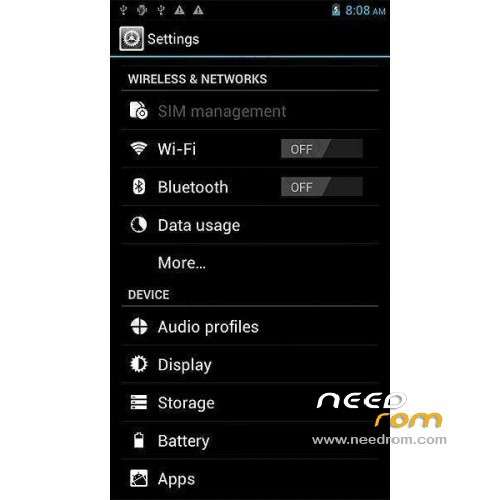
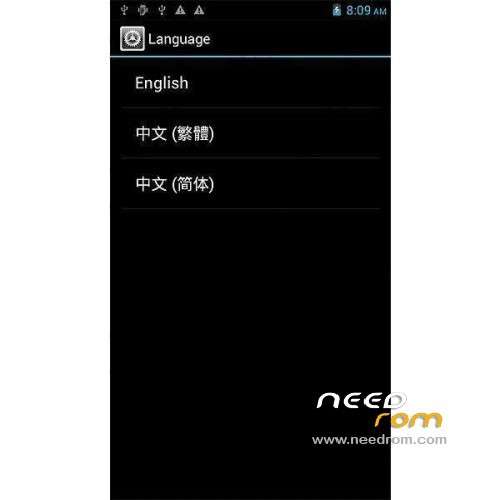
ROM mobile THL W5 – ROM Android 4.0.4 01/09/13
ROM Official
Install ROM:
With phone turned off, press and hold VOL. DOWN key and then POWER button. As soon as the phone vibrates you should release the keys. The splash logo will appear with “Recovery mode” written on the bottom left of the screen.
As soon as the splash logo disappears, an image with a triangle and an android will appear. You should now press back to enter the menu. Navigation is made using volume keys (menu up with VOL. UP and menu down with VOL. DOWN) and menu key to apply the action.
Custom recovery mode: As soon as the splash logo disappears, ClockworkMod Recovery menu will appear. Navigation is made using volume keys (menu up with VOL. UP and menu down with VOL. DOWN) and power button to apply the action. This new custom recovery also supports touch functionality for navigation under the menus.
※Please make a backup of your device before installing or updating ROM
hola
Thanks
i need the roots for vanzatek w5