
- Title: THL W7 MIUI
- Listed: August, 2013
- Last modified: 11/07/2013 2:15 am
- Version: ROM Android 4.2.1 MIUI
You must be logged for ROM download.
21962 total views, 3 today


 Member Info
DESCRIPTION
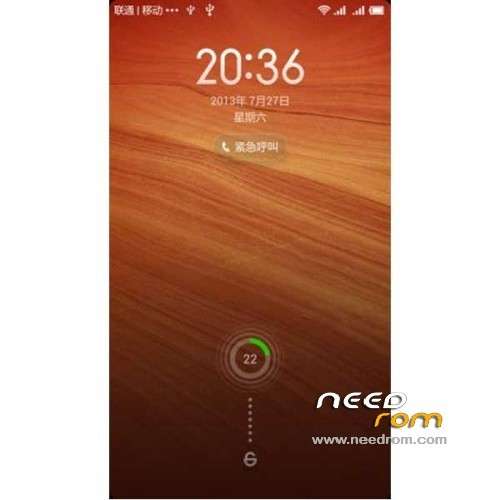
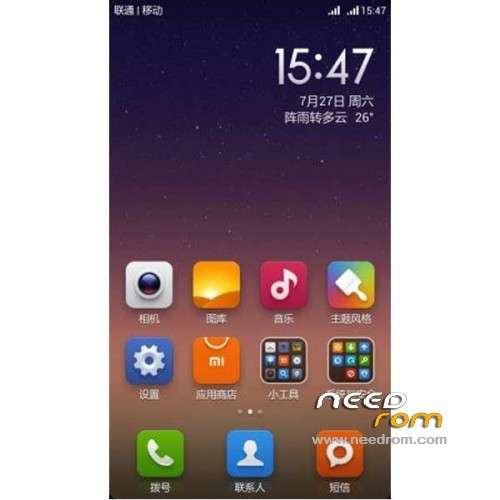
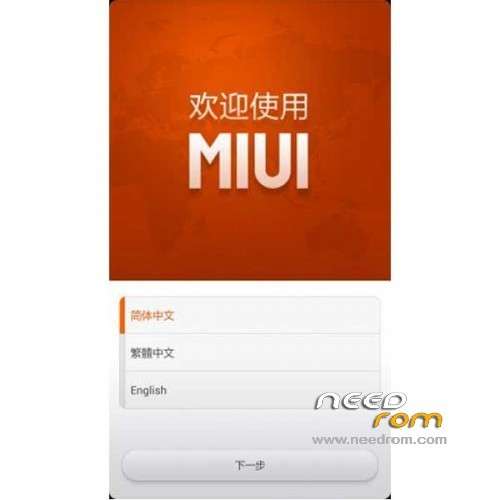
ROM Phone THL W7 – ROM Android 4.2.1 MIUI
Features ROM:
Update MIUI v5 – 3.11.1
——————————————————————————————————————————————————-
Update MIUI v5 – 3.10.18
Gapps include and other fix
——————————————————————————————————————————————————-
Update MIUI v5 – 3.9.24
——————————————————————————————————————————————————-
Update MIUI v5 – 3.8.22
1 repair notification bar too slow loading condition
2 fixes the phone occasionally hear no sound problem
3 repair desktops loaded stop the problem
4 repair millet synchronization stop the problem
5 repair camera green screen issues, inheritance and THL MIUI camera frame and is fully compatible with
6 all phone functions inherited red rice, did not make any streamline and add any software
7 repair Loudspeaker silent problem
8 fixes the problem notification bar can not be displayed
9 Fix the problem can not be opened dialing keys
10 LED lights invalid fix the problem
11 Fix WIFI can not connect
12 Fix the problem first screen after shutdown card
——————————————————————————————————————————————————-
MIUI v5 – 3.6.27
1, Based on Lenovo S920MIUI transplant adaptation.
2, call, data, camera, wifi, Bluetooth, SMS and other good
3, MIUI theme perfect for use
4, MIUI V5 full functionality, including MIUI call interface.
5, the perfect support dual card, dual signal, dial-up option cards, SMS option cards.
Gapps not include – no rooted
Language support: EN/CN
Install ROM:
CWM
Step 1: Download the custom ROM copied to an external SD card root directory
Step 2: the shutdown state. While holding down:
– Power button + volume button up, to enter the recovery mode.
– Wipe Data / Factory Reset -> delete all user data
– Wipe Cache Partition -> Wipe cache
– Advanced -> Wipe Dalvik Cache
Step 3: Return to recovery main interface Install zip from sdcard -> choose zip from sdcard -> Select your ROM
Step 4: Brush complete, restart the phone Patience required – first boot takes a while
※Please make a backup of your device before installing or updating ROM
Quando vai atualizar?
Funciona sim thl w7s
The recovery is in English?
I want to install this ROM but my THL has chinese recovery and i can't find choose ZIP file etc..
can i use flash tools to install the rom?