
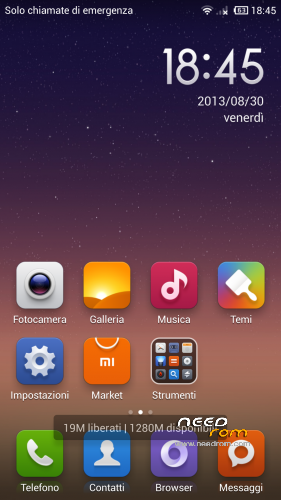
- Title: THL W8s Miui Multilanguage 3.8.30
- Listed: August, 2013
- Last modified: 08/30/2013 11:44 pm
- Version: Rom Android 4.2.1
You must be logged for ROM download.
20520 total views, 3 today
 Member Info
DESCRIPTION
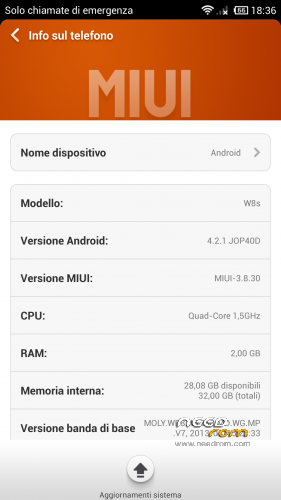
Porting from THL w8 Miui 3.8.30 (modded by Paolothl) to new THL W8s (thanks to paolothl and androidiani.com )
Please test all function [Camera, sound, dual sim etc etc] ( this is my first port and it's possibile that something may not work properly). If you have some bug fix for this port rom please reply here. I'm sorry for my non professional english. Thank you
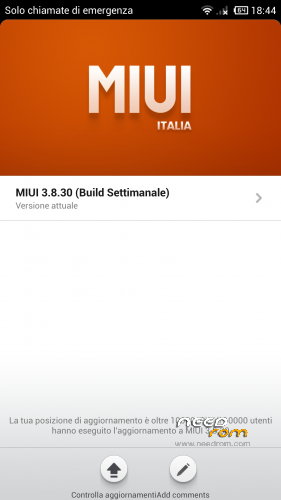
MIUI ROM 3.8.30
Highlights
1. Added the option of “Limit mobile data usage” in Browser, click here for details
2. Added support for transfer of complete contact info (including contact photo) and notes (including images attached) in Transfer, click here for details
Full Changelog
[System]
Fix – In some cases, starting apps through the notification bar might lead to wrong page (08-27)
[Contact]
Fix – Incoming call from contacts using deleted ringtones might be mute (08-27)
[Lock screen, status bar, notification bar]
Optimization – Wrong password input time will not be calculated in account unlock interface( 08-28 )
Optimization – In some cases, lock screen wallpaper does not show ( 08-28 )
Fix – After restarting the phone, “Do not disturb” status bar icon disappears (08-27)
[Launcher]
New – Updated facebook icon for 1080P devices ( 08-29 )
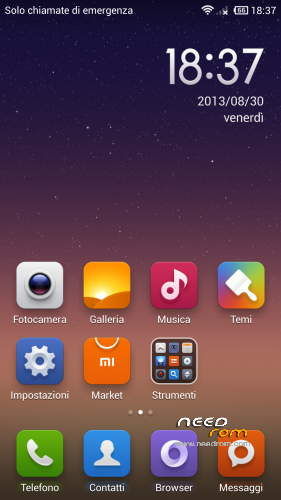
Optimization – Improved default desktop layout (08-30)
Fix – Picture mix filter alpha error ( 08-29 )
Fix – Restoring wrong backup caused launcher start failure ( 08-29 )
Install ROM: Do it On your RISK! not responsible to any damage! – Pls make A backup Before installing!
CWM
Step 1: Download the custom ROM copied to an external SD card root directory
Step 2: the shutdown state. While holding down:
– Power button + volume button up, to enter the recovery mode.
– Wipe Data / Factory Reset -> delete all user data
– Wipe Cache Partition -> Wipe cache
– Advanced -> Wipe Dalvik Cache
Step 3: Return to recovery main interface Install zip from sdcard -> choose zip from sdcard -> Select your ROM
Step 4: Brush complete, restart the phone Patience required – first boot takes a while
Post installation tweaks and apps ( all credit goes to paolothl )
ExtSD2IntMem : this tweak deactivate internal memory and mount external sd like internal memory (just flash from cwm, no wipes needed ) do not use in combo with SwapSD
SwapSD : this tweak allow to switch internal memory with external sd ( external sd becomes internal archive and vice versa ) (just flash zip from cwm, no wipes needed ) do not use in combo with ExtSd2IntMem
Lenovo SuperCamera : If you want to use Lenovo Supercamera just install this zip from cwm (no wipes needed)
Credits:
1) Paolothl for releasing thl w8 Miui rom v.3.8.30 (thank you for hard work)
2) Androidiani.com Italian Board ( best italian android forum )
3) Xda developers Board
※Please make a backup of your device before installing or updating ROM
or maybe I do not know where it is ask for help.
Vietnamese are better
I see this rom is posted on THL News, is it better than the stock rom? and whats the differences from stock rom?
This rom is working on THL W8+?(1 gb ram.)