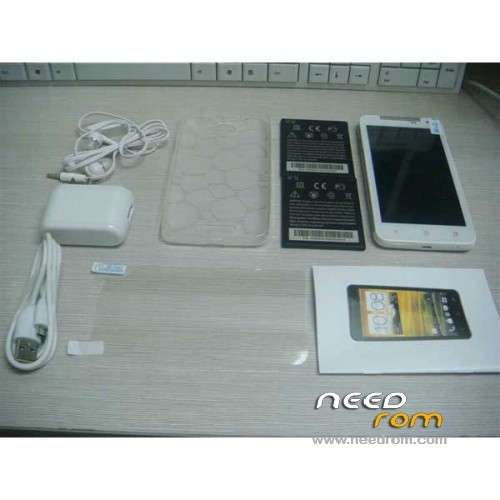
DESCRIPTION
ROM Tinji/Jiake X920e – ROM Android 4.1.1
Same version but Rooted !
ROM Officlal Version: X920 20130609-133029
Features ROM:
For this config:
| Hidden-text |
SelectShow> |
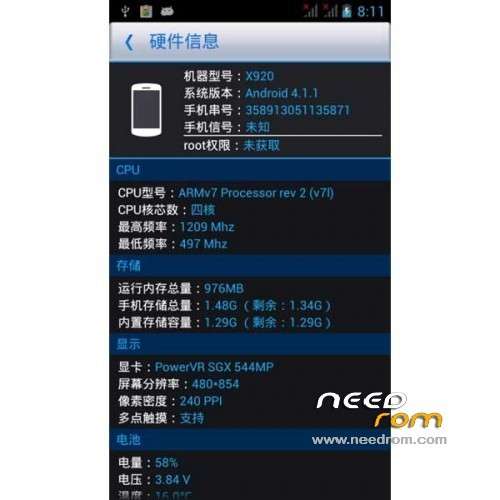
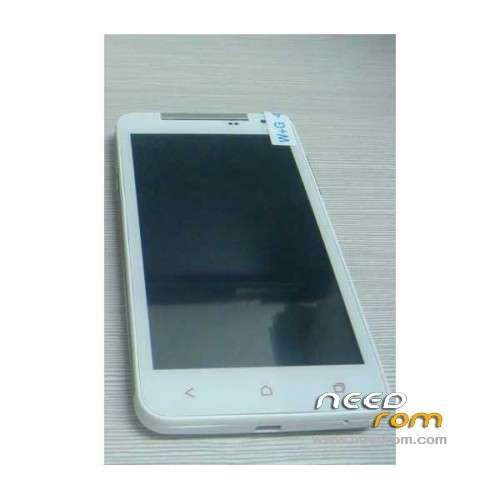
Model X920e
Color White
Type Brand New
Form Factor Bar Phone
Operating System Android 4.1.1
Keyboard Touch Screen
Language Simplified Chinese / Traditional Chinese / Indonesian / Malay / German / English / Spanish / French / Italian / Dutch / Portuguese / Portuguese / Romana / Vietnamese / Turkish / Russian
Networking GSM, WCDMA
Frequency 2G: GSM 850/900/1800/1900; 3G: WCDMA 2100 MHz
Data Transfer GPRS, HSPA, EDGE
SIM Type Ordinary SIM
SIM Slot 2
Network Standby Dual Network Standby
Network Conversation One-Party Conversation Only
Wi-Fi Yes
GPS Yes
Processor MTK6589 1.2GHz
CPU Type Quad-Core
GPU PowerVR SGX 544MP
RAM 1GB
ROM 4GB
Available Memory 2.6GB
Memory Card Supports Micro SD / TF card up to 32GB in size (not included)
Screen Size 5.0 Inch
Touch Screen Capacitive
Resolution 854 x 480 Pixels
Colors 16M
Camera 8.0 MP
Flash Yes
Auto Focus Yes
Video 720p
Touch Focus Yes
Secondary Camera Supported Yes
Secondary Camera Lens 2.0 MP
Bluetooth Support V2.0
I/O Interface 1 x Micro USB, 1 x 3.5mm jack, 1 x mic, 1 x TF card slot, 2 x SIM cardslots
Software Play Store, E-mail, Calculator, File manager, Clock, calendar, galleries, ToDo, Video Player, Sound Recorder, FM Radio, etc.
Features 5.0" capacitive touch screen + Dual Network Standby + Android 4.1.1 + Wi-Fi + GPS + FM + 8.0 MP camera + 2.0MP secondary camera + Quad-core
FM Yes
TV No
Format Supported AVI / MP4 / 3GP / MOV / MKV / FLV / FLAC / APE / MP3 / OGG / AMR / AAC / JPG / PNG / BMP / GIF
Sensor G-sensor, proximity, Light sensor
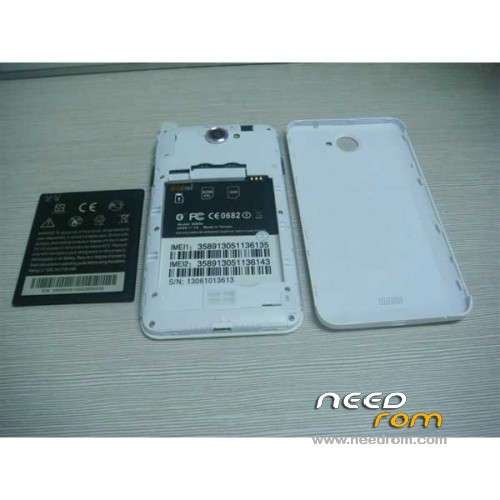
Battery Type Lithium Battery
Capacity 2100 mAh
Talk Time 160 Minutes
Standby Time 140 Hours
|
No Gapps – no Rooted
Language support: Multi Lang
Install ROM:
- Unpack FlashTools, and Click on Flash_tool.exe
- Select a the MT6589_Android_scatter_emmc.txt in ROM
- Wait file to be added into Flash Tool
- choose Option->USB Model,click USB Model
–> Choose Option->DA DownLoad All->Speed->High Speed, click High Speed
- Turn off your phone, remove the battery.
- "Press F9 (hit Download button)" OR " if upgrade ROM Firmware->Upgrade "
- and connect your phone into the computer via USB data cable.
- The process will start and a red progress bar will appear after color purple, yellow.
- And green circles display
- Finish !
- You can now safely disconnect your phone and turn it on.
※Please make a backup of your device before installing or updating ROM