
- Title: TWRP and Root for Leagoo Kiicaa Mix
- Listed: October, 2017
- Last modified: 10/19/2017 2:57 pm
- Version: 7.0
You must be logged for ROM download.
15946 total views, 2 today
4 Total favorites
 Member Info

DESCRIPTION
TWRP and Root for Leagoo Kiicaa Mix
This TWRP is Compatible only for Leagoo KIICAA Mix
For this guide, You need a Laptop or PC.
You need to Unlock Bootloader of your phone.
Connect your device via usb in fastboot mode and command as below..
Type this "fastboot oem unlock" then press enter.
Charge your phone to at least 70%.
Take a full Backup Your Device just in case if you need it later
To flash the TWRP recovery on Leagoo KIICAA Mix, you need SP Flash Tool installed on your Computer. Skip if you already have.
Find the Scatter File from the same TWRP zip file.
After install TWRP boot into recovery select language and press cancel and then format cache / dalvik cache and data.
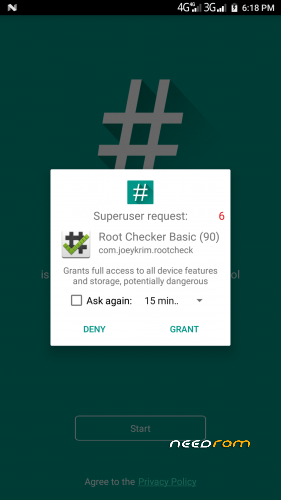
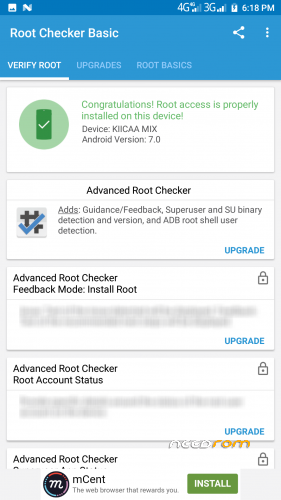
Download SuperSU.zip for root and Move it to internal memory on your phone
Thanks. 
※Please make a backup of your device before installing or updating ROM
Hi my friend I intalled twrp with your link but I have a problem, When I open twrp I must select every time the language do cancel and slide the arrow to change the language every time they ask a password can you give me the password or tell me how I can keep my language selecred. For the rest of application everything function well.
Thank you
Guys how do I unlock bootlooder via fastboot am kinda new to it
Problema dopo installazione della tpwr perdita di Sistema operativo, riavvio solo in twpr. Cosa fare?