
- Title: UMI X1S
- Listed: May, 2013
- Last modified: 05/29/2013 1:45 am
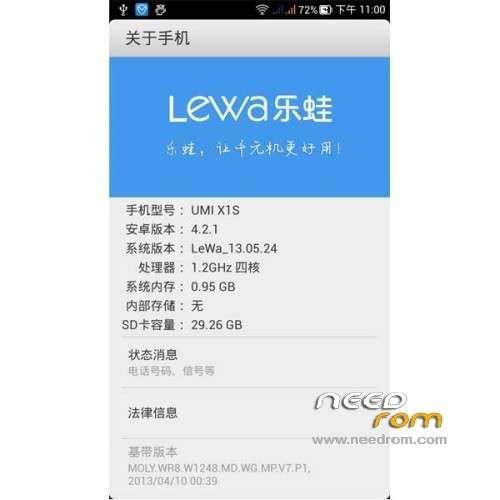
- Version: ROM Android 4.2.1 LeWa
You must be logged for ROM download.
18240 total views, 2 today
 Member Info
DESCRIPTION
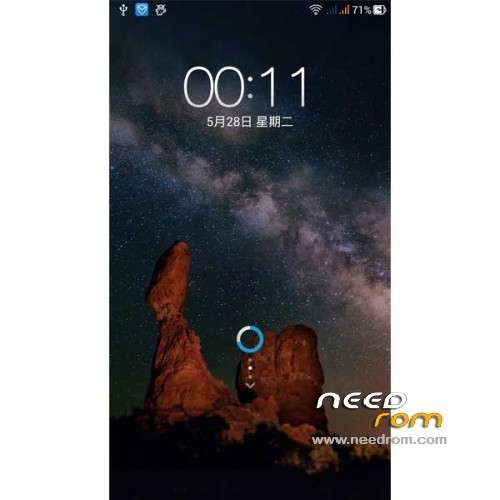
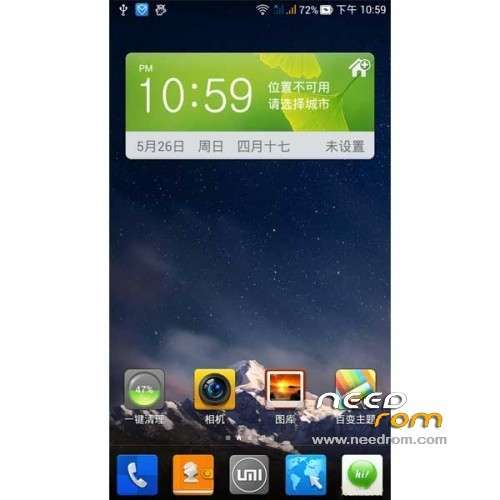
ROM UMI X1S – ROM Android 4.2.1 LeWa
Features ROM:
1 optimize compatibility
Join atoll chiefs latest REC, convenient brush back and forth into the major rom, easier and safer.
2 enhanced usability
1, open WIFI, 3g network optimization, optimization of RF power, adding power-saving code, more power, power consumption of other native firmware with considerable;
2, enhanced camera functions, focusing more quickly, imaging more perfect;
3, add GPS files and optimize the code, enhanced GPS positioning speed;
4, compatible with all batches;
5, do not recommend the use Brush Wizard;
6, the package for the card swipe rom;
7, and enhance the earpiece volume, no longer hear calls in noisy environments worry;
8, zipalign optimization;
9, the default native browser.
3 fix some minor problems, adding some more practical scripts and patches; smooth re-adjust the system to improve fluency.
Language support: EN/CN
Install ROM:
1) Download the custom ROM copied to an external SD card root directory
2) Download the recovery.img ( put in your SD card )
3) Start MobileUncle Tools ( Download on Goolge play )
4) Select Update Recovery ( choose recovery.img )
5) Mobile reboot in CWM and and follow the instructions( if recovery is in chinese look tutorial "Recovery for mobiles chinese" )
※Please make a backup of your device before installing or updating ROM
Can anyone add the Russian language in this ROM?
is this recovery english?
this rom is good! i wish someone could make an englis cwm too!
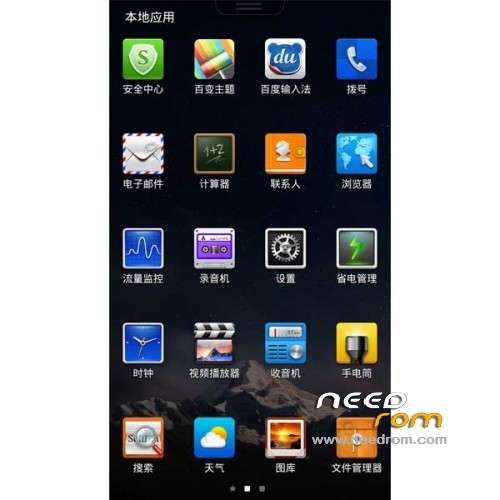
can i somehow make the chinese stuff disappear from the left part of the app drawer?
I have got to the Mobileuncle stage. I have gone into recovery update and it cant find the recovery file in remote nil?? PLease help I have been at this for days. I had the phone delivered last week and have to take the battery out everytime i make a call
In order to upodate the recovery image with the one downloaded here, you have to place it on the root of the sdcad, and then open Mobileuncle tools. You don't need any remote file, the .img files on the sdcard will be listed first.
It's needed an very good recovery.img in english, please SoCr@Te give us an good recovery.img (tested)
Can install gogle play??
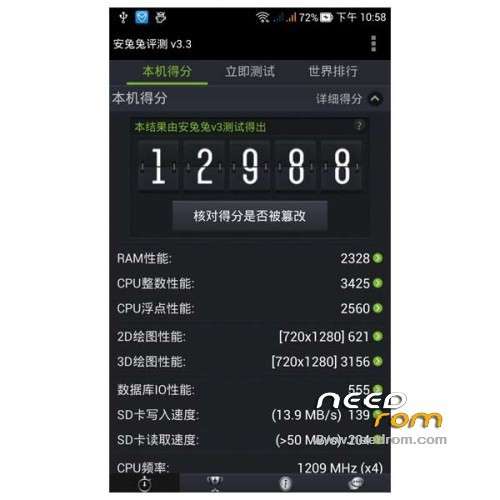
Excellente visual and performance! it makes 13100 in antutu!