
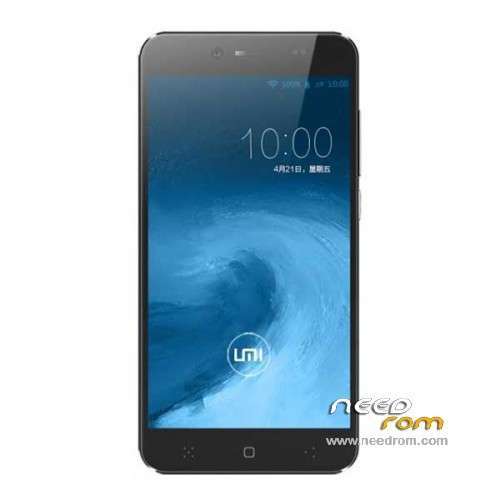
- Title: UMI X3
- Listed: April, 2014
- Last modified: 08/09/2014 12:25 am
- Version: ROM Android 4.2.2
You must be logged for ROM download.
23873 total views, 2 today
 Member Info
DESCRIPTION
ROM Phone UMI X3 – ROM Android 4.2.2
ONLY MT6592
Update Official ROM UMI X3 wcdma Version: UMI X3 20140606-201947
——————————————————————————————————-
Official ROM UMI X3 wcdma Version: UMI X3 20140409-180741
Gapps include – No Rooted
Language support : Multilang
Install ROM:
- Unpack FlashTools, and Click on Flash_tool.exe
- Select a the MT6592_Android_scattertxt in ROM
- Wait file to be added into Flash Tool
- choose Option->USB Model,click USB Model
–> Choose Option->DA DownLoad All->Speed->High Speed, click High Speed
- Turn off your phone, remove the battery.
- "Press F9 (hit Download button)" OR " if upgrade ROM Firmware->Upgrade "
- and connect your phone into the computer via USB data cable.
- The process will start and a red progress bar will appear after color purple, yellow.
- And green circles display
- Finish !
- You can now safely disconnect your phone and turn it on.
※Please make a backup of your device before installing or updating ROM
ZIP-File has wrong signature, failse on install. Please correct that, that’s very dangerous if you trust the file for install and then it fails!
Have anyone a offical ROM for UMI X3? Without damage?
this rom is perfect just unzip it with system and not with win rar it works very good as orginal rom… click right mouse button and unzip in a folder you want it works..have good one
thanks
is possible to update without wipe?
Works perfectly ! Archieve is not damaged and I did unrar it with winrar without problem when installing
No need to remove the battery, even if it is possible to deconnect it but not easy for noobs…
Juste choose the option "with battery" in OPTION>CONNECTION> before connecting the phone to the usb port and it'll do the job.
Does someone know ho to fix invalid imei problem?
with mtk tools
can someone post rom with drivers for touchscreen
Solved no nedd any more