
- Title: UMI ZERO MIUI v5
- Listed: December, 2014
- Last modified: 12/23/2014 6:38 pm
- Version: ROM Android 4.4.2
You must be logged for ROM download.
30685 total views, 4 today
214 Total favorites
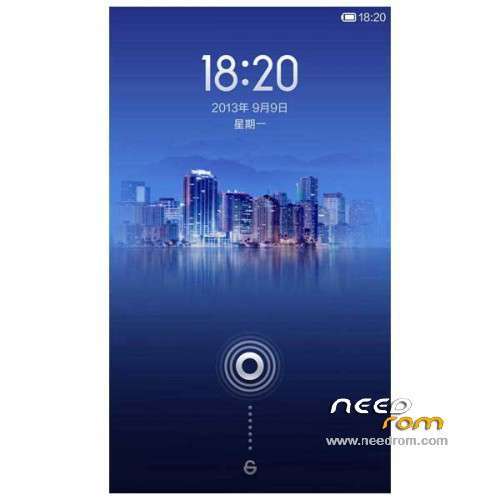
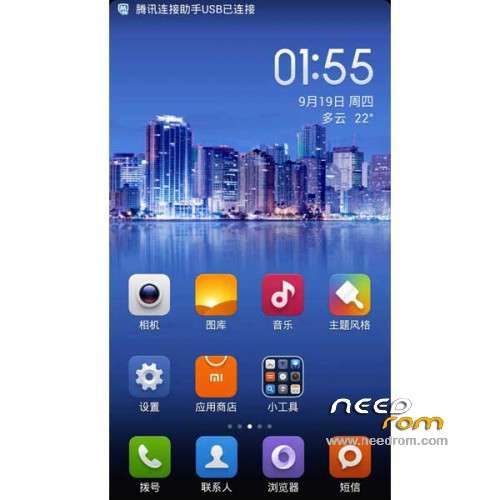
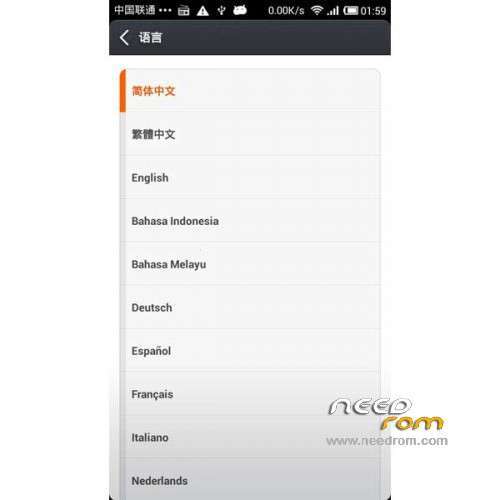
 Member Info
DESCRIPTION
ROM Mobile UMI ZERO – ROM Android 4.4.2 MIUI
Features ROM:
UMI ZERO – MIUI v5 4.12.11
Gapps include – No Rooted
Language support: Multilang
Install ROM:
CWM
Step 1: Download the custom ROM copied to an external SD card root directory
Step 2: the shutdown state. While holding down:
– Power button + volume button up, to enter the recovery mode.
– Wipe Data / Factory Reset -> delete all user data
– Wipe Cache Partition -> Wipe cache
Step 3: Return to recovery main interface Install zip from sdcard -> choose zip from sdcard -> Select your ROM
Step 4: Brush complete, restart the phone Patience required – first boot takes a while
※Please make a backup of your device before installing or updating ROM
Please upload this rom video on youtube =)
The uploading of CWM is very easy.
My suggestion is to do that via mobileuncle tools. You can download it from google apps.
After mobileuncle installaton, you have to unzip the recovery and copy the file "recovery.img" on the sd card
Run the mubileuncle and click on "Recovery Update". It will find your recovery,img , press on the box with the recovery.img and then follow the mobileuncle questions.
That is what I have done.
Thanks ARMA1958
This rom is fast and stable?
At the moment it seems fliud and stable.
The UI is more nice than the stock one.
Anyway it has the same problems of manyl the roms that are coming from china.
When you do some setup it easy to get some chinese pages.
There are also some chinese app to remove
About SuperSU you have to update it via CWM
At the end if you don't want to spend time for install this rom you can stay wiith the 3.02
This is ny first mpression after few hours
Thanks man can you upload this rom video on youtube please?I just bought this phone
I will try to do t in the next days, but I 'm not sure about the quality.
First my english is not so good, second I never done a video till now.
My suggestion is to install the umi rom update 3.02 and then chose a good launcher and wait for a better miui version
Thanks man
THX Arma! After install of CWM, tried MIUI… Me was Show V4…. Ram usage more higher, then 3.02!!!! Radio lost connection, sometimes only emergency call can i make… Deleted, back to 3.02!
Yes, it's not so good.
Tomorrow I will do the same, back to 3.02
Please upload this rom video on youtube before your backing on 3.02
For to do the video I have to do come back to 3.02.
Tomorrow I will try to do a video or other kind of guide.
I will explain also how to do a back of your phone and the restore, in that way you come back to 3.02.
As Freeddyy has suggested, it is very important to do a backup before to install a new rom,.
From my point of view, to install this miui version is without meaniing.
Happy New Year!!