
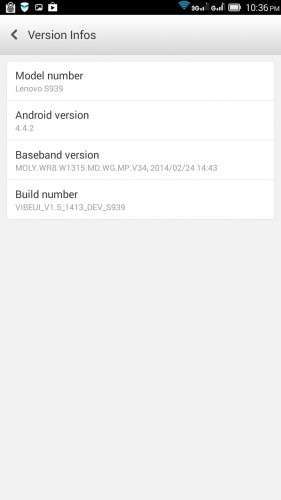
- Title: VIBEUI V1.5 1413 DEV S939 NK 5C2C Gapps CWM
- Listed: March, 2014
- Last modified: 03/30/2014 8:26 pm
- Version: Android 4.4.2
You must be logged for ROM download.
23282 total views, 2 today
1 Total favorites

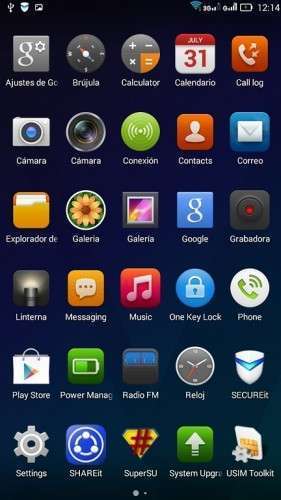
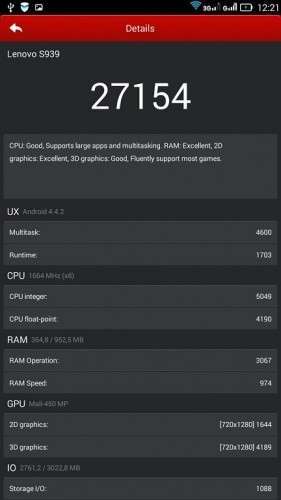
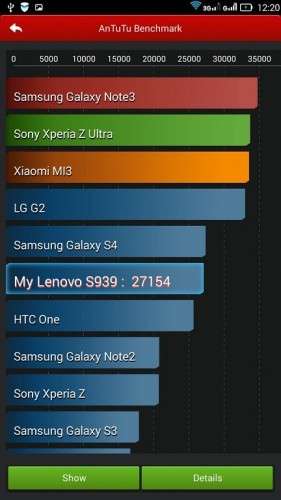

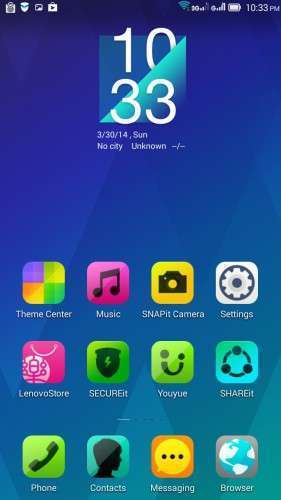
 Member Info
DESCRIPTION
VIBEUI_V1.5_1413_DEV_S939_NK_5C2C_Gapps_CWM BETA
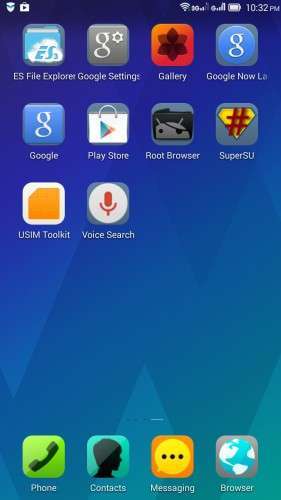
CWM+root+Gapps
CH/EN
Install ROM :
- Download FlashTools MediaTek SP Flash Tool V5.1348.0.100, and Click on Flash_tool.exe
- Select a the MT6592_Android_scatter.txt in ROM
- Wait file to be added into Flash Tool
- choose Options->Options>,Download>select DA DL All with Checksum
- Turn off your phone, remove the battery.
- "Press Download"
- and connect your phone into the computer via USB data cable.
- The process will start and a red progress bar will appear after, yellow, grey and green circles display
- Finish !
- You can now safely disconnect your phone and turn it on.
Español.
Instalar ROM:
- Descargar FlashTools MediaTek SP herramienta Flash V5.1348.0.100, y haga clic en Flash_tool.exe
- Seleccione un MT6592_Android_scatter.txt en la ROM
- Archivo de Espera que se añade a la herramienta Flash
- Seleccione Barra superior Options->Options>,Download>select DA DL All with Checksum
- Apague el teléfono, retire la batería.
- FlashTools "El botón Download"
- Y conectar el teléfono al ordenador mediante un cable de datos USB.
- El proceso se iniciará y aparecerá una barra de progreso roja después, amarillo, Gris y pasa a la pantalla con círculo de color verde
- Acabado!
- Ahora puede desconectar de forma segura el teléfono y vuelva a encenderlo.
By zoyB para www.movilesdualsim.com
ROM_MOD_1413_DEV_S939_NK_5C2C Kit Kat
Gapps updated to 4.4.2, many APKs Lenovo deleted one launcher, root and recovery.
Install ROM :
- Download FlashTools MediaTek SP Flash Tool V5.1348.0.100, and Click on Flash_tool.exe
- Select a the MT6592_Android_scatter.txt in ROM
- Wait file to be added into Flash Tool
- choose Options->Options>,Download>select DA DL All with Checksum
- Turn off your phone, remove the battery.
- "Press Download"
- and connect your phone into the computer via USB data cable.
- The process will start and a red progress bar will appear after, yellow, grey and green circles display
- Finish !
saludos y paz.
※Please make a backup of your device before installing or updating ROM
tq very much..
solo esta en chino e ingles'''? no multi….
why 3g network not woring well
what folder should i put the downloaded rom .zip file before running the sp flash tools?