
- Title: VIVO X1
- Listed: February, 2013
- Last modified: 02/10/2013 6:34 pm
- Version: ROM Android 4.1.1
You must be logged for ROM download.
17298 total views, 1 today


 Member Info
DESCRIPTION
ROM VIVO X1 – ROM Android 4.1.1
Featured ROM :
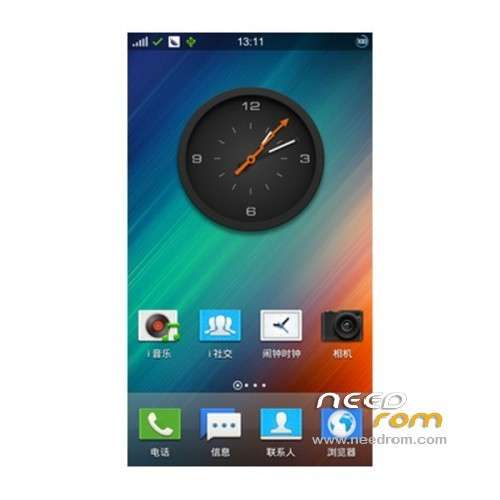
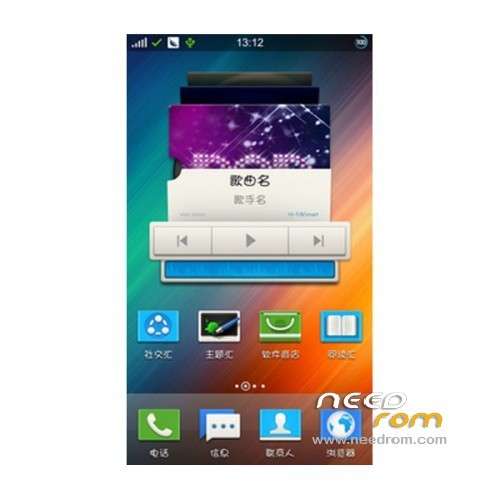
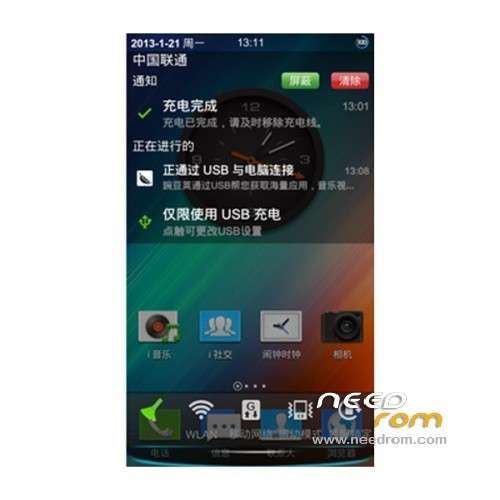
rom on the basis of the official 1.15 package intact all the procedures and functions of the official, the beautification of the bag, and mainly focus on the interface transparent. Of course, the specific beautify or need pro who according to their own preferences in the beautification of the rom on the basis of further refinement.
Language suport : CN
Install rom:
Download X1 ROM package, enter the settings — General —– About phone —- version information, record the current version of the phone.
Phone connected to the computer, pull-down bar bar, choose U disk function, X1 ROM package to find the phone U disk and copied to the root directory of the phone U disk in the computer, the copy is complete, disconnect the phone and computer connections.
Long press the power button and select restart, enter restart long press the volume + key to enter the recovery mode
See the following menu after entering recovery mode
===============================
=> Normal Boot
Normal Boot With Uart1
Normal Boot with ADB
Meta Mode
Factory Mode
Recovery Mode
Fast Boot
===============================
Current select: Normal Boot
Instructions keys: Volume + – were down select keys, screen lock key to the implementation of key
3, press the volume – Select the Recovery Mode, press the lock screen button to enter the Recovery Mode
See the following screen showing the successful entry into Recovery Mode
===============================
Click the the HOME keys (house keys) to see the following screen
===============================
4 Press the volume – Select the apply the update apps with the system from in_sdcard, then click on the lock screen key to enter the selection menu As shown in
===============================
Press the volume keys to select the first copy of a good first step X1 ROM package, click on the lock screen button to enter the upgrade interface
As shown during the upgrade process, please be patient, the best stand for the phone and the desktop.
===============================
6. Interface to jump to the next map, select reboot system now to restart the phone.
※Please make a backup of your device before installing or updating ROM
thanks a lot i will give the try
is full english?
i also got force close gtalk with original rom
anyone reply to me?
English yes I do not know gtalk