
- Title: VIVO X1ST LeWa os5
- Listed: November, 2013
- Last modified: 12/28/2013 7:34 pm
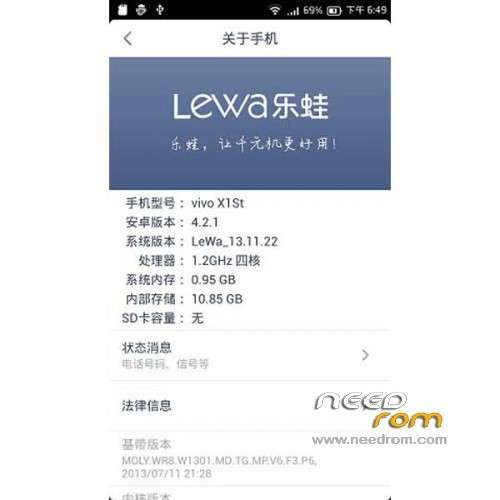
- Version: ROM Android 4.2.1 LeWa
You must be logged for ROM download.
15379 total views, 1 today


 Member Info
DESCRIPTION
ROM Mobile VIVO X1ST – ROM Android 4.2.1
Features ROM:
Update LeWa OS5 13.12.20
1 Based on the latest music frog OS5 13.12.20 Section 109 transplant
2 perfect support dual card
3 incorporates all the apk file and odex framework
4 camera, wifi, Bluetooth and other functions were normal
5 The system comes with ROOT privileges.
6 SMS tones and sound normal
——————————————————————————————————————————————————-
New anti inadvertently mode
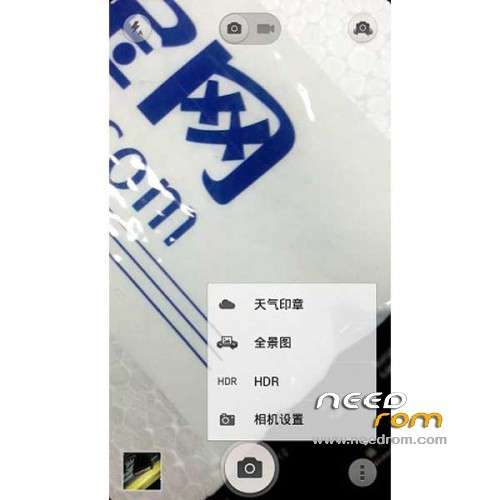
The camera features face recognition increases (4.2 models )
New OTG function ( models itself supports this feature, 4.2 models )
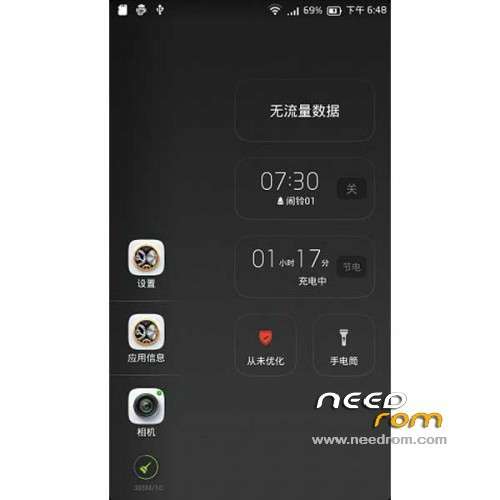
Optimize traffic monitoring mechanism to remind optimized to reduce duplication Tips
Attribution to repair some problems
Fix to open in the gallery after the cross-screen full-screen view pictures, the phone stand , black bar appears at the top picture
Repair using the " punctual alarm " after a key clean-up would turn off the alarm
Users concerned about the
Tablet optimized desktop effects set to enter edit mode after exiting the right to go beyond the second page icon Home
Alarm editing interface optimization , time and slide it on the afternoon card
You can not add a contact picture when repairing editing
E-mail attachments stored when repairing FC
Open the weather seal repair , sliding weather seal area landscape mode can not be switched weather seal typesetting, slide the screen will enter the gallery
Repair background applications running traffic over 1M status bar pop-up prompts , and then connect the WIFI background traffic alert information should not be repeated many times
Increase the native camera , increasing V4 sound
SMS phone breathing light
ROOT function is enabled : ROOT without the boot that opens into the Security Center .
Increase THL phone transplant scene function 09.18
You can set the software to install SD – Storage modify the installation location where
Gapps include – Rooted
Language suport : EN/CN
CWM
Step 1: Download the custom ROM copied to an external SD card root directory
Step 2: the shutdown state. While holding down:
– Power button + volume button up, to enter the recovery mode.
– Wipe Data / Factory Reset -> delete all user data
– Wipe Cache Partition -> Wipe cache
Step 3: Return to recovery main interface Install zip from sdcard -> choose zip from sdcard -> Select your ROM
Step 4: Brush complete, restart the phone Patience required – first boot takes a while
※Please make a backup of your device before installing or updating ROM