
- Title: XIAOCAI G6
- Listed: May, 2013
- Last modified: 05/16/2013 3:18 pm
- Version: ROM Android 4.2.1
You must be logged for ROM download.
18850 total views, 2 today
106 Total favorites


 Member Info
DESCRIPTION
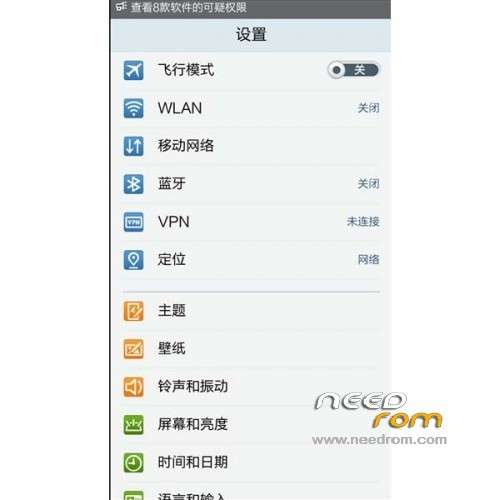
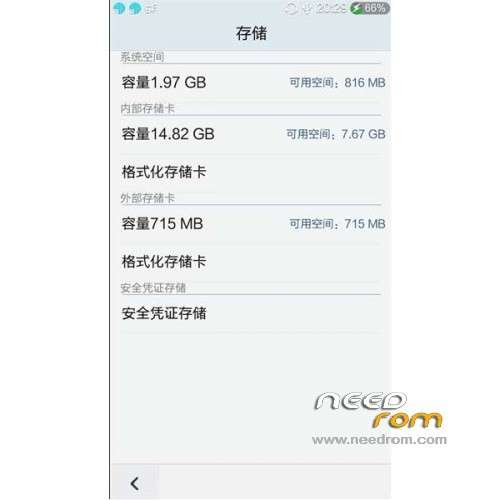
ROM Mobile XIAOCAI G6 – ROM Android 4.2.1
Features ROM:
1, the ROOT privileges
2, add the RE Manager
3, Add ViPER4 sound management
4, add a Sony BRAVIA ENGINE graphics engine
5, inside and outside the card swap
Language support : Multi Lang
Install ROM:
CWM
Step 1: Download the custom card brush ROM copied to an external SD card root directory
Step 2: the shutdown state. While holding down:
Power button + volume button + volume key to enter the recovery mode of Brush, Clear user data and cache, and then enter the card brush
Options Brush can.
Step 3: Brush complete, restart the phone
※Please make a backup of your device before installing or updating ROM
how do you get cwm on the xiaocai g6?
http://4pda.ru/forum/index.php.....6276&st=60
Hello
what is the "volume KEY"? I just cant find it and enter the recovery mode…
[ Power button + volume button + volume key to enter the recovery mode of Brush, ]
Hello folks,
is it not possible, that noone really knows how to enter the recovery mode?
Come on guys, I need your help!
OK, I found out how to enter the Factory Mode, now I'm in this menu, can someone tell it in english?
Does the custom rom have Dutch on it as a language?
can i port this for my phone???