
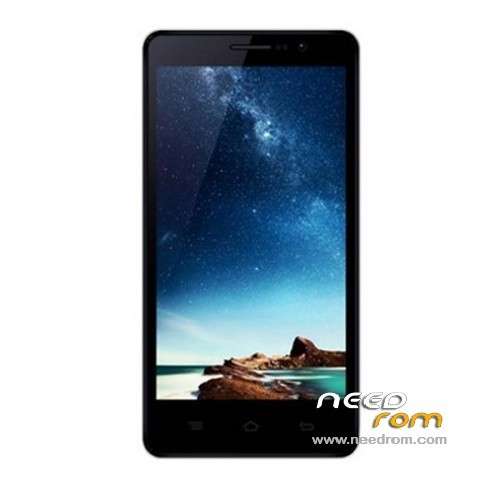
- Title: XIAOCAI G6
- Listed: May, 2013
- Last modified: 05/06/2013 2:44 pm
- Version: ROM Android 4.2.1
You must be logged for ROM download.
18991 total views, 1 today
1 Total favorites
 Member Info
DESCRIPTION
ROM XIAOCAI G6 – ROM Android 4.2.1
ROM Official XIAOCAI G6 Version : S28A-T3_T600_V1.06_CH_20130428
Language support : Multi Lang
Install ROM:
To unpack TOOL run Flash_tool.exe
Select the MT6589_Android_scatter_emmc.txt in ROM with Flashtools
Click Flash_tool.exe interface Firmware-> Upgrade
Phone after taking the battery in put something
Connect the data cable
Brush finished with green circles appears
Root:
1.Extract the entire contents of the zip file.
2.If you are using Windows, ensure you have installed the latest XIAOCAI USB drivers available for your phone.
3.Ensure USB Debugging mode is enabled on your device.
4.If you are using Windows, navigate to the extracted directory and execute "run.bat". If you are using Linux or OS X,
navigate to the extracted directory in a terminal and execute "./run.sh".
As always, future OTA updates may remove the ability t
o regain root access, so proceed with caution when updating. Enjoy!
※Please make a backup of your device before installing or updating ROM
Sry for the 1star rating. I didnt want this and cant change it
By the way thx for this rom. What about the dual Boot functinalities? I cant find proper support for this phone…
hi, how translate boot menu chinesse to english or spanish.
I can't root xiaocai g6 with tutorial, please help me
http://4pda.ru/forum/index.php.....6276&st=60
If you have friends who speak russian:)