
- Title: Xiaocai X9 Sony
- Listed: September, 2013
- Last modified: 09/02/2013 3:40 pm
- Version: ROM Android 4.2.1
You must be logged for ROM download.
18754 total views, 1 today




 Member Info
DESCRIPTION
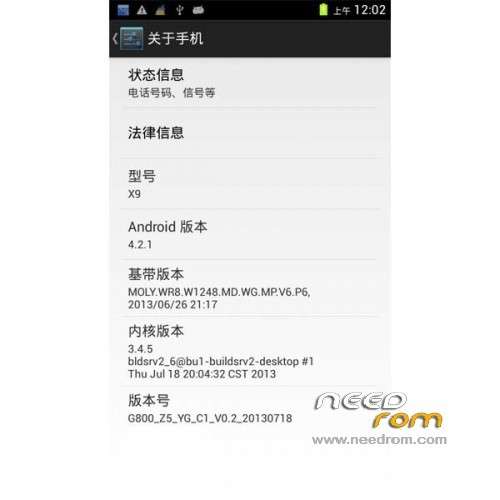
ROM Mobile Xiaocai X9 – ROM Android 4.2.1
Features ROM:
1: Resolution normal
2: WIFI, Bluetooth normal
3: Talk Normal
4: Camera normal
5: Add to V6 power script
6: Merge odex
7: join Zioalign optimization,
8: Add boot saving
9: adding depth to clear the cache script
Gapps include - Rooted
Language support: Multilang
Install ROM:
CWM EN ( install .EXE and run recovery.bat after tap just 1 and your mobile reboot in recovery )
Step 1: Download the custom ROM copied to an external SD card root directory
Step 2: the shutdown state. While holding down:
– Wipe Data / Factory Reset -> delete all user data
– Wipe Cache Partition -> Wipe cache
Step 3: Return to recovery main interface Install zip from sdcard -> choose zip from sdcard -> Select your ROM
Step 4: Brush complete, restart the phone Patience required – first boot takes a while
※Please make a backup of your device before installing or updating ROM
Hello Hungarian language?
I can not download google services play. get the following message: "is not compatible with other applications using the same shared user ID"
For the rest, the ROM works greatI
The same problem happens to me, too many applications are not compatible