
- Title: Xiaomi Hongmi Nexus 5
- Listed: December, 2013
- Last modified: 12/02/2013 5:39 pm
- Version: ROM Android 4.2.1
You must be logged for ROM download.
20852 total views, 1 today
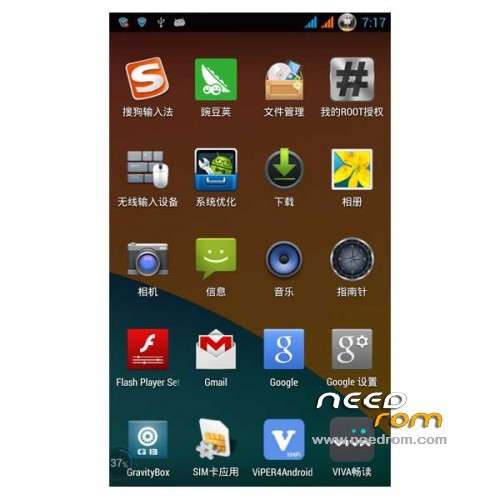
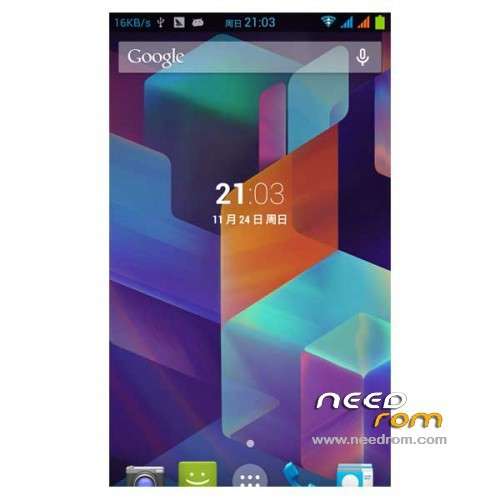
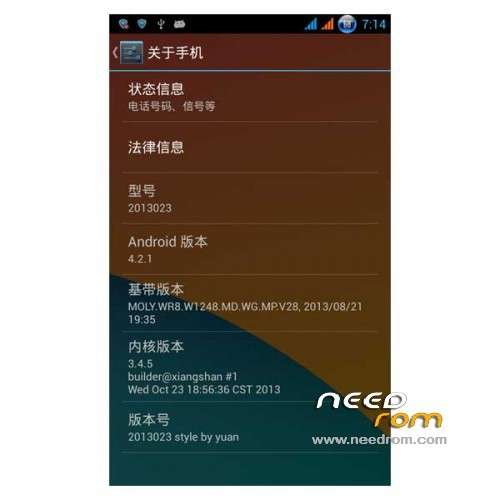
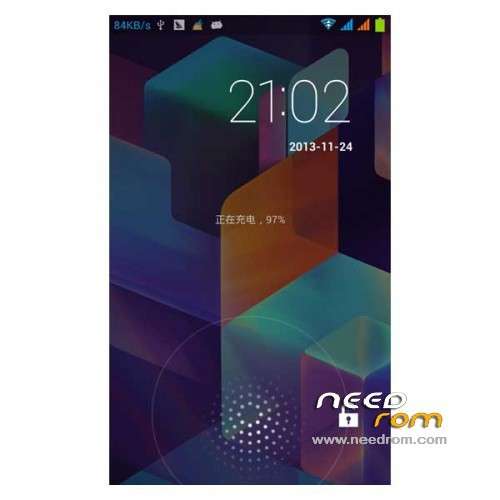
 Member Info
DESCRIPTION
ROM Phone Xiaomi Hongmi – ROM Android 4.2.1
ROM Features:
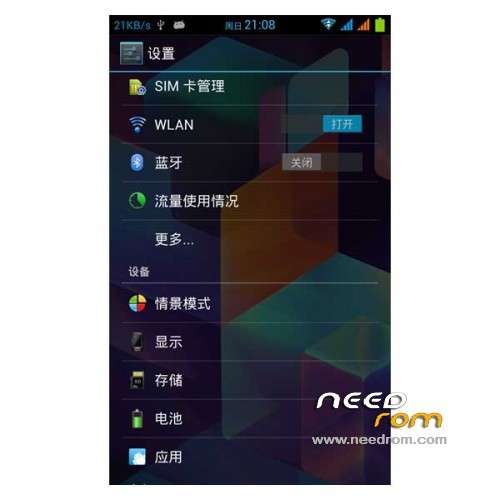
Support mtk6589 of GravityBox2.63 DIY artifact ( integrated )
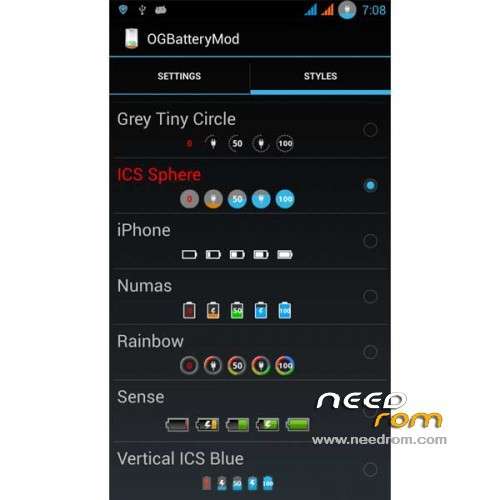
While supporting a variety of custom DIY battery icon ( displayed on the battery one last go beautify yourself diy)
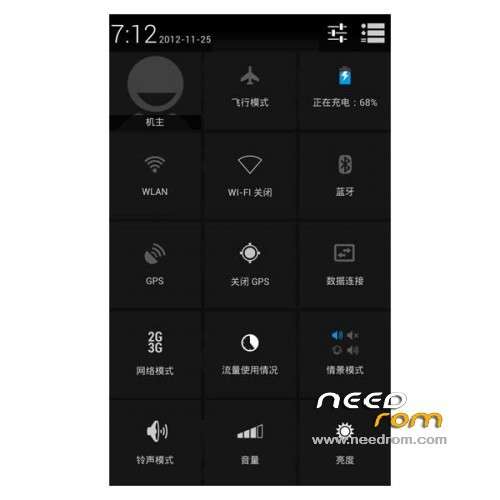
The status bar drop-down transparent , global and transparent.
Support for custom display speed
Support for custom time position
Large quantities of landscaping, adding utility software
Increase the volume , to live our phones hold
The various functional tests are normal
Add the init optimization support
Completely root
Streamlining the most useless application , suitable for ordinary mobile phone users do destructive utility to streamline
Add V4 sound, playing excellent results increase
V6 power saving script , strong saving
Add S97RamScript script minor upgrade boot speed
Add Adrenaline Boost depth memory consolidation script
Sdcardspeedfixup script added to improve the data read speed SD card
Add Lowmemorykiller script , when the phone is low memory on the initiative to clean up the background process
Add ramscript script , optimize boot speed
Add Loopy script , smoother UI interface makes perfect
Adding zipalign script , reducing memory on the application run-time occupation
Optimization framework and database, the system is very smooth
Video camera optimization optimization
Enhance the overall rolling reflect
Enhance the overall touch response
Opened stagefright framework
Optimize the system is turned on GPU rendering UI,
Reducing the pressure of the CPU
Battery Performance Optimization
After the repair call black
The function tests are normal .
Gapps include – Rooted
Language support: Multilang
ROM install :
1) Download the custom ROM copied to an external SD card root directory
2) Download the recovery.img ( put in your SD card )
3) Start MobileUncle Tools ( Download on Goolge play )
4) Select Update Recovery ( choose recovery.img )
5) Mobile reboot in CWM and follow the instructions( if recovery is in chinese look tutorial "CWM for MTK Platform" )
Into the recovery:
– Wipe Data / Factory Reset -> delete all user data
– Wipe Cache Partition -> Wipe cache
- Return to recovery main interface Install zip from sdcard -> choose zip from sdcard -> Select your ROM
- Brush complete, restart the phone Patience required – first boot takes a while
※Please make a backup of your device before installing or updating ROM
WCDMA versio?
thank you.
xperia logos, without play store.
Multilanguage (LT,RU,….), WCDMA, Good.
this rom is valid for wcdma?
Recovery is in chineese
this is CWM not WCDMA
Is this WCDMA version?