
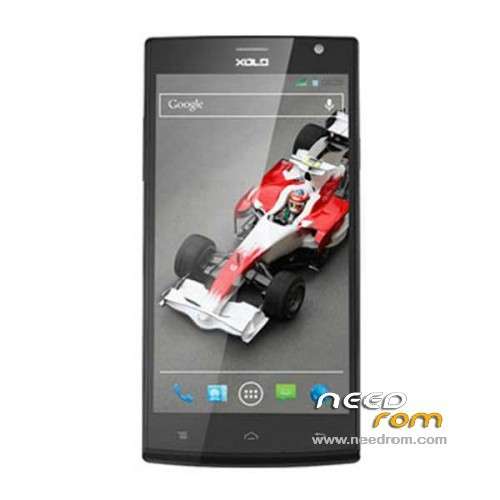
- Title: XOLO Q2000
- Listed: December, 2013
- Last modified: 12/26/2013 7:21 pm
- Version: ROM Android 4.2.1
You must be logged for ROM download.
20061 total views, 3 today
2 Total favorites
 Member Info
DESCRIPTION
ROM Mobile XOLO Q2000 – ROM Android 4.2.1
Official ROM XOLO Q2000 Version: XOLO_Q2000_S122_20131203
Gapps include – No rooted
Language support: EN/ES/IN
Install ROM:
- Unpack FlashTools, and Click on Flash_tool.exe
- Select a the MT6589_Android_scatter_emmc.txt in ROM
- Wait file to be added into Flash Tool
- choose Option->USB Model,click USB Model
–> Choose Option->DA DownLoad All->Speed->High Speed, click High Speed
- Turn off your phone, remove the battery.
- "Press F9 (hit Download button)" OR " if upgrade ROM Firmware->Upgrade "
- and connect your phone into the computer via USB data cable.
- The process will start and a red progress bar will appear after color purple, yellow.
- And green circles display
- Finish !
- You can now safely disconnect your phone and turn it on.
※Please make a backup of your device before installing or updating ROM
Its showing error. Please fix.
remove the checksum file from rom and flash . awesome
remove the checksum file from rom and flash with sp flash tool check download all with DA . awesome
thanks… working very well
hey any one can say that how to support gujarati in xolo q2000?
hi, im trying to flash my XOLO q2000. have done the above process but no use. do i have to install the drivers before doind this. n i fim connecting my phone to the system its not giving any respond like "a hardware has been detected" pls help
Heyyyyyy please help me out.. After pressing F9 or Download button, it's just shows searching near the percentage bar. There is no change and response.
What can i do ?
Hello to all.
Recently i purchased Xolo q2000 and within in a week i rooted my device and while taking backup of my stock Rom using Mobile uncle and flashing the recovery.img my screen sticks on white colour for a long time and when on restarting my screen colour goes on Blur and doing this every time to take backup i have to "data factory reset" my phone so that it comes to its original colour. I tried many recovery.img for xolo q2000 from diffrent websites and flashed it using mobile uncle but i get the same problem. and one more problem arises my default recovery mode gives the same white screen problem one of my friend said to me that while flashing recovery.img from Mobile uncle your default Recovery portion is corrupted or deleted(some type)
so anybody here.. can you tell me how to take backup of my current Rom in Xolo Q2000 and off course for a default recovery option working.
waiting for response???
Thanks,
THNX
Admin plzzz help… My xolo q2000 stuck on logo
download rom and i try to install via recovery bt it's geeting failed. .. It say installation aborted… Please help
After removing battery should i place it agin in phone before i connect my phone to pc…. Nd should i click on download button first or connect my phone first.. . Plz anybody help me