
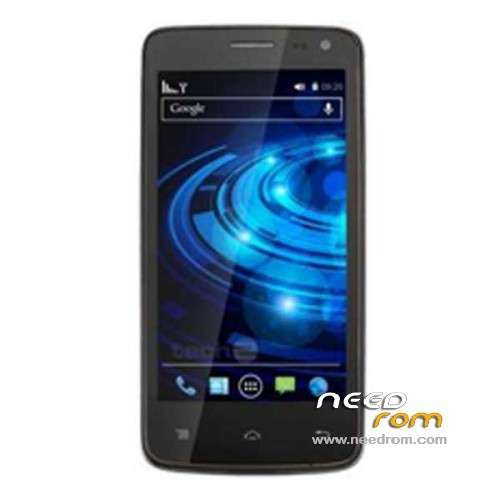
- Title: XOLO Q700i
- Listed: October, 2013
- Last modified: 10/01/2013 3:28 am
- Version: ROM Android 4.2.1
You must be logged for ROM download.
34610 total views, 3 today
3 Total favorites
 Member Info
DESCRIPTION
ROM Mobile XOLO Q700i – ROM Android 4.2.1
Official ROM XOLO Q700i Version: XOLO_Q700i_S020_20130918
Gapps include – No rooted
Language support: EN
Install ROM:
- Unpack FlashTools, and Click on Flash_tool.exe
- Select a the MT6589_Android_scatter_emmc.txt in ROM
- Wait file to be added into Flash Tool
- choose Option->USB Model,click USB Model
–> Choose Option->DA DownLoad All->Speed->High Speed, click High Speed
- Turn off your phone, remove the battery.
- "Press F9 (hit Download button)" OR " if upgrade ROM Firmware->Upgrade "
- and connect your phone into the computer via USB data cable.
- The process will start and a red progress bar will appear after color purple, yellow.
- And green circles display
- Finish !
- You can now safely disconnect your phone and turn it on.
※Please make a backup of your device before installing or updating ROM
Please update your comments…
I am getting an error Kindly take a look and reply . Waiting for your reply .
http://i41.tinypic.com/svkrrc......png
use latest flash tool version 3.1312 and click on firmware upgrade in sp tools .
try another flashtools version
I tried it on my xolo q800 USB /otg working fine
Very good ROM even for for Q700, it made the device just PERFECT!!!
really ??
im gonna try now
CAN IT WORKING IN MY NEW XOLO Q700, PLEASE REPLY IN MY ID
pradeepsharma01071985@gmail.com
Thank you fellows/.. Really a great help
i have q700
can i proceed?
what differences can i expect?
thanks
Connect the phone without battery ?? Wtf really ??
Hey guys what about the battery backup .. It drains off easily or what ?
Not without battery. Just remove the battery and reinsert after 30 seconds to reset the clock and other preferences. Then connect,
just post the step by step mtheod..!! and any chances of bricking ??
may i need to root my system..??
ya may i need to root it first ??? or directly flash it?? my phone is Q700 and i want to flash Q700i rom and my phone just like factory settings not rooted and no CWM… pls reply.