
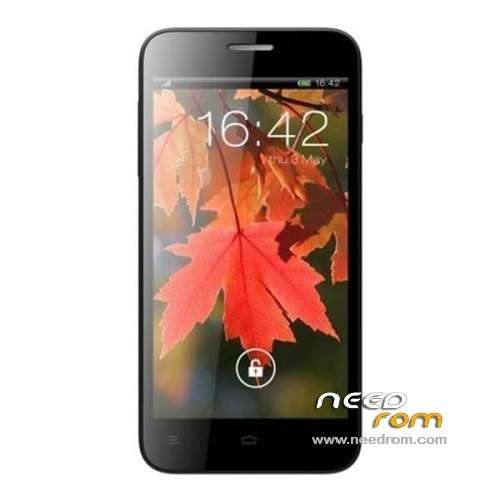
- Title: XOLO Q800
- Listed: June, 2013
- Last modified: 10/01/2013 3:32 am
- Version: ROM Android 4.1.2
You must be logged for ROM download.
24184 total views, 2 today
2 Total favorites
 Member Info
DESCRIPTION
ROM XOLO Q800 – ROM Android 4.1.2
Update XOLO Q800 Version: eng.android.1370487320_06062013
No rooted – install with Flashtools
—————————————————————————————————————————————–
Based on Official ROM XOLO Q800 just Rooted Version: eng.znsj_bianyi3.1361793628_02252013
Gapps include – Rooted
Language support: EN
Th to hellbeast
Install ROM :
1. Install all Drives in you Computer.
2. Extract SP_Flash_Tool_exe_v3.1248.0.96.zip
3. Extract Xolo Q800-CWM-Recovery.zip on dekstop.
4. Run SP_Flash_Tool.exe (Blue Box)
5. Load "MT6589_Android_scatter_emmc" ( u can find in folder where u extract xolo Q800-CWM-recovery.zip)
6. chcek "RECOVERY" and click on it and load the recovery.img
7. Now Go to window option in spflash tool 2nd last and check write memory.
8. Now u have write memory option in this window check "EMMC" in memory setting and open raw data and load recovery.img again.
9. Change recovery Partition Begin address :_ 0x2d80000 container lenth 0×600000 now click write memory now tool will search for device.
10. Connect your phone with usb driver (make sure all driver installed) and let the process run..
11. Red line and then Navy green and "OK" now close sp flash tool and unplug your phone
12. Press volume + and power button and hold till 10 sec now your phone will go in CWM Recovery
※Please make a backup of your device before installing or updating ROM
Please upload original new stock recovery.img
process doesnt run!
keeps on searching..nothing happens
does this work on q800 x edition?
MDF FILE MISSING PLZ HELP ME
i will try this i hope it work for me