
- Title: Yonip v7 Kitkat rom
- Listed: February, 2014
- Last modified: 02/14/2014 3:50 pm
- Version: v7
You must be logged for ROM download.
21010 total views, 2 today
1 Total favorites
CUSTOM








 Member Info
DESCRIPTION
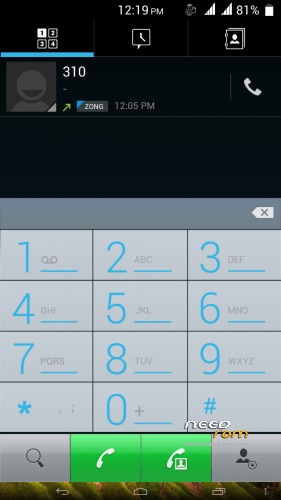
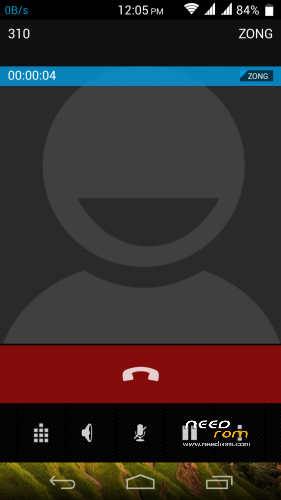
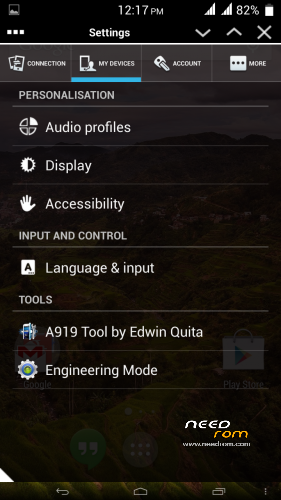
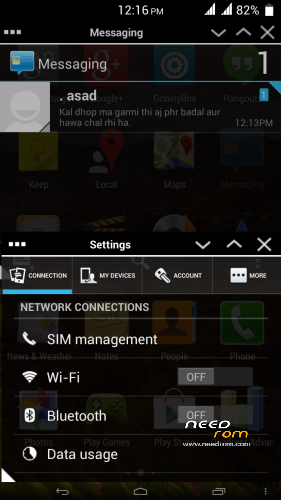
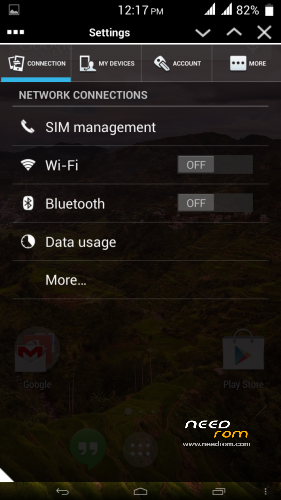
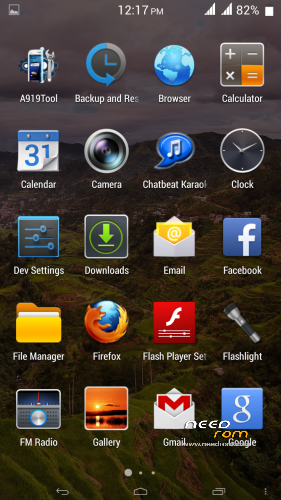
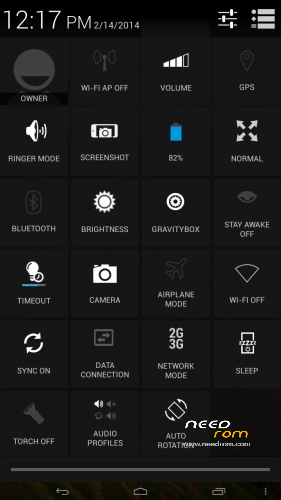
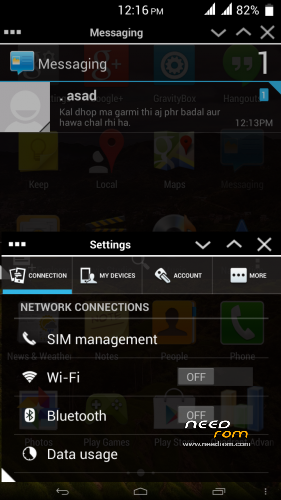
here comes the kitkat ui rom for Gfive G9
Pure kitkat experience on gfive g9. best performance rom.
Credits:
Base Rom:- Yonip V7
Porting and Testing: Only me.
thanks to Yonip development team for providing such an awesome base rom….
Flashing Instructions:
Step 1
1) Download zip file
2) Put into external/internal sd card
3) Go to recovery
4) Wipe data/factory reset
5) From advance menu do dalvik cache clear
6) Go in mount and storage select format system
7) Select install from sd card and select file and select yes
8 Reboot your device
Enjoy
※Please make a backup of your device before installing or updating ROM
Thanks, downloading it right away.
I m also downloading. Anybody know how to connect USB keyboard with g9
not possible gfive g9 doesnot supports otg. and kernel sources are not available to add support
mir faisal sahab, how is the experiance about this rom. Adeel 03012408041
i have installed GFIVE G9 MIUI but now it is not installing any rom. i dont know why?
thanks, try it now
great, let have a break, have a kitkat
how do we know that download is not corrupted, where is MD5 sum to verify download. admin pls add md5 value
mir sahab me MIUI 4.2.7 use kar raha hon koi problem nahi hai. but sirf aik masla k Apps SD Card pe Transfer nahi ho rahi.
is there any way to move apps to sd card. please help any one? thanks in advance
Dear Dexter Is there any way to move apps on sd card in MIUI rom. you know well that GFive G9's internal memory is to low what should i do.
use app2sd although i have never used it coz i never needed it. but its most used app for this purpose