
- Title: Yonip v7 Kitkat rom
- Listed: February, 2014
- Last modified: 02/14/2014 3:50 pm
- Version: v7
You must be logged for ROM download.
21013 total views, 5 today
1 Total favorites
CUSTOM







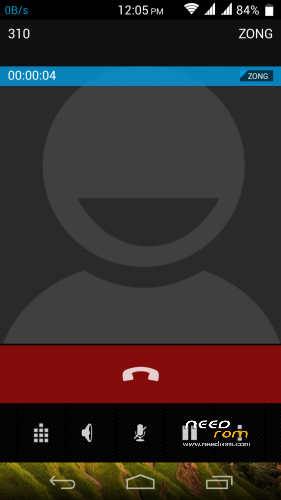
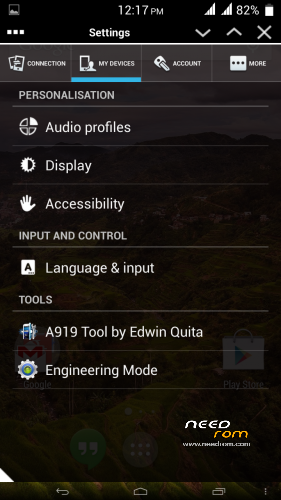
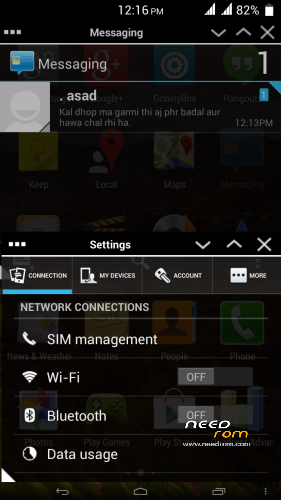
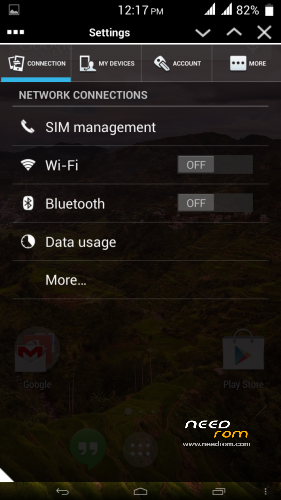
 Member Info
DESCRIPTION
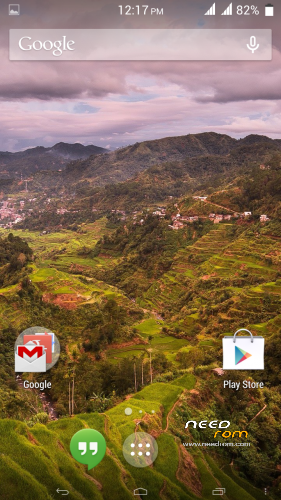
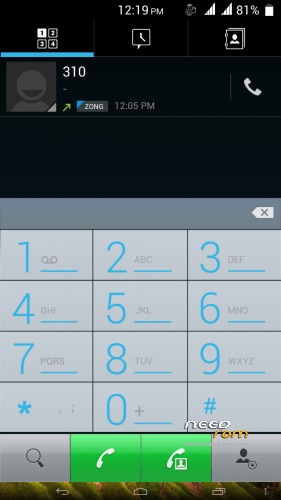
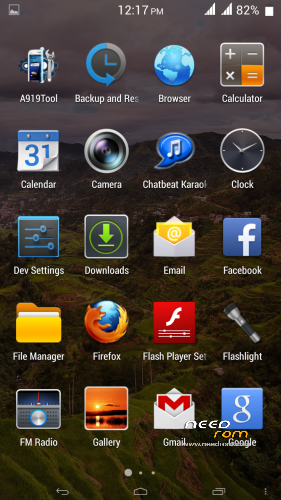
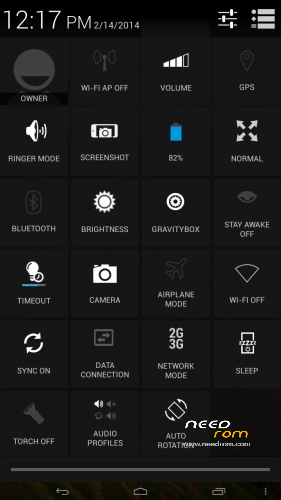
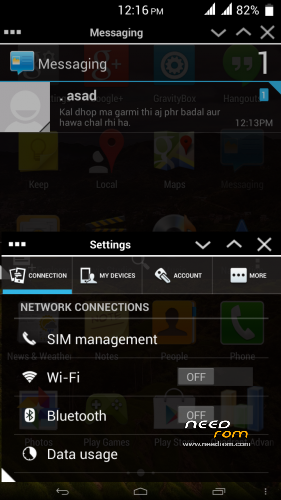
here comes the kitkat ui rom for Gfive G9
Pure kitkat experience on gfive g9. best performance rom.
Credits:
Base Rom:- Yonip V7
Porting and Testing: Only me.
thanks to Yonip development team for providing such an awesome base rom….
Flashing Instructions:
Step 1
1) Download zip file
2) Put into external/internal sd card
3) Go to recovery
4) Wipe data/factory reset
5) From advance menu do dalvik cache clear
6) Go in mount and storage select format system
7) Select install from sd card and select file and select yes
8 Reboot your device
Enjoy
※Please make a backup of your device before installing or updating ROM
there is storage bug in MIUI rom
Then mir sahab what should be done, i install mobile uncle app in that app is a option app 2 sd, in that option is external storage i check it and after my phone memory full automatically some apps install on sd card….. im amazed
mir sahab i have check almost all roms but every rom has some bugs, but i stopped at MIUI 4.2.7. very nice rom. what you sugges that which rom is good and100% bug free. waiting for your kind reply. thanks
right now i am messing with my cell, can you tell me ur method of flashing roms in detail
The lancher is not even real kitkat. However, the other patts of UI is kitkat. I prefer note 3 ui ozonide one to all.
i prefer the same but there were many requests for kitkat ui. this one was better than all i tried
its only kitkat theme rom, i wonder when original kitkat will come to this rom
not veery soon.
mir sahab
simple i put rom zip file in root of sd card and then go to cwm ad flash it with the given procedure.
Download mobile uncle and changed the default storage app directory but miui will not show that app is installed on SD card but other software show it installed on SD card
ok mir sahab thanks alot
mir sahab in recovery mod when i use option wipe data, it done successfully but one option come that sd extention not found formatting sd failed, but data wipe completed successfully. please help what it is? im confused that why it is doing so???