
- Title: Z7 Max All In One Tool v3.3.0
- Listed: February, 2016
- Last modified: 05/30/2016 12:45 pm
- Version: TWRP v3.0.2-0
You must be logged for ROM download.
33842 total views, 1 today
27 Total favorites
CUSTOM
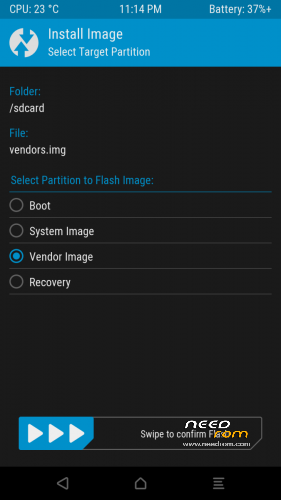
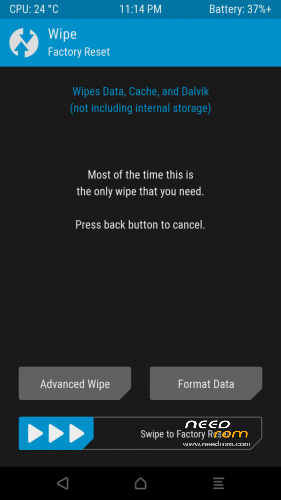
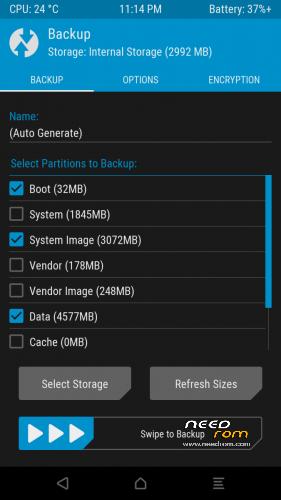
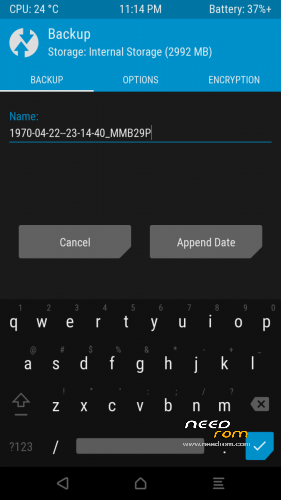
 Member Info
DESCRIPTION
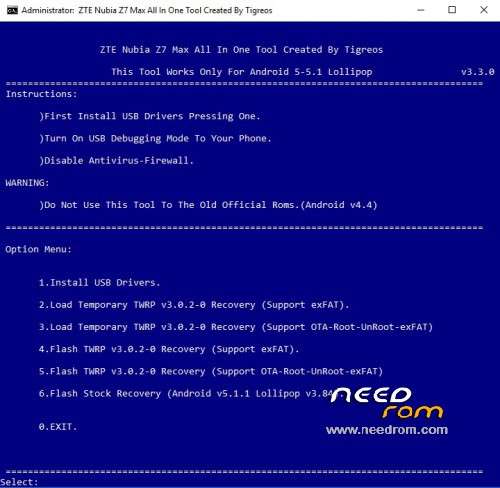
Z7 Max All In One Tool Created By Tigreos v3.3.0
With this tool you can flash stock or custom recovery to Nubia Z7 Max.

Update log:
1)New version tool v3.3.0
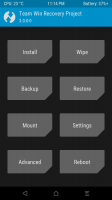
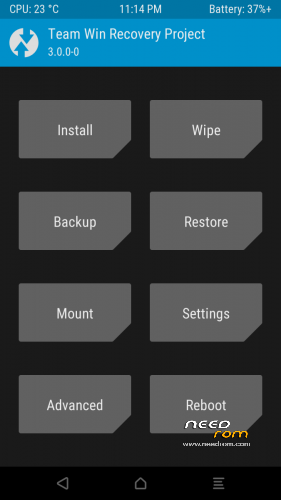
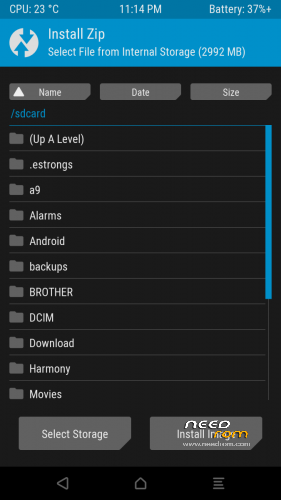
2)Update TWRP Recovery v3.0.2-0 Support (Support OTA-Root-UnRoot-exFAT)
Install Drivers & Recovery:
1)Download (Z7 Max All In One Tool By Tigreos v1.2.0) UnRAR and run it on your PC.
2)Press one to Install The USB Drivers.
3)Turn On USB Debugging Mode To Your Phone.(How to: https://www.youtube.com/watch?v=ze7y8rPzH9w )
4)Connect your mobile (mobile to be active) to the computer and select number.
5)DONE.

- – - – - – - – - – - – - – - – - – - – - – - – - – - – - – - – - – - – - – - – - – - – - – - – - – - – - – - – - – - – - – -

This tool works only with new official partition setup.(Android 5 Rom v2.13 and new releases.)
Do not use this tool to the old official partitions.(Android v4.4.2 Rom v1.64 and lower versions.)
- – - – - – - – - – - – - – - – - – - – - – - – - – - – - – - – - – - – - – - – - – - – - – - – - – - – - – - – - – - – - – -
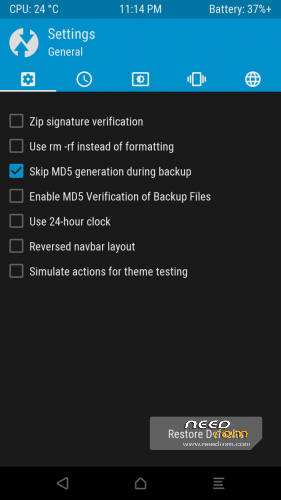
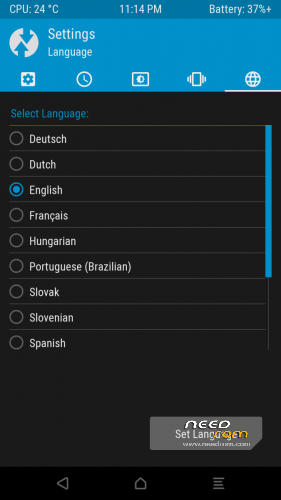
How to Install New Themes on TWRP Recovery.
Download themes for TWRP Recovery:
http://forum.xda-developers.com/android/themes/theme-twrp-materialised-dark-light-play-t2915584
※Please make a backup of your device before installing or updating ROM
What about root and unroot option
I concur. Would you be so kind as to implement root and unroot options like in Stalence OTA custom recovery?
BTW, can Tigreos TWRP be used to flash OTA updates?
Tool Update v1.2.0
I flashed the TWRP 2.8.7.0 recovery file (from the Tool v1.2.0 folder) directly in Stalence recovery (v2.8.6.0) and seem to have lost access to external sdcard (still in recovery)… is that even possible? And what's the easiest way to solve? Thanks in advance.
Great work. Thanks!
Thanks
where can I download the tools?
Found it
I'm now on CM12.1 by paolothlw8, and whenever I use the latest version of this tool to flash TWRP v2.8.7.0 to my Z7 Max, I loose recovery access to my external sd card — it even says so in the on-screen backup log, thus "E:Unable to mount '/ext_sdcard'".
I have already reported this above: I suspect it might be due to the fact this is a 64GB Sandisk SD — as I have no indication whatsoever the card is bad, I believe this is a limitation of this particualr TWRP version…
Problem confirmed at Adroidiani (Italian) forum: http://www.androidiani.com/for.....e-recovery.html
Thanks
I’m on TWRP from 1.2 and I’ve 64GB card. But unable to detect since beginning. I think it’s limitation. Never tried latest recovery from 2.0
I have me to 64gb sd card the recovery see the sd card.I try exFAT & FAT32 and works good with new recovery v2.0.0.
Thanks.. 64GB now working with updated recovery…
Thanks Tigreos.
There is a problem on Backup with new TWRP Recovery v3.0.2-0 Support (Support OTA-Root-UnRoot-exFAT) fails to find partitions