
- Title: Z7 Max All In One Tool v3.3.0
- Listed: February, 2016
- Last modified: 05/30/2016 12:45 pm
- Version: TWRP v3.0.2-0
You must be logged for ROM download.
34908 total views, 5 today
27 Total favorites
CUSTOM
 Member Info
DESCRIPTION
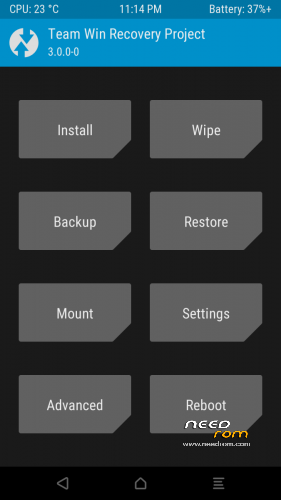
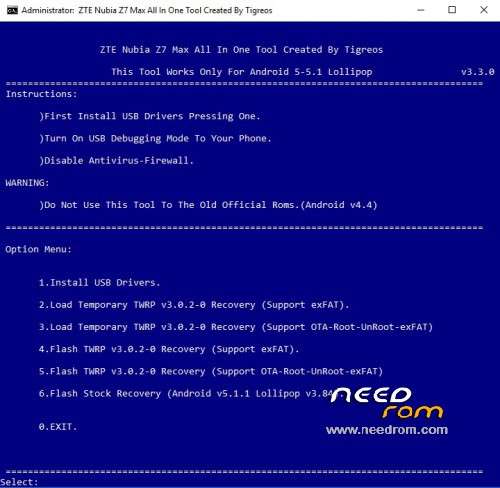
Z7 Max All In One Tool Created By Tigreos v3.3.0
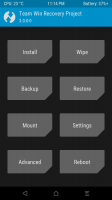
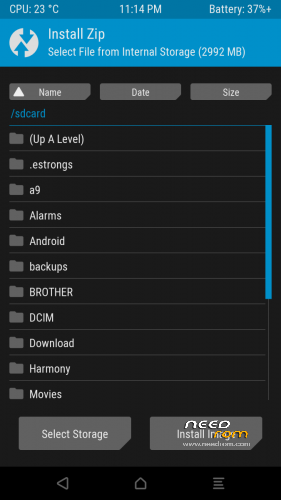
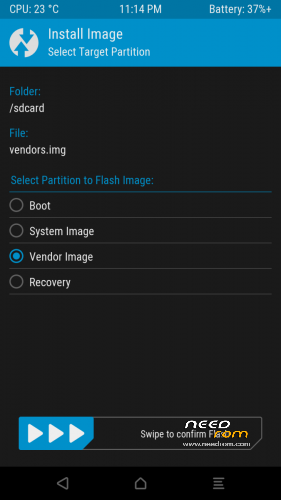
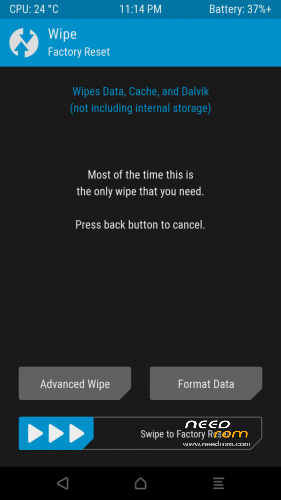
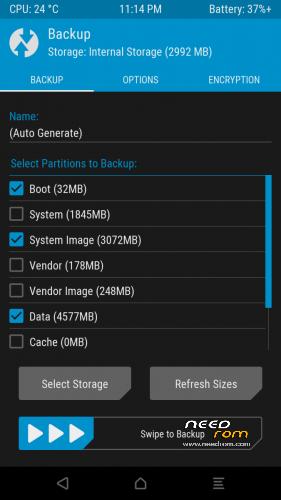
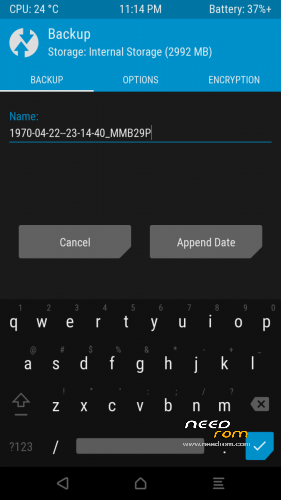
With this tool you can flash stock or custom recovery to Nubia Z7 Max.

Update log:
1)New version tool v3.3.0
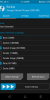
2)Update TWRP Recovery v3.0.2-0 Support (Support OTA-Root-UnRoot-exFAT)
Install Drivers & Recovery:
1)Download (Z7 Max All In One Tool By Tigreos v1.2.0) UnRAR and run it on your PC.
2)Press one to Install The USB Drivers.
3)Turn On USB Debugging Mode To Your Phone.(How to: https://www.youtube.com/watch?v=ze7y8rPzH9w )
4)Connect your mobile (mobile to be active) to the computer and select number.
5)DONE.

- – - – - – - – - – - – - – - – - – - – - – - – - – - – - – - – - – - – - – - – - – - – - – - – - – - – - – - – - – - – - – -

This tool works only with new official partition setup.(Android 5 Rom v2.13 and new releases.)
Do not use this tool to the old official partitions.(Android v4.4.2 Rom v1.64 and lower versions.)
- – - – - – - – - – - – - – - – - – - – - – - – - – - – - – - – - – - – - – - – - – - – - – - – - – - – - – - – - – - – - – -
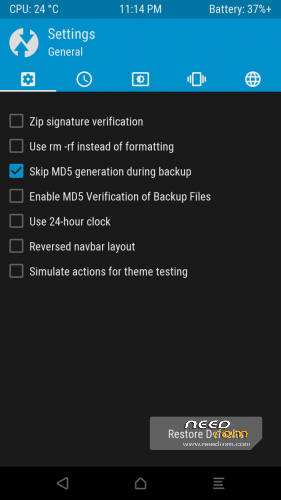
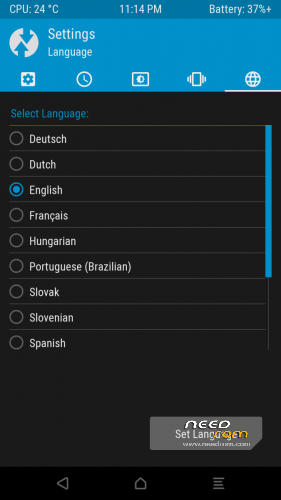
How to Install New Themes on TWRP Recovery.
Download themes for TWRP Recovery:
http://forum.xda-developers.com/android/themes/theme-twrp-materialised-dark-light-play-t2915584
※Please make a backup of your device before installing or updating ROM
Regards. I have a problem I bought the z7 max when it came out and it broke at 3 years I just bought a motherboard I installed it and a Chinese ROM came. with the tool from there a one flash the twrp and install. a cdroid room. if I'm not mistaken, everything is normal except for the problem that the internal storage shows that of 32 GB. to occupied 28gb and when installing the official 3.? It shows me that of the total 8GB. of internal storage I have 2 GB free which may be due.