
- Title: Z7 Max All In One Tool v3.3.0
- Listed: February, 2016
- Last modified: 05/30/2016 12:45 pm
- Version: TWRP v3.0.2-0
You must be logged for ROM download.
34908 total views, 5 today
27 Total favorites
CUSTOM

 Member Info
DESCRIPTION
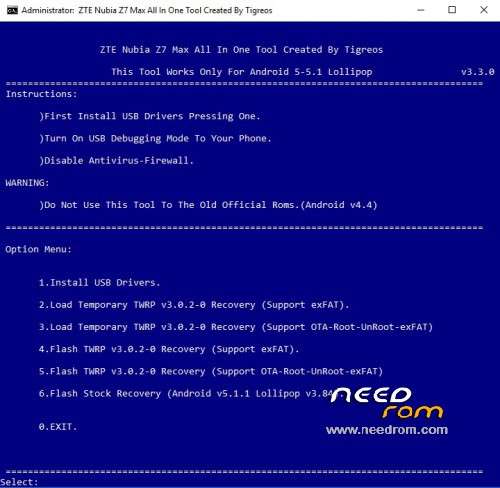
Z7 Max All In One Tool Created By Tigreos v3.3.0
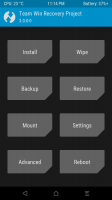
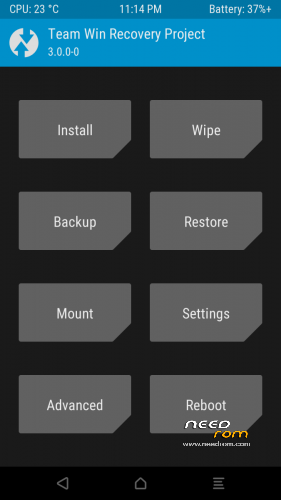
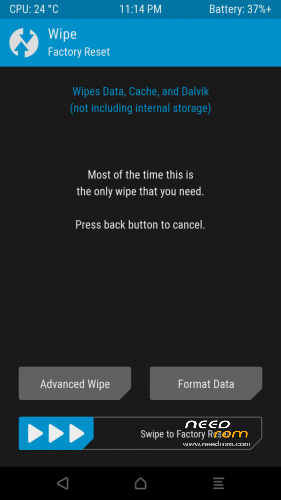
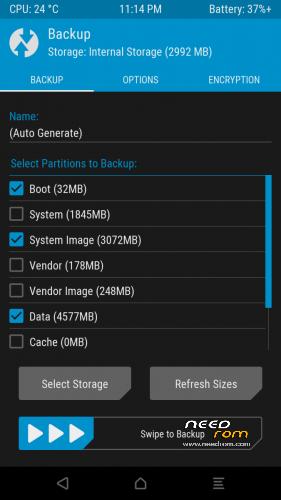
With this tool you can flash stock or custom recovery to Nubia Z7 Max.

Update log:
1)New version tool v3.3.0
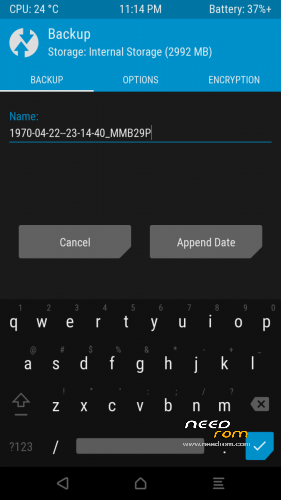
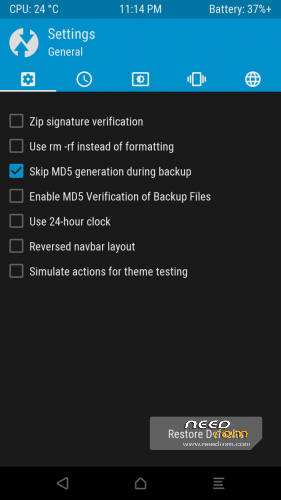
2)Update TWRP Recovery v3.0.2-0 Support (Support OTA-Root-UnRoot-exFAT)
Install Drivers & Recovery:
1)Download (Z7 Max All In One Tool By Tigreos v1.2.0) UnRAR and run it on your PC.
2)Press one to Install The USB Drivers.
3)Turn On USB Debugging Mode To Your Phone.(How to: https://www.youtube.com/watch?v=ze7y8rPzH9w )
4)Connect your mobile (mobile to be active) to the computer and select number.
5)DONE.

- – - – - – - – - – - – - – - – - – - – - – - – - – - – - – - – - – - – - – - – - – - – - – - – - – - – - – - – - – - – - – -

This tool works only with new official partition setup.(Android 5 Rom v2.13 and new releases.)
Do not use this tool to the old official partitions.(Android v4.4.2 Rom v1.64 and lower versions.)
- – - – - – - – - – - – - – - – - – - – - – - – - – - – - – - – - – - – - – - – - – - – - – - – - – - – - – - – - – - – - – -
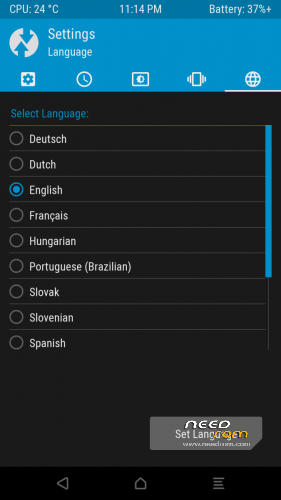
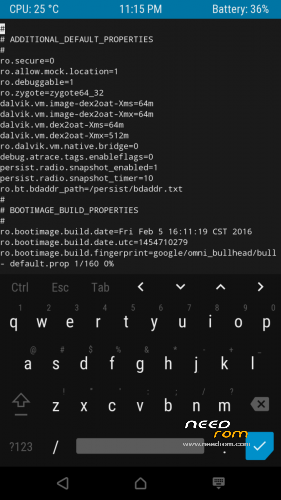
How to Install New Themes on TWRP Recovery.
Download themes for TWRP Recovery:
http://forum.xda-developers.com/android/themes/theme-twrp-materialised-dark-light-play-t2915584
※Please make a backup of your device before installing or updating ROM
Hello Tigreos, is this Tool working for Z7 mini too?
Hi there,
I'm having some trouble flashing patches with your recovery. It always give the output "error:4"
Script:
set_progress(0.500000);
run_program("/sbin/busybox", "mount", "/system");
ui_print("*********************");
ui_print("*********************");
package_extract_dir("system", "/system");
unmount("/system");
ui_print("*********************");
ui_print("OK");
I don't think nothing is wrong with that, because I've been using the same template on other phones. Busybox is obviously installed
Thank you!
Worked fine for option 4. Later, I flashed supersu by recovery and worked very well
Thanks, Grand Job.
Thanks
thank u
Hi everyone, I have the 64GB detection problem as well. User "tigreos" said something about recovery v2.0.0, but I do not know what and where find it. Any help? Thank you.
Seems great so far. Any bugs and I'll be happy to complain as any person that recieves something for free does
How to download it?!