
- Title: ZOPO 9520 MIUI KK Beta1
- Listed: July, 2014
- Last modified: 09/29/2014 3:44 pm
- Version: ROM Android 4.4.2
You must be logged for ROM download.
16721 total views, N/A today
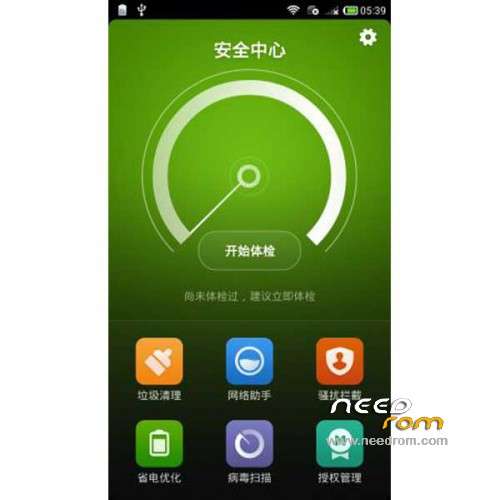
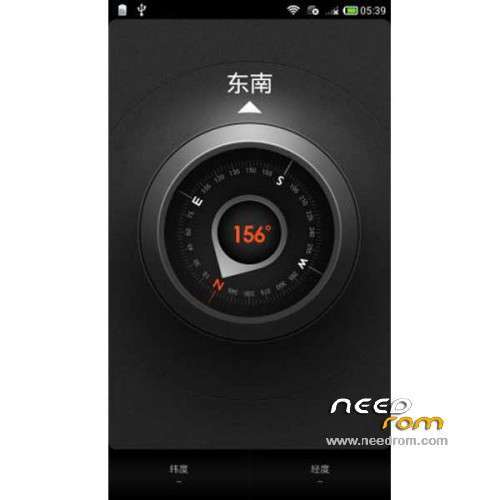
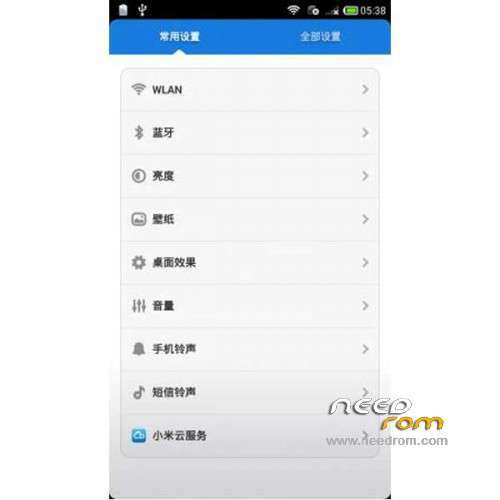
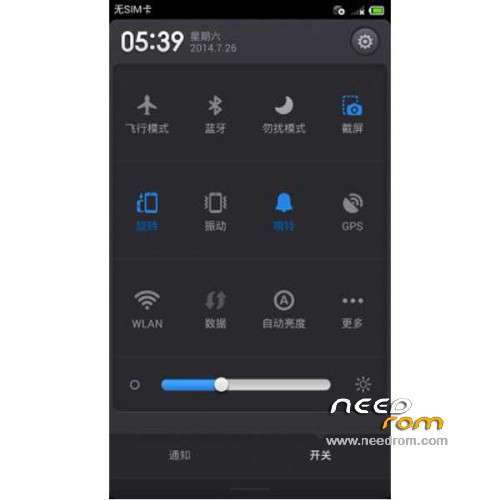

 Member Info
DESCRIPTION
ROM Mobile ZOPO 9520 – ROM Android 4.4.2 MIUI
ONLY MT6592
Features ROM:
Update MIUI v5 – 4.9.28
[Theme]
Fix – Sometimes, purchase page showed after selecting 'Try for free'
[Explorer]
Optimization – Start page UI
[Clock/Calculator]
Optimization – UI adjustment of alarm page
Optimization – Launching speed of clock
[Mi Cloud]
Fix – Mi Cloud FC in some cases
Bug fixed
Gapps not include – Multilang
———————————————————————————————————————————————————————————————-
MIUI v5 – 4.7.25
Ported Mlais note pro MIUI KK on Zopo 9520 ( this rom is a Beta) (this rom will be updated 1 time by week( if i've the time))
1, the camera 13000000 + 800
2, dual card dual standby, support Unicom 3G
4, Compass normal
5, Radio normal
6, NFC support
7, Bluetooth normal
8, support for cloud services millet
9, WIFI normal
BUG:
1, mobile network can not be set, only the default Internet
2, the status bar displays only signal icon Unicom 3G
Gapps include – Rooted
Language support: Multilang
Install ROM:
CWM
Step 1: Download the custom ROM copied to an external SD card root directory
Step 2: the shutdown state. While holding down:
– Power button + volume button up, to enter the recovery mode.
– Wipe Data / Factory Reset -> delete all user data
– Wipe Cache Partition -> Wipe cache
– Advanced -> Wipe Dalvik Cache
Step 3: Return to recovery main interface Install zip from sdcard -> choose zip from sdcard -> Select your ROM
Step 4: Brush complete, restart the phone Patience required – first boot takes a while
※Please make a backup of your device before installing or updating ROM
Firmware is compatible with Zopo Zp998 ???
yes
any new updates for december sir?