
- Title: ZOPO C2
- Listed: June, 2013
- Last modified: 06/29/2013 1:58 pm
- Version: ROM Android 4.2.1 LeWa
You must be logged for ROM download.
29381 total views, 1 today

 Member Info
DESCRIPTION
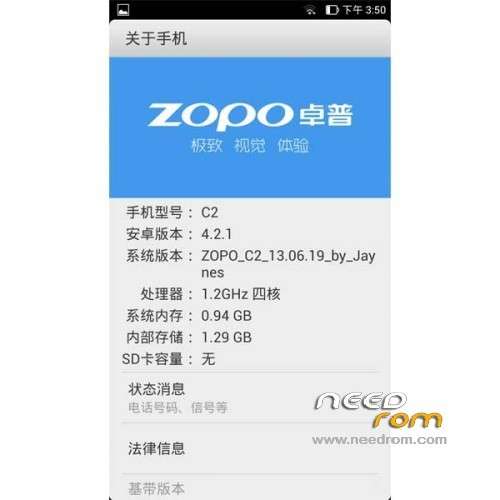
ROM ZOPO C2 – ROM Android 4.2.1 LeWa
Update For this ROM 06/27/2013
ROM1 = Version A
ROM2 = Version B
Features ROM:
Authors: Jaynes
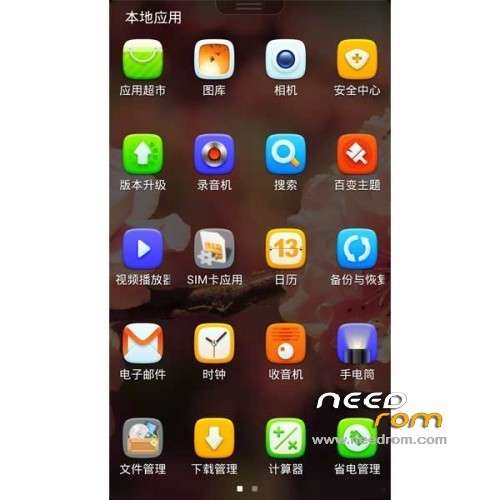
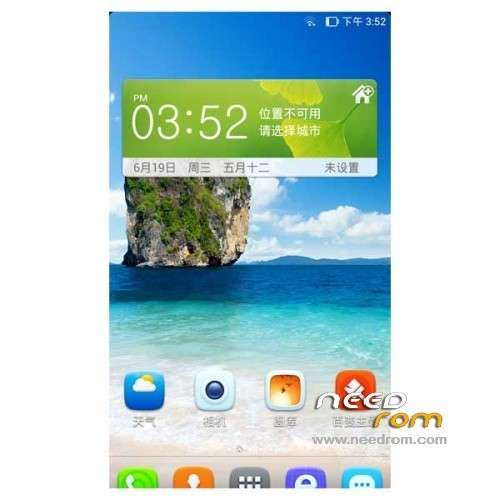
Based on the latest version of Lewa transplant production system
Add the perfect support for FHD resolution topic
Optimize system fluency, stability
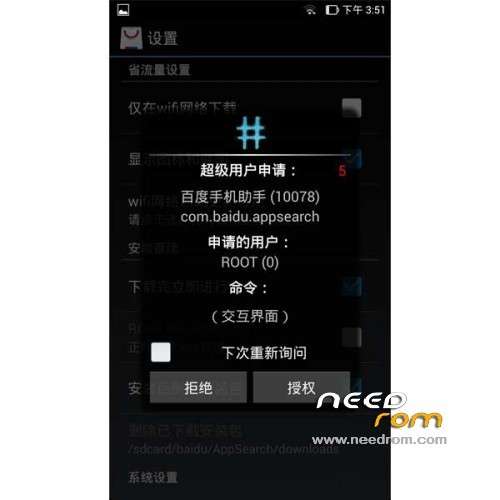
With ROOT privileges
Gapps not include
Language support: EN/CN
Install ROM :
- Unpack FlashTools, and Click on Flash_tool.exe
- Select a the MT6589_Android_scatter_emmc.txt in ROM
- Wait file to be added into Flash Tool
- choose Option->USB Model,click USB Model
–> Choose Option->DA DownLoad All->Speed->High Speed, click High Speed
- Turn off your phone, remove the battery.
- "Press F9 (hit Download button)" OR " if upgrade ROM Firmware->Upgrade "
- and connect your phone into the computer via USB data cable.
- The process will start and a red progress bar will appear after color purple, yellow.
- And green circles display
- Finish !
- You can now safely disconnect your phone and turn it on.
※Please make a backup of your device before installing or updating ROM
Very nice…thanks !
Very nice rom!!! Record Quadrant http://i.imgur.com/mR0Ng0l.png
no gapps. how can we install it ?
https://www.needrom.com/mobile.....opo-c2-twrp-v1/
install this and then via TWRP
http://goo.im/gapps/gapps-gb-2.....0828-signed.zip
Guys, does it help with the ghost touches issue?
Please give the firmware version through TWRP
yeah, finally you release for two version zopo, 5 star for you if no bugs
excellent version,
one problem, every contact that calls me show the foto of my desktop, how can i change it?
problem with tethering still exists
Very nice!!! Please add the Russian language and touch up work automatic screen brightness. Thank you for your work))))
Сделайте версию для установки через TWRP
Really good ROM. Had to learn how to change the language to english! Installed the TWRP by replacing the recovery.img file in the ROM before flashing. Downloaded the gapps and used droid tools to boot into TWRP for flashing.