
- Title: ZOPO C2
- Listed: May, 2013
- Last modified: 06/09/2013 2:27 am
- Version: ROM Android 4.2.1
You must be logged for ROM download.
29097 total views, N/A today


 Member Info
DESCRIPTION
ROM Phone ZOPO C2 – ROM Android 4.2.1
Update 06/07/2013 ( i don't know changelog )
———————————————————————————————————————————–
Features ROM:
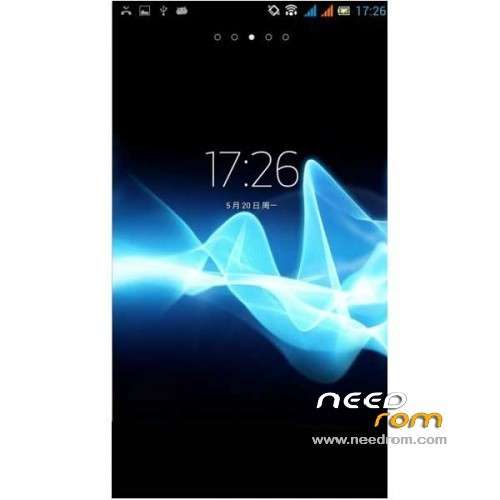
transplanted from Xperia:
xperia notification bar icon
Xperia wallpaper (good cover up a small black screen light leakage)
the xperia calls SMS tones
Xperia starter
xperia boot screen
Xperia Clock
Rooted
Language support: Multi Lang
Install ROM :
CWM
Step 1: Download the custom card brush ROM copied to an external SD card root directory
Step 2: the shutdown state. While holding down:
Power button + volume button + volume key to enter the recovery mode of Brush, enter Wipe,Factory Reset, System and return to recovery main interface
Options Brush can.
Step 3: Brush complete, restart the phone
※Please make a backup of your device before installing or updating ROM
volume button and volum key are not the same ?
Ive never been able to enter recovery mode by phone buttons,must have beeen use only MTK tool with usb plugged. If somebody know the other way around please let me know.
Use rom manager from play store: https://play.google.com/store/.....utta.rommanager have fun in changing roms
Is it version "B"?
No Google Play
install gapps: http://goo.im/gapps/gapps-jb-2.....1212-signed.zip
No Google Play !!!!!!!!!!!!!!!!
install gapps: http://goo.im/gapps/gapps-jb-2.....1212-signed.zip
Does work my c2 platinum white 16 gb.?
this is the poor room of alls !!