
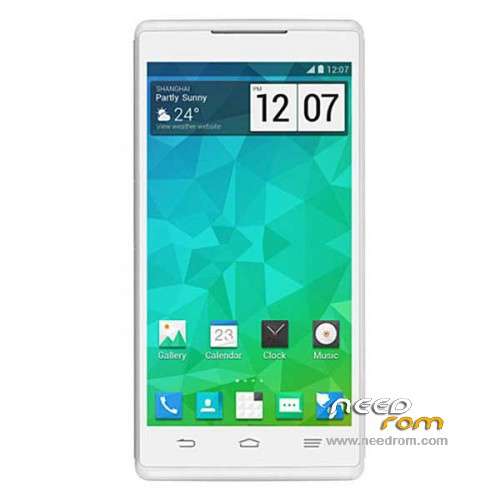
- Title: ZTE Q705U
- Listed: January, 2015
- Last modified: 01/28/2015 2:14 am
- Version: ROM Android 4.2.2
You must be logged for ROM download.
21565 total views, 1 today
11 Total favorites
 Member Info
DESCRIPTION
ROM Phone ZTE Q705U – ROM Android 4.2.2
ONLY MT6582
Based ROM Official ZTE Q705U Version: Q705UV1.0.0B06 – P682V60V1.0.0B15
Gapps include – No Rooted
Language support: Multilang ( 70 )
Install ROM:
- Unpack FlashTools, and Click on Flash_tool.exe
- Select a the MT6582_Android_scatter.txt in ROM
- Wait file to be added into Flash Tool
- choose Option->USB Model,click USB Model
–> Choose Option->DA DownLoad All->Speed->High Speed, click High Speed
- Turn off your phone, remove the battery and replace it after some seconds (and don't turn on the phone).
- "Press F9 (hit Download button)" OR " if upgrade ROM Firmware->Upgrade "
- and connect your phone into the computer via USB data cable.
- The process will start and a red progress bar will appear after color purple, yellow.
- And green circles display
- Finish !
- You can now safely disconnect your phone and turn it on.
※Please make a backup of your device before installing or updating ROM
Nice but I found an issue with wakeup after uprade. There is big delay between power button is pressed and the screen is on. Any suggestion?
it doesn't work fo my
Thank You very much . It fix hude bugs in my phone. Thank You one more time!
buenas me gustaria saver como se istala. saludo .gracias
pmt changed for the rom; it mus be downloaded, error plesase help me
You must change from download to upgrade in the flashtool.
I did all the steps and the SP Flash Tool doesn't recognize the phone (installed those VCOM/Mediatek drivers for the Flash Tool)
quien me pasa el driver de este dispositivo para que lo reconozca la pc
Gracias! Ha salvado mi movil
BUENAS QUIEN ME PASA LA ROM NO PUEDO DESCARGAR SOY NUEVO Y NO TENGO PREMIUN