
- Title: ZTE Tureis
- Listed: December, 2012
- Last modified: 12/15/2012 1:35 pm
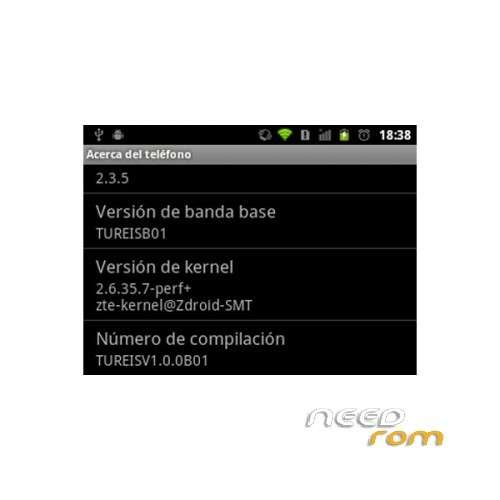
- Version: ROM Android 2.3.5
You must be logged for ROM download.
16214 total views, 1 today
1 Total favorites

 Member Info
DESCRIPTION
ROM ZTE Tureis – ROM Android 2.3.5
Rom install :
1.Copy the rom to the root of your sdcard
2.Backup your old ROM, so if anything is broken you can just rollback!!!How to backup:Press powerbutton and VolumeDown (leave volume down pressed). After afew seconds, recovery will openWith volume keys, go to “backup and restore”. Select that optionNow select “Backup” and wait
3.Once backup complete press power button to go back to main menu
4.Select “wipe data/factory reset”
5.Go to submenu “mounts and storage”
6.Choose “format /boot” “format /data” “format /cache” “format /system” “format /sd-ext” – confirm every action
7.Return to 1st menu and goto Advanced and delete Dalvik cache
8.Return to 1st menu and choose “install zip from sdcard” – “choose zip” P725AV1.0.0B16-update_signed.zip
9.After installing, do “reboot system now”
※Please make a backup of your device before installing or updating ROM