
- Title: ZTE U956 S4UI
- Listed: October, 2013
- Last modified: 10/04/2013 6:45 pm
- Version: ROM Android 4.2.1
You must be logged for ROM download.
15916 total views, 1 today

 Member Info
DESCRIPTION
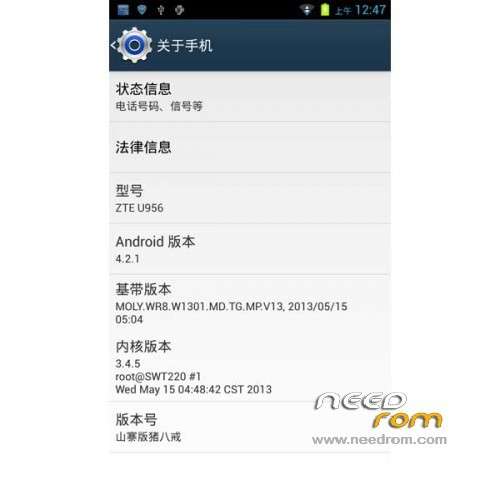
ROM Phone ZTE U956 – ROM Android 4.2.1
ROM Features:
1 cool boot animation
2 speed fluency
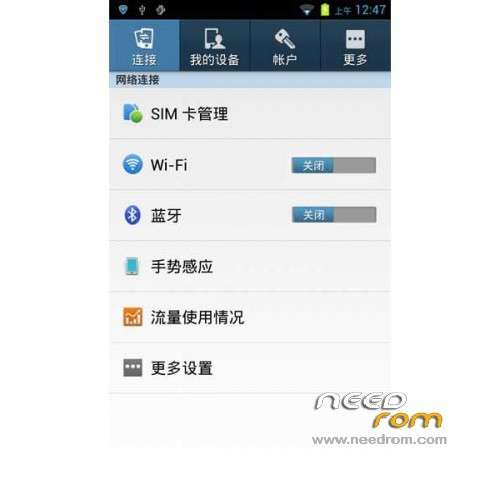
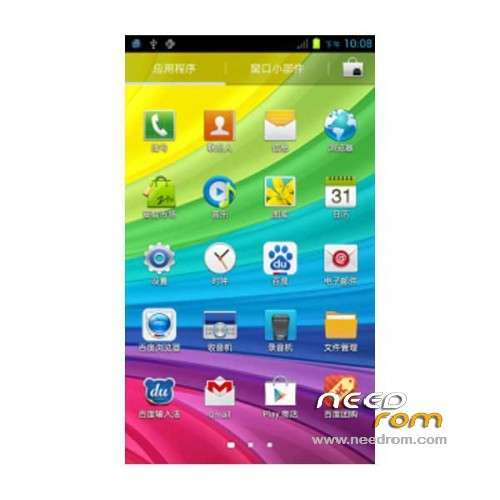
3 beautiful Samsung interface
4 app to streamline the system of science
5 Depth Optimize camera
6 Add Samsung S4 lock screen
7 update Bluetooth, WIFI, baseband drive module
8 GPS positioning function optimization
9 Improving the interface interaction fluency, switching more smooth
Gapps include – Rooted
Language support: Multilang
Install ROM :
CWM
Step 1: Download the custom ROM copied to an external SD card root directory
Step 2: the shutdown state. While holding down:
– Power button + volume button up, to enter the recovery mode.
– Wipe Data / Factory Reset -> delete all user data
– Wipe Cache Partition -> Wipe cache
– Advanced -> Wipe Dalvik Cache
Step 3: Return to recovery main interface Install zip from sdcard -> choose zip from sdcard -> Select your ROM
Step 4: Brush complete, restart the phone Patience required – first boot takes a while
※Please make a backup of your device before installing or updating ROM
that is good but how to install CWM in ZTE U956
1. Download this zip file : http://www.4shared.com/rar/aJ_.....eryZTEU956.html
2. You should know how to use SP flash tools (or google it), then use it to change your original recovery to CWM.
thanks I ready install but this rom he will delete IME