
- Title: ZTE U960S3
- Listed: July, 2013
- Last modified: 07/16/2013 10:58 pm
- Version: ROM Android 4.0.4
You must be logged for ROM download.
16648 total views, 1 today

 Member Info
DESCRIPTION
ROM Phone ZTE U960S3 – ROM Android 4.0.4
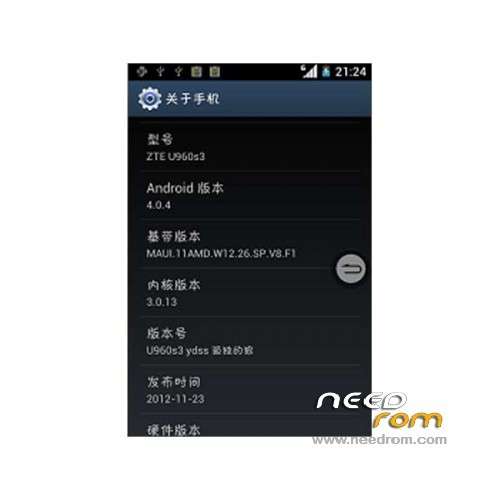
Model Name:ZTE u960s3
Android Version:4.0
ROM Author:Lone wolf
Based on the official version:bo3
Reference to other authors:Little new
Featured ROM:
- accelerated user interface, abnormal smooth experience
- IO performance optimization, a variety of smooth, ultra-running sub-
- lib library file optimization, more stable system to prevent small problems
- Replace boot animation animated robot dance
- the ROM zipling optimization, taking up less memory
- in ensuring the integrity and stability of the system functions on the basis of careful streamlining
- The status bar signal, battery and other icons style uniform S3
- transplant GALAXY-SIII framework for desktop and GALAXY-SIII
- All icons GALAXY-SIII Style landscaping
- Dial interface and switched interface GALAXY-SIII style perfect landscaping
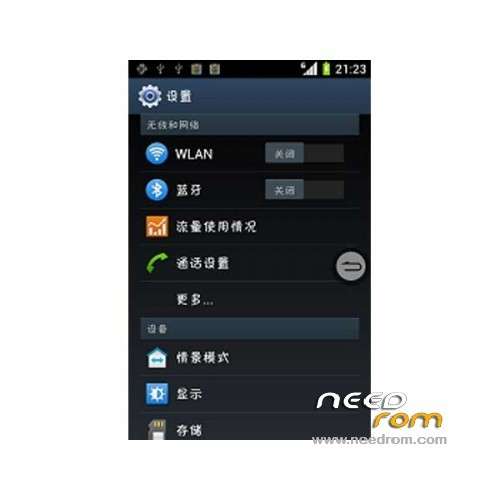
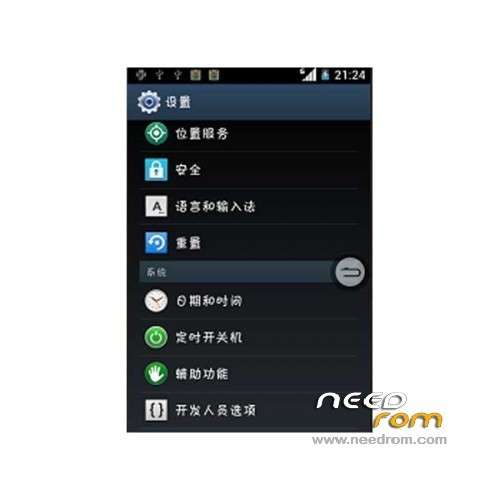
- Set interface GALAXY-SIII landscaping style
- separator bar on the top bar and landscaping style for GALAXY-SIII
- Options interface GALAXY-SIII landscaping style
- System framework GALAXY-SIII landscaping style
- prompt box background GALAXY-SIII style
transplant GALAXY-SIII style effects
- The official UI sounds boring replace GALAXY-SIII style UI Sound
- Contact interface GALAXY-SIII landscaping style
- SMS conversation interface GALAXY-SIII landscaping style
- join SMS popup
- modify some details of inconsistency
bug: Long press the desktop – Set wallpaper in the "lock screen" invalid (because they can not find a way to transplant the Samsung lock screen);
Gapps no include – Rooted
Language support: EN/CN
Install rom :
CWM
Step 1: Download the custom ROM copied to an external SD card root directory
Step 2: the shutdown state. While holding down:
– Power button + volume button up, to enter the recovery mode.
– Wipe Data / Factory Reset -> delete all user data
– Wipe Cache Partition -> Wipe cache
Step 3: Return to recovery main interface Install zip from sdcard -> choose zip from sdcard -> Select your ROM
Step 4: Brush complete, restart the phone Patience required – first boot takes a while
※Please make a backup of your device before installing or updating ROM
no back button in menu?
how to install recovery????