
- Title: ZTE U960S3 Sony
- Listed: September, 2013
- Last modified: 09/12/2013 4:45 pm
- Version: ROM Android 4.0.4
You must be logged for ROM download.
14623 total views, 1 today
 Member Info
DESCRIPTION
ROM Mobile ZTE U960S3 – ROM Android 4.0.4
Featured ROM:
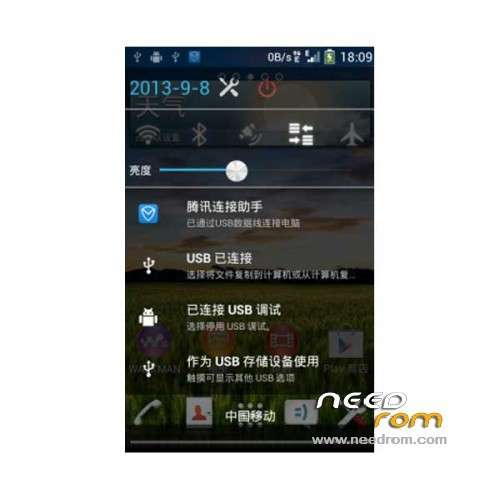
The status bar and pull-down bar:
1: the status bar to remove the lock screen time (quite get in the way)
2: Replace battery status bar icon
3: Status drop-down bar to add lock screen button (and the same time the lock screen)
4: Status Date dropdown enlarge
5: Status dropdown shortcuts modified white
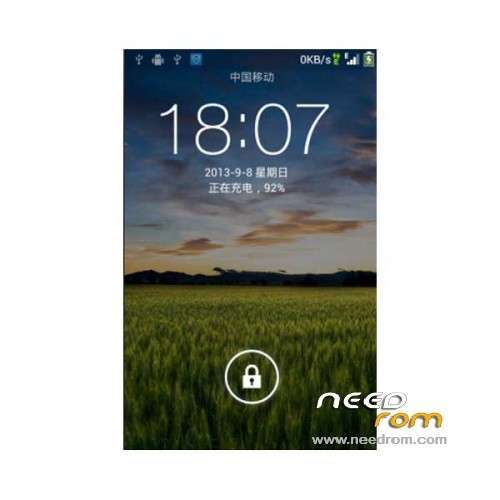
Lock screen:
1: Modify the operator position is centered at the top
2: Modify the date and time, and so the distance from the top
3: Modify the lock screen time enlarged and modified fonts
4: Remove the emergency call button
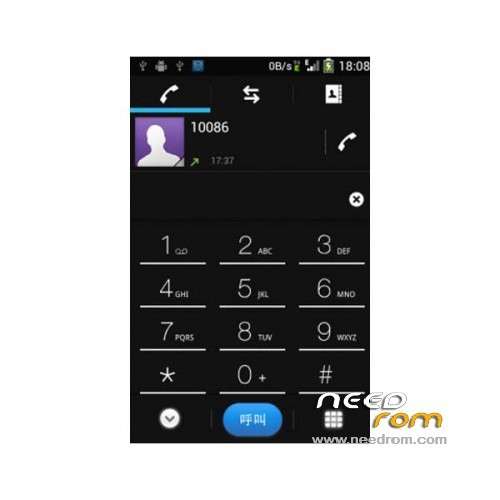
Dial:
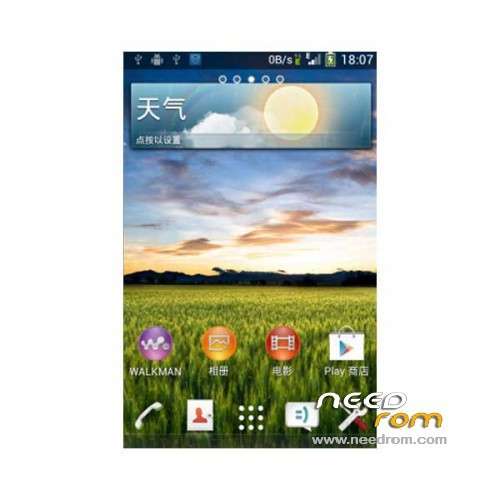
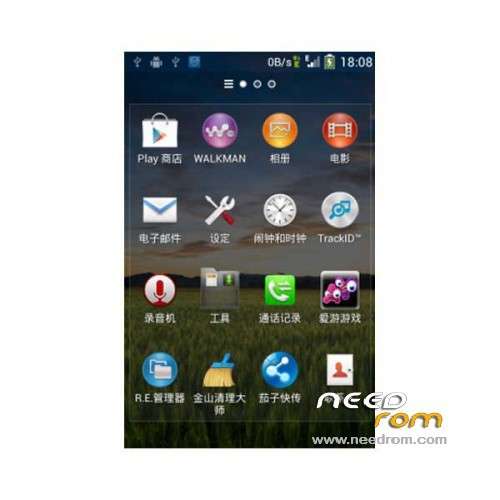
1: Replace all the icons for the SONY Style
2: Re-landscaping dial button (third edition looked too messy)
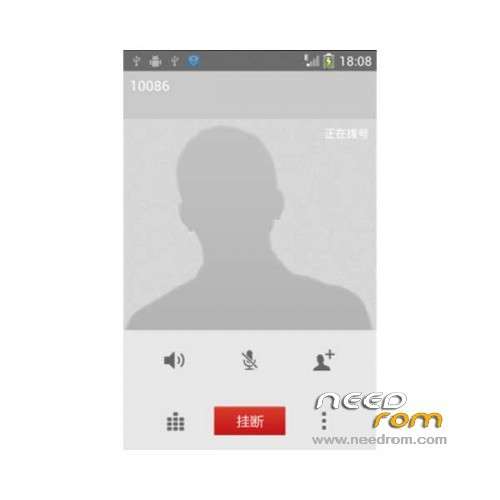
Call interface:
1: New SONY white style call interface
Other:
1: The e-mail should be asked to join the oil
2: beautify R.E manager meet SONY Style
3: Replace part of the application icon
4: streamline some less than the SONY application
5: rejoined Google services
Gapps include – Rooted
Language support: EN/CN
Install rom :
CWM
Step 1: Download the custom ROM copied to an external SD card root directory
Step 2: the shutdown state. While holding down:
– Power button + volume button up, to enter the recovery mode.
– Wipe Data / Factory Reset -> delete all user data
– Wipe Cache Partition -> Wipe cache
Step 3: Return to recovery main interface Install zip from sdcard -> choose zip from sdcard -> Select your ROM
Step 4: Brush complete, restart the phone Patience required – first boot takes a while
※Please make a backup of your device before installing or updating ROM
rom is ok, but automatic brightness not working