
- Title: ZTE V970
- Listed: March, 2013
- Last modified: 03/24/2013 2:18 am
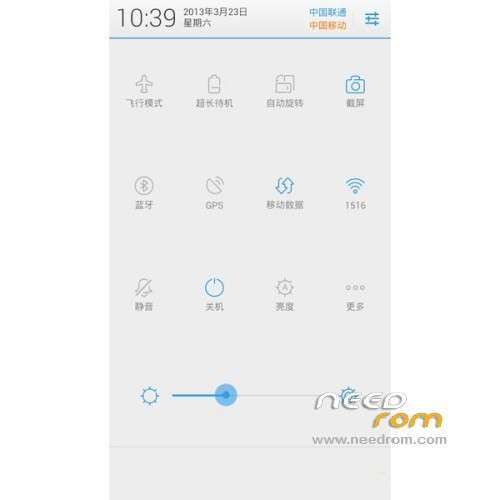
- Version: ROM Android 4.1.2
You must be logged for ROM download.
23591 total views, 2 today
1 Total favorites
 Member Info
DESCRIPTION
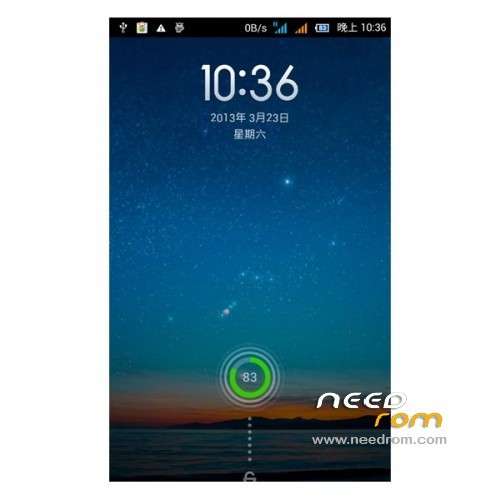
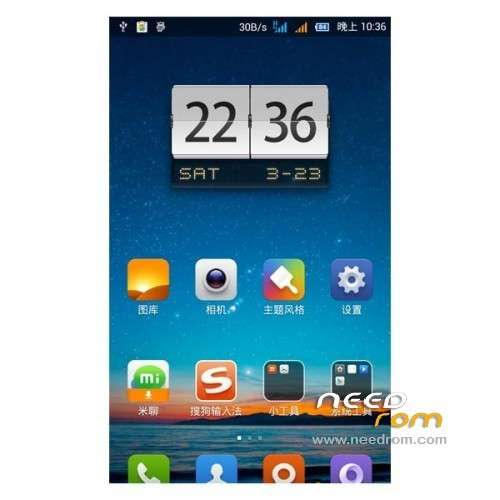
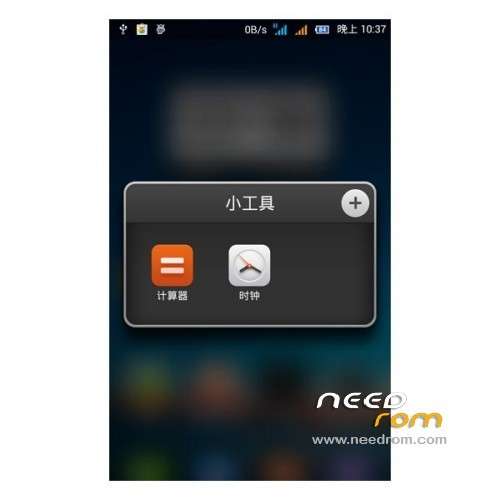
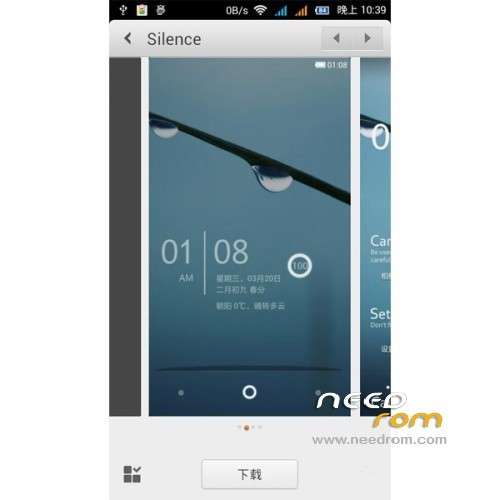
ROM ZTE V970 – ROM Android 4.1.2
Model name:ZTE V970 Style MIUI
Andrews version:4.1
ROM Author:Rain Love
ROM version number:13.03.22
ROM Features:
1, menu – system settings – Developer options – open the "Force GPU rendering"
2, Menu – System Settings – Accessibility – Turn off fast boot
3, Drop-down menu – system settings – notification bar – turn off the desktop status bar transparent "on / off" to allow the lock screen "
4, the menu – desktop settings – Close icon shadow "on / off the sound vibration feedback" on / off "lock screen"
5, Click desktop dial-up, select the "ex-dial, select Always
6, click on the desktop address book, select the "ex contacts, select Always
7, restart the phone
8, OK, and enjoy using it!
Language support: CN/EN
Install ROM :
To unpack SP_Flash_Tool_.zip run Flash_tool.exe
Select a the in scatter.txt in Recovery
Click Flash_tool.exe interface Firmware-> Upgrade
Phone after taking the battery in put something
Connect the data cable
Brush finished with green circles appears
or
1 brush card package on the SD card
2 shutdown state, the combination of "volume plus" + "power button" key to enter the Recovery
3, Shuangqing / Full Wipe & Clean (user data / data and cache / cache)
4 Brush Pack Brush, select from the SD card into the brush into complete restart
※Please make a backup of your device before installing or updating ROM
Muchas Gracias. Gran trabajo. Saludos
Se puede instalar esta rom desde el recovery