
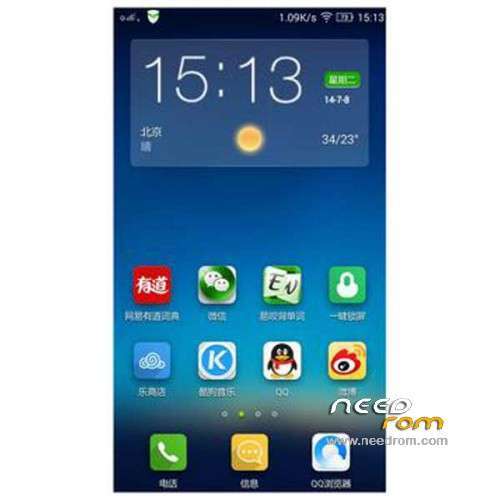
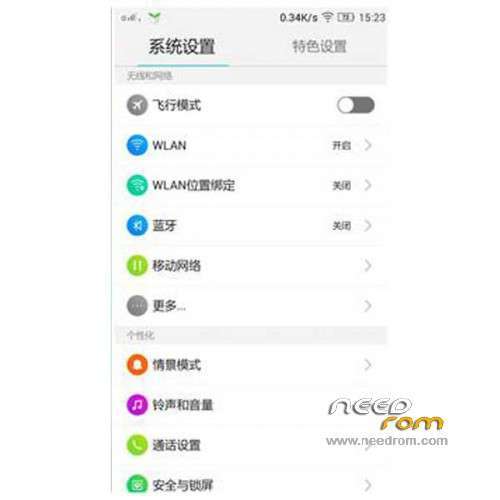
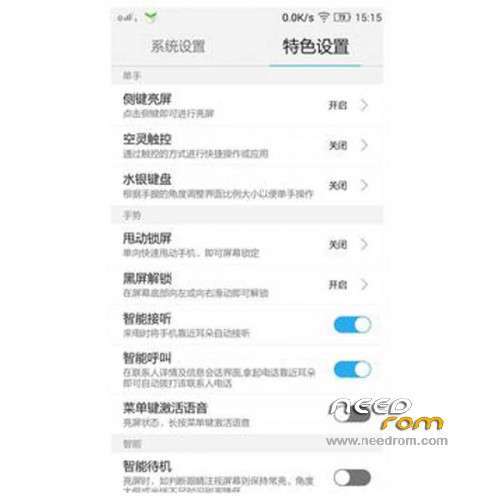
- Title: LENOVO S820 VibeUI 2.0
- Listed: July, 2014
- Last modified: 03/20/2015 1:12 am
- Version: ROM Android 4.4.2
You must be logged for ROM download.
99388 total views, 1 today
163 Total favorites
 Member Info
DESCRIPTION
ROM Phone LENOVO S820 – ROM Android 4.4.2
ROM features:
Update Official Lenovo S820 VibeUI 2.0 version: VIBEUI_V2.0_1512_ST_S820 ( Stable version )
——————————————————————————————————————————————–
Official Lenovo S820 VibeUI 2.0 version: VIBEUI_V2.0_1507_DEV_S820 ( Developer version )
Gapps not include – Not Rooted
Language support: EN/CN
ROM Install :
CWM
Step 1: Download the custom ROM copied to an external SD card root directory
Step 2: the shutdown state. While holding down:
– Power button + volume button up, to enter the recovery mode.
– Wipe Data / Factory Reset -> delete all user data
– Wipe Cache Partition -> Wipe cache
– Advanced -> Wipe Dalvik Cache
Step 3: Return to recovery main interface Install zip from sdcard -> choose zip from sdcard -> Select your ROM
Step 4: Brush complete, restart the phone Patience required – first boot takes a while
※Please make a backup of your device before installing or updating ROM
Does this work on the ROW 4G version?
yes…but first of all you have to convert ROW (ie ,Internatinal Verstion) to a Chinese (ie, CN ) version by SP Flash Tool.
How about google services like play store?
So smooth, i already use this rom. btw,just download flashable playstore kitkat 4.4 standard or minimal and install via cwm/twrp, you can search via google.com ;-p
i tried to flash super su flashable zip and gapps 4.4 minimal…both task complete just fine but when i boot i still dont have root rite and gapps…ohh ya tried using kingroot and iroot pc but fail to get root…any tips bro??
compatible in 8gb ROW?
Really beautiful, but…. 1. How can i enable all developer options? I've already use number keypad with ####537999# but wasn't successful! 2. I tapped several times to Android 4.4.2 in Device Information but it didn't display anything!
tap the build version 7 times to show the developer.
I know, but, i can only see 3 options: USB Debugging; Allow mock locations; Stay awake. That's why i want to enable all options so that I can choose ART runtime!
Tried this but after reboot it lags terribly
any links on how to install gapps? i've tried many sites and all of them require rooting the device. in fact, i downgrade to vibe 1.5 and still the gapps missing
are the partitions still the same?
is this rom work for 8GB_ROW version?