
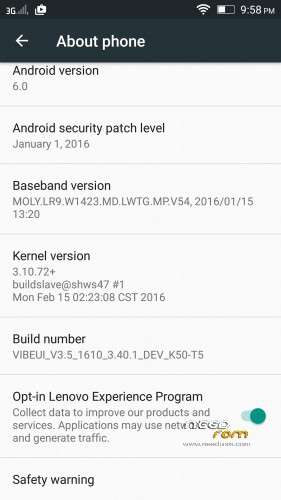
- Title: 3.5 Official 1610 VIBEUI Marshmallow
- Listed: March, 2016
- Last modified: 03/02/2016 2:15 pm
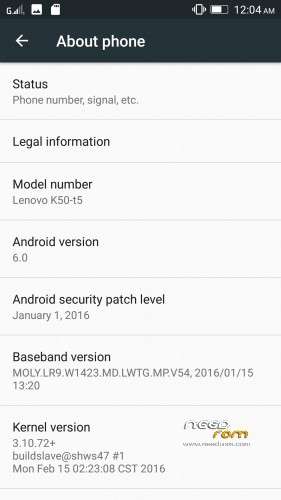
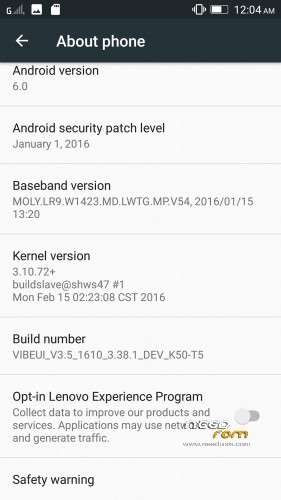
- Version: 6.0 Official
You must be logged for ROM download.
25770 total views, N/A today
15 Total favorites


 Member Info
DESCRIPTION
Note : The updater-script and boot.img is already edited, you can flash directly it via custom recovery
#bug found
Rom Official 3.5 Marshmallow 1610_3.38.1
- contact sync google not working
- data connexion working automatically after robbot and restart
Rom Official 3.5 Marshmallow 1610_3.40.1
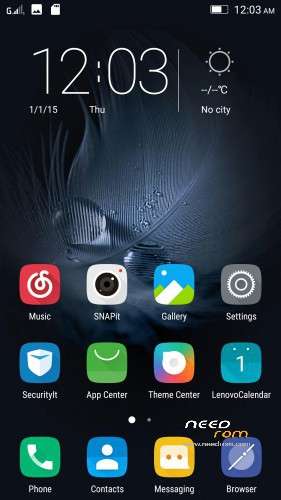
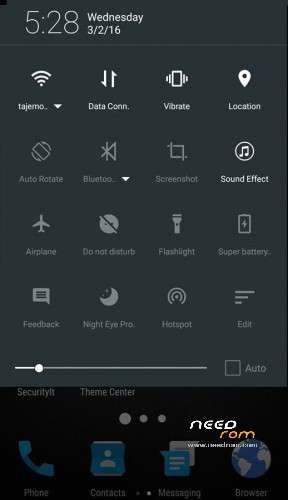
- theme center not working
- data connexion working automatically after robbot and restart
- contact sync google not working
Install instructions
- Install custom recovery TWRP ( All Version Working )
- Boot into recovery mode.
- Now select wipe ( factory rest ).
- Advance wipe ( button blue ) & select partitions , dalvik cache, system , cache , user data ( just first user data )
- Select install & select downloaded zip file.
- Install success.
- Flash directly Gapps and Root with TWRP and click try to solve " wizard setup " and click on clear date and click on permission management and allow all apps.
- Open ur app manager from setting and go to " service google play store and play store " click on permission management and allow all apps
"Enjoy
Upload By Tajemouti
※Please make a backup of your device before installing or updating ROM