
- Title: AOSP-V3
- Listed: December, 2015
- Last modified: 01/14/2016 3:30 pm
- Version: V3.1.1
You must be logged for ROM download.
42092 total views, 2 today
34 Total favorites
 Member Info
DESCRIPTION
IM SEARCHING FREE SAMPLES OF DOOGEE PHONES !!!
ITS LOLLIPOP
AOSP-V3 based on Stock lollipop from DOOGEE
Changes
1. Unlock bootloader
2. Disable data encription (now possible to create backups) thx n1osbb2 to help
3. Custom recovery cwm based.
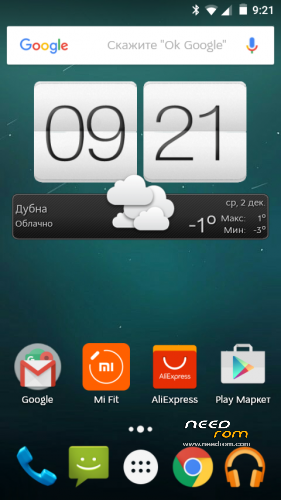
4. Delete fake launcher, and install by default google start
5. DPI fix to 220
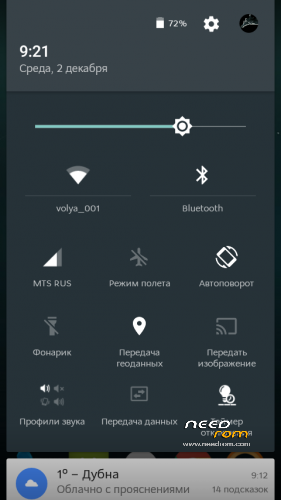
6. Netywork icons without G and 3G words
7. ROOT inculde, latest supersu
8. Warning in this version wake gesture deleted, back in next updates.
This initial release install over flash tool !!!! ALL DATA WILL BE LOST.
check updates from me on this page
Update from 3.x to 3.1.0
1. Update system to V35, official fixes from doogee
2. Change supersu to kingoroot (last supersu update kill v35 system)
3. Security locker working good in v35
4. Gestures work normal in v35
update to 3.1.1 – full update
1. Fix dialer bug
2. Change system fonts
Install over recovery WITHOUT WIPES !!!! – for update
Or wiper before install for clean installation.
※Please make a backup of your device before installing or updating ROM
I have a problem with CDC serial with win7
CWM It is included
tengo un problema al instalar el zip installation aborted.
I lost my IMEI, it is a proplem? can I restore my IMEI?
First Method: -
1. Rooted your MTK Android phone
2. Download and install Mobile Uncle Tools from Google play store.
3. Go to Engineer Mode and Select Engineer mode (MTK)
4. Go to Connectivity Tab and Select CDS information
5. Select Radio Information after that Select Phone1 (for the first IMEI)
6. At the top there is a command line which begins “AT+” just type there “AT +EGMR=1,7,”IMEI_1? (Put your first IMEI number number)
7. Hit send command and you will / may get a confirmation that "sent to mSend".
8. Now go back and select “Phone2? (for the second IMEI number)
9. At the top there is a command line which begins “AT+” just type there “AT +EGMR=1,10,”IMEI_2? (Put your second IMEI number)
10. Reboot your phone and check you IMEI number (Dial *#06#).
Must Read :- Latest Google play store for any Android device
lost-IMEI-Numbers
Must Read :- TheftSpy Anti-Theft app for Micromax A110 and other Android mobile
Second Method: -
1. Go to Engineering Mode with this code * # * # 3646633 # * # *
2. Type it on call pad
3. Engineering Mode show on your phone screen
4. Go to CDS info
5. Go to Radio info
6. then go to Phone1 (For the first IMEI No)
7. At the top there is a command line which begins "AT+" just type there "AT +EGMR=1,7,"IMEI_1" (Instead of IMEI_1 put your first IMEI No)
8. Hit send command
9. If you done just reboot the phone
10. If you change the second IMEI No then go to step 2 and select "Phone2"
11. And enter the code "AT +EGMR=1,10,"IMEI_2" (Instead of IMEI_2 put your second IMEI No)
12. Hit send command
13. Reboot your phone
just download the Chamelephon 1.0 APK HERE http://apk-dl.com/chamelephon
an installation guide?
Since I root the phone mtk tools we do not see the phone and Windows 7 does not have the CDC serial help we do not know what to do I can not throw CWM do not know over what to install AOSP-V3
Problem with second sim, can not sent sms and can not chang imei and the droit tool can not see the phone, can you fix it;
I fix the problem, it was the IMEI. I go back to kitkat restore IMEI with droid tools, back up IMEI with mobileuncle tools and flash aosp v3 and restore IMEI with mobileuncle tools
attention before flash aosp v3 back up your IMEI with mobileuncle tools in sd card
without removing the battery from the Sp flash tool update firmware!
thanks 4 your post it is running grate no problems so far and the best thing is that is ROOTED Thank you again
when in settings click wake gesture appears unfortunately settings has stopped!
I installed this rom with Flash Tools and the update from the recovery menu and I can confirm it's working great.
The battery draining issues are solved.
It comes rooted with SuperSU
I recommend it.