
- Title: AOSP-V3
- Listed: December, 2015
- Last modified: 01/14/2016 3:30 pm
- Version: V3.1.1
You must be logged for ROM download.
42099 total views, 9 today
34 Total favorites
 Member Info
DESCRIPTION
IM SEARCHING FREE SAMPLES OF DOOGEE PHONES !!!
ITS LOLLIPOP
AOSP-V3 based on Stock lollipop from DOOGEE
Changes
1. Unlock bootloader
2. Disable data encription (now possible to create backups) thx n1osbb2 to help
3. Custom recovery cwm based.
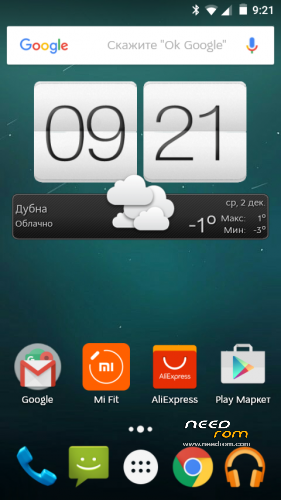
4. Delete fake launcher, and install by default google start
5. DPI fix to 220
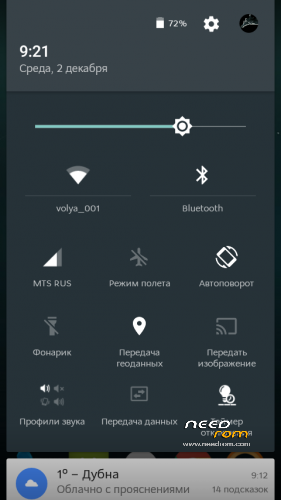
6. Netywork icons without G and 3G words
7. ROOT inculde, latest supersu
8. Warning in this version wake gesture deleted, back in next updates.
This initial release install over flash tool !!!! ALL DATA WILL BE LOST.
check updates from me on this page
Update from 3.x to 3.1.0
1. Update system to V35, official fixes from doogee
2. Change supersu to kingoroot (last supersu update kill v35 system)
3. Security locker working good in v35
4. Gestures work normal in v35
update to 3.1.1 – full update
1. Fix dialer bug
2. Change system fonts
Install over recovery WITHOUT WIPES !!!! – for update
Or wiper before install for clean installation.
※Please make a backup of your device before installing or updating ROM
hey giannnis12, what about the graphics issue?
I don’t have any problems, it works fine
Hay.I need cwm recovery for aosp v3.help:))
aosp v3 have cwm recovery
I know, but I wanted to test whether TWRP recovery works on AOSP, so I reflashwith TWRP, and of course that does not work )
)
RESOLVED:))
What was the solution? Did you give up and flash it with SP flash tools instead?
Hi! Everything runs good, except:
1. Wifi mac address is always changing when I reboot the phone or turn the wifi off and then back on;
2. I can't turn off vibration on MENU, HOME and RETURN keys.
Any ideas how to fix it?
Nice and easy installation, thanks. I had the issue with fast loader disconnecting as soon as the phone went on to showing the loading image.
Resolved with correct driver, need to be fast in updating the driver. I also learned that USB speed needs to be on high and not on full.
So far the phone is much faster than using official 4.4.
Issue so far I have seen is that "Line" messanger cannot verify the phone number. If the phone uses SIM the Line app needs to verify the phone number. Even if I log in with facebook hte app needs to verify the phone number. This worked fine in the official 4.4 and you can debate if the isue is with the line or with the firmware. Searching on the internet other FW also seems to have this issue.
+ Bluetooth media audio, used for speakers is working now, not having the low volume
What I am mising so far is to be able to link folder to the SD card. For example Whats app that cannot be moved to SD card. The "Media" folder I would like to link from the SD card. I will do this in with symlink or other app.
Can you port a specific ROM? Its MT6582 like we DOOGEE
con la actualizacion 3.1.1 queda bien pero al reiniciar el telefono queda Imei Invalido, y no se deja restaurar ni con box, ni con mtkdroidstools
WARNING!
Backup everything to a safe place before doing anything else.
many people have had SIM (IMEI) errors by misunderstanding steps.
Even if you think you’re a pro, Backup via MTK Droid Tools & SP Flash Tools. save your data manually or with Titanium (or a simlar app).
If you already have CWM, TWRP or another custom recovery, use it to create a NANDROID backup and then copy that to your computer for safe keeping.
When using SP Flash Tools to flash your MTK based devices, remember to select “Firmware Upgrade” to protect your IMEI in the NVRAM and things in other partitions.