
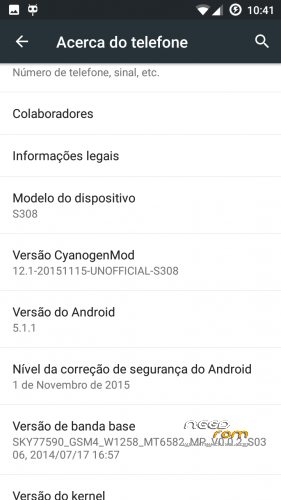
- Title: CM12.1 Final
- Listed: November, 2015
- Last modified: 01/20/2016 2:10 pm
- Version: 5.1.1
You must be logged for ROM download.
27695 total views, 4 today
6 Total favorites
CUSTOM





 Member Info
DESCRIPTION
Backup IMEI
Install rom with TWRP 2.8.7.0
Install gapps 5.1.1
reboot
Restore IMEI
Enjoy
New version…
fixed:
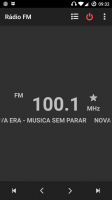
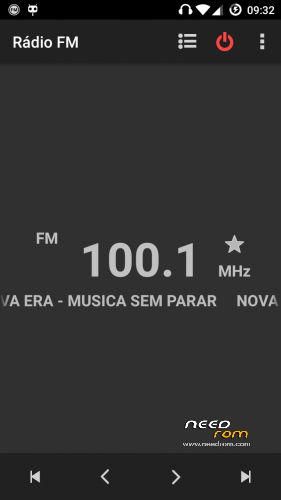
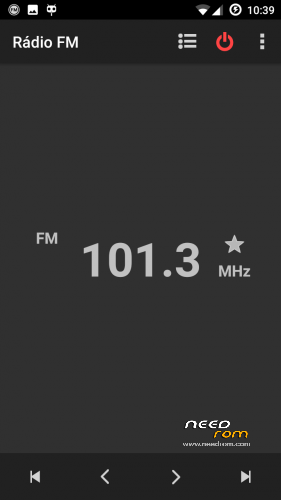
Volume control in Rádio
headset icon in status bar
video player
youtube (don't update youtube app)
…
※Please make a backup of your device before installing or updating ROM
hey, i need help!
how i can install twrp 2.8.7.0 on the cubot s308… i dont get it.. is there an "how-to"
thank you
If you have other recovery installed, just flash the new one…
no i have nothing intall on it.. there is not any recovery
Steps
1- Root phone
2- With MtkDroidTools v2.5.3, backup your system and IMEI, and create a automatic CWM recovery.
3-Reboot to CWM recovery and install the new one.
How to install TWRP to Cubot?
Sorry, just have seen the same previous question. I'll try.
Why not to install rom with custom cwm recovery?
Lollipop roms have different file contexts and SELinux permissions not allowed by older recovery.
Uploaded new version with most of problems solved. SuperSU included in rom. Install rom and 5.1.1 gapps.
removed patch links not needed now.
Enjoy
This rom can't seem to detect the internal SD card. How can I solve that?
My phone have 10g internal space and is detected correctly
I don't have an SD card, and I previously falshed a rom that changes my original 1GB internal storage + 12 GB Internal SD to 3 GB Internar Storage and 10 GB internal SD, and when I flashed this ROM, it uses the second, but it doesn't see the internal SD. The Ideal solution would be to solve it the same way you did, to get 10GB of internal storage, but I don't know how to do that. How did you do it? The ROM is great BTW I'm loving it, this is the only problem I have.
With HKPHONEROMEDITTOR2014.apk you can change the partitions to internal memory until 12G. Run the program, choose the HkPhoneraceronly option, with the slider choose the internal memory that you prefer and apply the change.
When you restart the recovery will give errors can not mount …
Performs Factory reset then advanced wipe all partitions except SDcard.
Restart …
After you changed the partitions should be back up with the Droid MTK tools to stay with the scatter.txt file with the updated partitions and this will be the scatter you'll have to use whenever uses the SPFlashTools.
Did you fix the volume.problem yet?
Sound is correct on my phone.