
- Title: CM12.1 Final
- Listed: November, 2015
- Last modified: 01/20/2016 2:10 pm
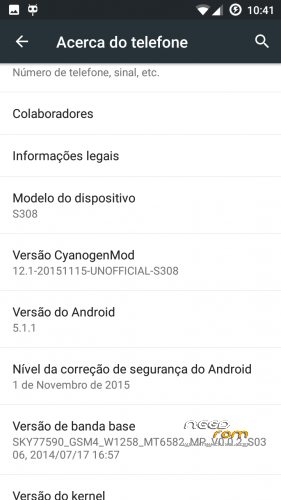
- Version: 5.1.1
You must be logged for ROM download.
27697 total views, 6 today
6 Total favorites
CUSTOM





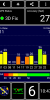
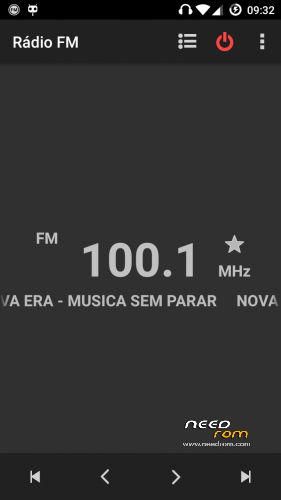
 Member Info
DESCRIPTION
Backup IMEI
Install rom with TWRP 2.8.7.0
Install gapps 5.1.1
reboot
Restore IMEI
Enjoy
New version…
fixed:
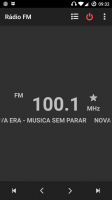
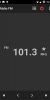
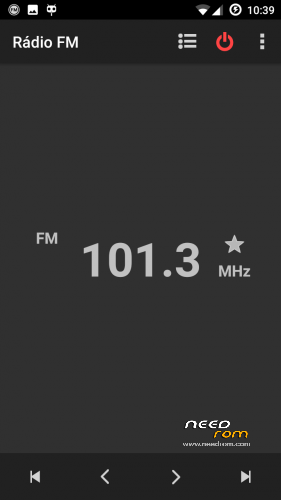
Volume control in Rádio
headset icon in status bar
video player
youtube (don't update youtube app)
…
※Please make a backup of your device before installing or updating ROM
Newbie question: I dont have Cubot S308. I have Innjoo Fire. Please have a look at this link http://www.innjoo.com/ProductD.....Fire/Technology
The only difference between s308 and my device is screen resolution. S308 has 720 x 1280 resolution. On the other hand, my device has 540×960 resolution. Both phones have screen size of 5 inches.
Can I flash the rom of S308 in my device or it will brick my device?
For resolution change the line "ro.sf.lcd_density=320" to the dpi of your phone, but you have to change a lot more.
replace the following files with your rom original files
/system/bin/ipod
/system/etc/firmware/(all files)
/system/etc/wifi/(all files)
/system/etc/apns-conf.xml
/system/lib/egl/(all files)
/system/lib/soundfx/(all files)
/system/lib/libaudio.primary.default.so, libcam.camadapter.so, libcam.paramsmgr.so, libcamalgo.so, libcamdrv.so, libcameracustom.so, libMali.so, libshowlogo.so
/system/vendor/(all files)
Edit /system/build.prop replacing (cubot s308 by your model name)
Edit META-INF/com/google/android/updater-script (mmcblk0p5 with your system partition if not the same and mmcblk0p7 with your data partition). Do not use WordPad to do this, use notpad++ or other plain ANSI editor. You can see your block numbers in Blocks Map option of MTKdroid Tools.
At last unpack your original boot.img and the boot.img off CM12.1, copy kernel file from original to CM12.1 and repack boot.img.
Thank you for your detailed response. System partition and data partition are same as s308. Right now I am on KitKat, so if I copy kernel files from kitkat to this 12.1 then it will become kitkat kernel right? In other words, I won't be on pure lollipop if I use kitkat kernel with this rom (obviously after modifying it as you described)
All modified roms are based on kitkat kernel because there is no other.
Thanks, another thing. How do I repartition the internal storage? When I used the app u said it did not work, then I tried using EBRTweak and it did not work either.
HKPhone romeditor works, i've done repartitions on my phone several times with it. Is your phone bootloader unlocked and properly rooted?
ftscp: Thank you
GODLIKE —> ROM Final Big Thx
super! ftscp is the Lord! help me on all the issues with my phone (cubot s308). a very big thank you!
I have the 12.1 installed on my phone, but whenever i use the hk rom editor all it does is wipe everything off my memory
Wiping all memory is normal. When the internal memory are changed, it must be reformated.
To change internal to 10g, unpack the following file and flash with SPFlashTool with the scatter file included. Select EBR1, EBR2, MBR and recovery.
Reboot to recovery, wipe factory reset, in advanced wipe select all except SDcard and execute. Go to mount option and mount everything.
Install Cm12.1
https://mega.nz/#!IwsnkIYY!JlI.....hX8UFRT5pEONl7A
I have everything working now, but when I start certain apps, unless I have show CPU Usage on, they will almost always crash. Can you fix this? (I am using the 12.1 CM)
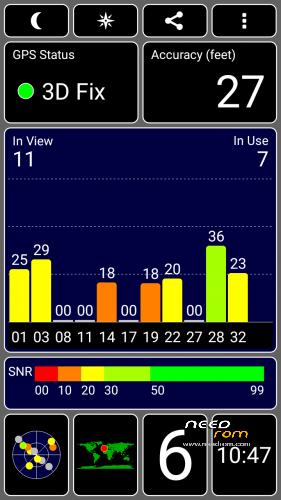
I have not these problems. Something was wrong with your instalation. I've uploaded a new version with gapps and root included in file, just do all wipes install and reboot (better GPS and Sound)