
- Title: Cyanogenmod 12.1
- Listed: March, 2016
- Last modified: 03/19/2016 1:40 pm
- Version: Android 5.1.1
You must be logged for ROM download.
29695 total views, 2 today
5 Total favorites
CUSTOM




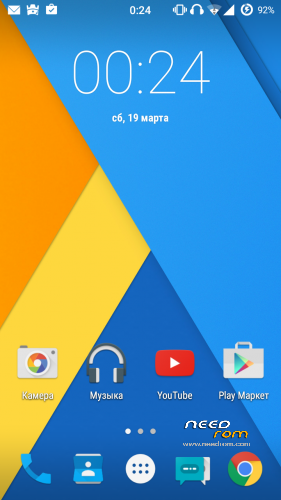
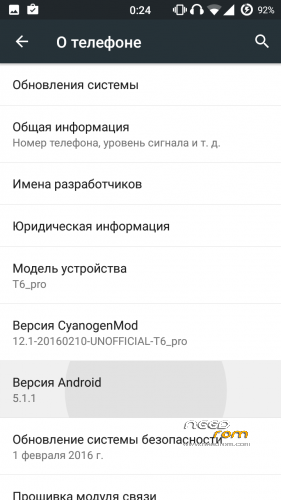
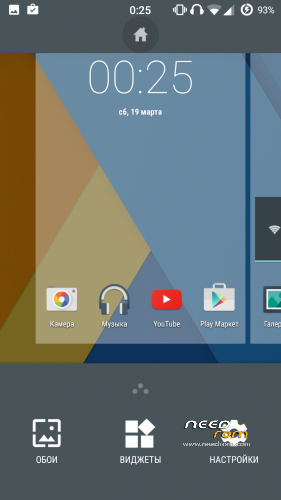
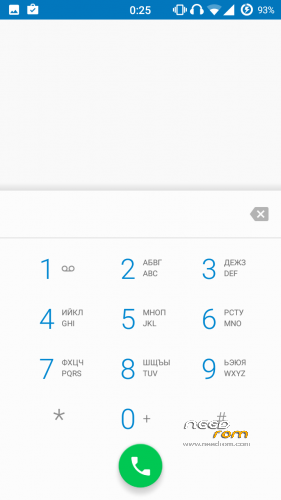

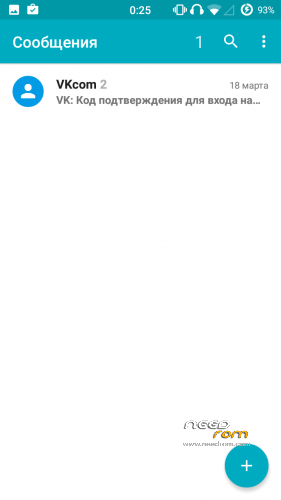
 Member Info
DESCRIPTION
Install only using TWRP 3.0!!!
- Download the ROM
- Download GApps package
- Put the zip files on your SDCard
- Reboot in Recovery
- Wipe Data/Factory Reset
- Install CM12 zip file(our firmware)
- Install GApps zip file(google apps)
- install tp_wake_switch zip file(for normal operation of the touchscreen)
- Reboot system
- Enjoy CyanogenMod 12
For 166H install libaudio.primary.default.so(/system/lib)
to increase the volume install libcustom_nvram.so(/system/lib)
Does not work:
FM-radio (?),
hw codecs,
Unstable bluetooth headset,
screen recording,
streaming services (twitch.tv, etc.),
Correction of bad quality on youtube(360p):
- using any file manager, go on the road data/data/com.google.android.youtube/shared_prefs
- open the file "youtube.xml" with a text editor
-
Find the row "
" -
change it here on this line: boolean name="h264_main_profile_supported5.1.1" value="true" />
- Save this file
Sorry for my bad English!
※Please make a backup of your device before installing or updating ROM
Sensor hangs
No bluetooth connection with car-audio and telephone..
How can i install twrp 3.0?
with flashtool
don't work 3g ?
I only can in 2g
3g internet dont work only EDGE.
How to install the libs?
copy these files to the path /system/lib/
Hey man. First of all, thanks so much for porting this rom. I've tried to do it by myself but I'd always end up with a touchscreen bug. It's smooth and stable enough to be a daily driver. I don't mean to anger or pressure you but the most significant bug is that 3g internet doesn't work. Only 2g does and even then it frequently goes out of service. IS there a fix that you suggest?
For 3g copy nvram folder from the sink in a custom firmware
from factory firmware
Please, can you explain how I do this?