
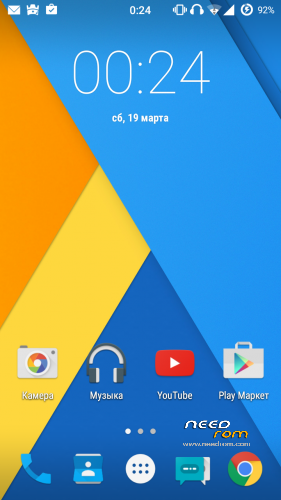
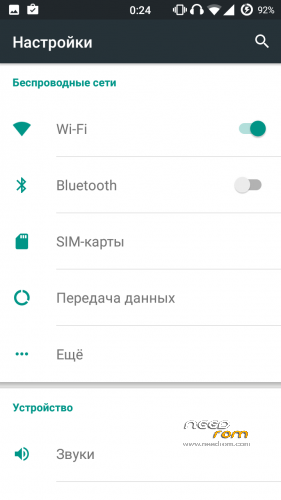
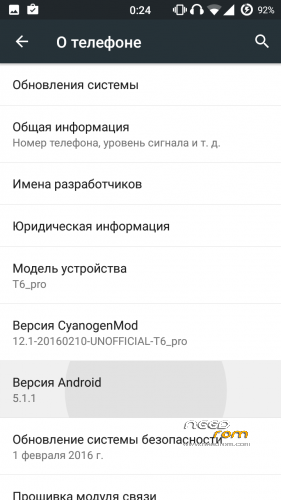
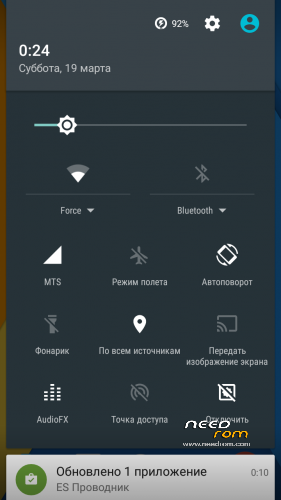
- Title: Cyanogenmod 12.1
- Listed: March, 2016
- Last modified: 03/19/2016 1:40 pm
- Version: Android 5.1.1
You must be logged for ROM download.
29695 total views, 2 today
5 Total favorites
CUSTOM
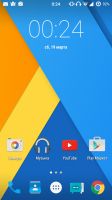
 Member Info
DESCRIPTION
Install only using TWRP 3.0!!!
- Download the ROM
- Download GApps package
- Put the zip files on your SDCard
- Reboot in Recovery
- Wipe Data/Factory Reset
- Install CM12 zip file(our firmware)
- Install GApps zip file(google apps)
- install tp_wake_switch zip file(for normal operation of the touchscreen)
- Reboot system
- Enjoy CyanogenMod 12
For 166H install libaudio.primary.default.so(/system/lib)
to increase the volume install libcustom_nvram.so(/system/lib)
Does not work:
FM-radio (?),
hw codecs,
Unstable bluetooth headset,
screen recording,
streaming services (twitch.tv, etc.),
Correction of bad quality on youtube(360p):
- using any file manager, go on the road data/data/com.google.android.youtube/shared_prefs
- open the file "youtube.xml" with a text editor
-
Find the row "
" -
change it here on this line: boolean name="h264_main_profile_supported5.1.1" value="true" />
- Save this file
Sorry for my bad English!
※Please make a backup of your device before installing or updating ROM
whith mtk droids?
3g problem solved !!!!!. Fantastic rom. Thank you very much
desastre, how you do it?
desatre, como lo hiciste?
i restored the nvram folder with mtk droid with the folder found in this site. Now 3g works but wifi and bluetooth don't. why?
@desastre8 Could you send me the nvram folder? I can't restore the rom stock to copy it.
I did it with the backup there on this page. I put it on the desk and there mtk droidis then restore with changing imei
MTK droids you connect the phone and instead of imei gives you the option to restore, there are looking for the decompressed arcchivo NVRAM. first the bin file. and then the tar. restart and then again in mtkdroids change the imeis for yours. I did so and I worked.
En mtkdroids conectas el telefono y en cambio de imei te da la opcion de restaurar, ahi buscas el arcchivo descomprimido de la nvram . primero el archivo bin. y luego el tar. reinicias y luego de nuevo en mtkdroids cambias los imeis por los tuyos. Yo lo hice asi y me funciono.
Hola,
Te agradecería por favor qué me pudieras explicar más en detalle como hacer que el 3G funcione.
Gracias.
porfavor enseñanos como arreglar el 3G
I write this message in spanish because desastre8 can talk spanish
Thank you, done! but now the Setting's app don't open, when i start the app, it crash. Super_Cool or anybody, what I can do?
I did as I said and I worked, it occurs to me again flash the rom and try again, it is important that when resetees restart from the same application, you give the reebot button droids MTK and then re-open mtk and you change the imei. It is just as I did .
Okey I'm goingto do it
desastre8 do yu have Telegram? Tell me what is your nickname to chat about this rom (in spanish)