
- Title: CyanogenMod 12.1
- Listed: March, 2016
- Last modified: 06/17/2016 11:05 pm
- Version: Android 5.1.1
You must be logged for ROM download.
27870 total views, N/A today
13 Total favorites
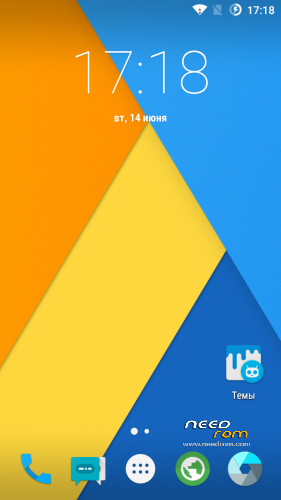
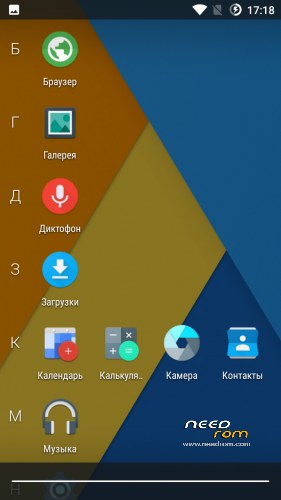
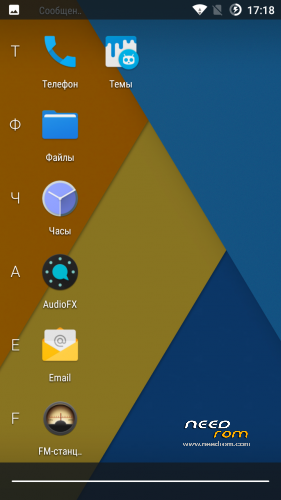
 Member Info
DESCRIPTION
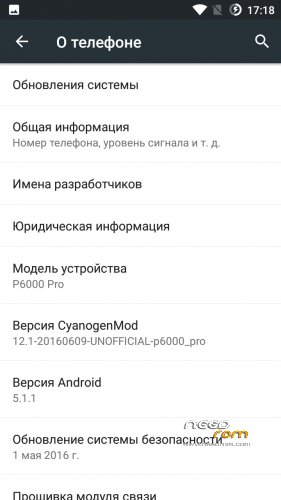
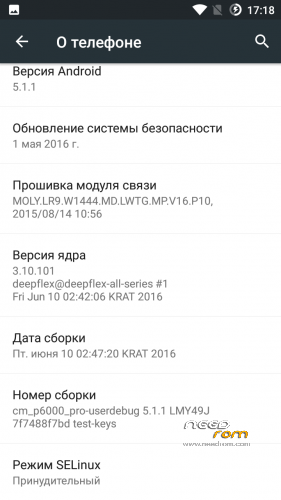
Canogenmod 12.1
Date of build: 2016.06.10
Status: Stable and Final
Release: For custom recovery
Changelog:
Fully fixed charging
Fixed interface lags in some apps like dialer
Bugs:
No bugs, all stable and fast
Features:
All working very smooth and fast
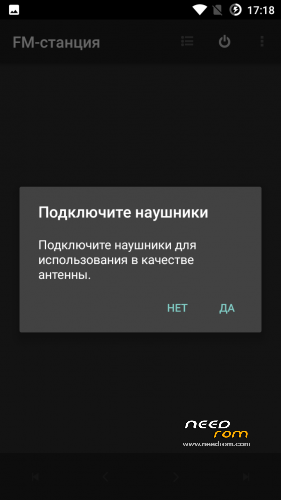
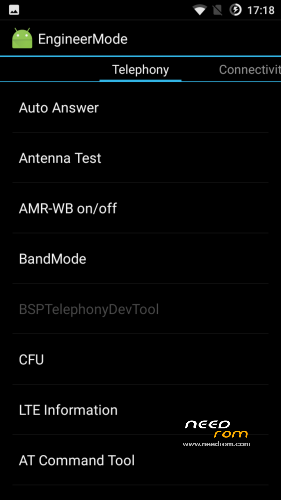
Added MTK FM App and Engineer Menu app
Double Tap To wake working to
And very more of other
PS:
ROM can be set through recovery that is below
Installation:
Download, rom and Gapps that is below:
Copy ROM and Gapps on SD card.
Flash recovery in Flashtool.
Enter in recovery.
Go to "Wipe and format data" by the volume button and press power (Action – accept).
Make Wipe data factory reset and clean to install a New ROM.
Choose "+++++Go Back+++++".
Enter in "Install Zip".
If ROM and Gapps on SD:
Choose zip from /storage/sdcard1.
If ROM and Gapps on internal storrage:
Choose zip from /sdcard.
Choose ROM : cm_p6000_pro_ota…
Wait ~2 minutes
Next step.
Move back, go to install and Flash Gapps.
Reboot, and wait. First boot – 5 min.
p.s If you want install Gapps after already installed ROM, you need to flash Gapps and make Wipe Cache and Dalvik Cache
※Please make a backup of your device before installing or updating ROM
in googleplay part of the application says "not supported on your device". At the stok it worked
Fixed in next version. Wait of release
my device has official rom and after all updates till now i have the same problem,notification panel pulls down while having a call,when talking touch screen turns black except the notification panel,if the ear touches the screen,it will open,do you know about this issue?does this rom has this issue fixed?
This rom is for P6000, not P6000 pro.
No.
This ROM for P6000 Pro
Is the ROM for P6000 Pro or P6000?
Can it be installed via SP Flash tools ?
No you first have to install "Recovery for CM 12.1 installing" yousing SP Flashtool,then install from recovery.
It states Pro on downloads so for that model phone.
For P6000 Pro.
Use SP flash tool only for recovery installation. Installation of CM make in installed recovery
H, the Rom is great and works superb however after installation it turned out that my mobile is not compatible. Is there a way change it?
This is multilanguage rom? Include Slovak ?
Thx
Yap. All languages
Caution !!! This Rom , loses radio signal, and its not possible enter into Engeneering Mode.
Don't waste your time. You can break your phone easly.
All ROMs tested and can't break P6000 Pro)
Don't need lie
I come from DCU rom.
I followed point by point the steps to install . Three times.The three times I have obtained the same result. Does not recognize the sim card. Imei is corrupt. Engineer mode does not work . Or with app , or directly from the scoreboard.
I know what I 'm talking about.
It was not possible to use the phone , although the rom starts, and so on.
This is a major problem by elephone.
They mainly paste their IMEI in the nvram and sometimes, it get's corrupted while flashing a custom rom.
I ported custom roms for the Elephone p3000s and also tried to run lollipop on this device and it always failed about the IMEI.
Mainly because these device don't own one and only with MAUI Meta you can "grave" one inside but this is not supposed by MTK.
How to port for mtk6753 (OS 5.1) sir
Thank you for good work, but there is still some bugs:
- No wi-fi hotspot.
- No FM Radio.
- When change USB mode to Charging only, the USB mode notification missing forever and can't switch back to MTP, Mass storage.
la ultima actualizacion corrige los errores y si desde recovery twrp se puede instalar gracias
Se recomienda hacer primero full wipe (Wipe Data, Wipe Cache, Wipe Dalvik cache, format data, format cache y format system). esto es para una instalacion limpia asi no dara errores en mi opinion