
- Title: CyanogenMod 12.1
- Listed: March, 2016
- Last modified: 06/17/2016 11:05 pm
- Version: Android 5.1.1
You must be logged for ROM download.
27872 total views, N/A today
13 Total favorites
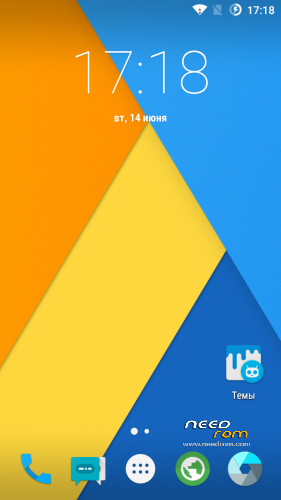
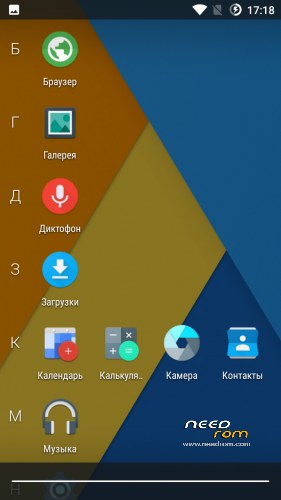
 Member Info
DESCRIPTION
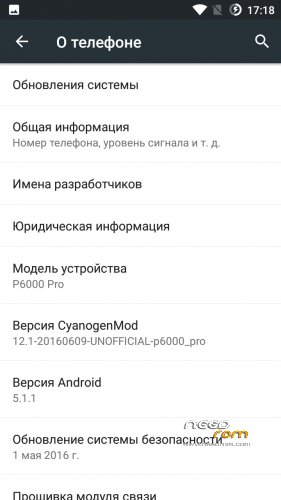
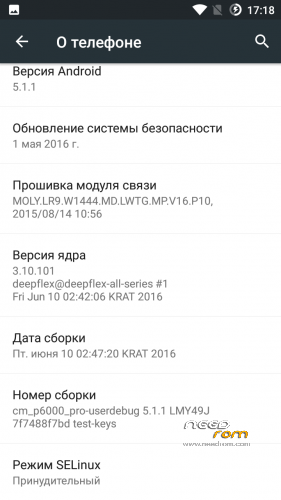
Canogenmod 12.1
Date of build: 2016.06.10
Status: Stable and Final
Release: For custom recovery
Changelog:
Fully fixed charging
Fixed interface lags in some apps like dialer
Bugs:
No bugs, all stable and fast
Features:
All working very smooth and fast
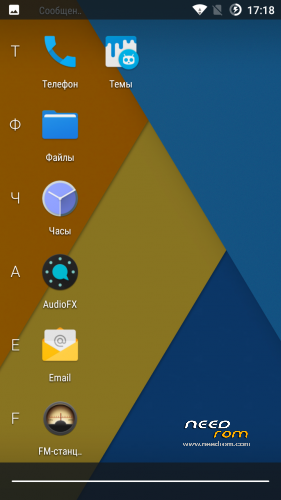
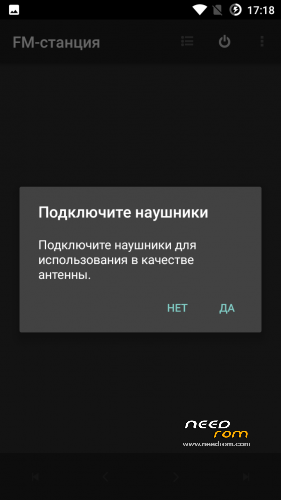
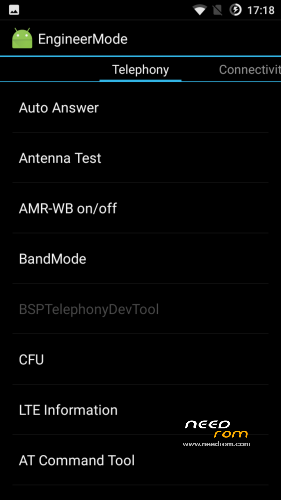
Added MTK FM App and Engineer Menu app
Double Tap To wake working to
And very more of other
PS:
ROM can be set through recovery that is below
Installation:
Download, rom and Gapps that is below:
Copy ROM and Gapps on SD card.
Flash recovery in Flashtool.
Enter in recovery.
Go to "Wipe and format data" by the volume button and press power (Action – accept).
Make Wipe data factory reset and clean to install a New ROM.
Choose "+++++Go Back+++++".
Enter in "Install Zip".
If ROM and Gapps on SD:
Choose zip from /storage/sdcard1.
If ROM and Gapps on internal storrage:
Choose zip from /sdcard.
Choose ROM : cm_p6000_pro_ota…
Wait ~2 minutes
Next step.
Move back, go to install and Flash Gapps.
Reboot, and wait. First boot – 5 min.
p.s If you want install Gapps after already installed ROM, you need to flash Gapps and make Wipe Cache and Dalvik Cache
※Please make a backup of your device before installing or updating ROM
funciona bien lo unico es que e perdido ser super usuario alguna forma de rootearlo gracias
very smooth any FM radio thanksVery good rom but losts Radio FM apk and it's unrooted. Doesn't work SUPERSU. Gonna uninstall it for that facts :S
Root = You must install Zip by Recovery. Search on net "ROOT – UPDATE-SuperSU-v2.46.zip"
Or you can set ROOT in development menu.
Mobile data does't work (test in Czech Republic)! Internet connecting by wifi s OK, but connecting by mobile data doesn't work in all mode (2G, 3G, 4G).
I see icon of type data connection (LTE, H+, G) in notification bar, but in browser I can see only: err_proxy_connection_failed.
Any idea?
I tried mobile data network on new version of CM (28.03.2016) and it also didn't work.
Nobody answered me, so I couldn't believe that it's problem of ROM. I tried to find some wrong setting in setting menu.
I found this: SIM Cards -> Mobile network settings -> SIM 1 (or SIM 2) settings -> Access point names. Here I choose other profile and Mobile data network is now fully functional! I apologize, it wasn't ROMs bug! Problem was in apn profile (proxy setting).
In this menu you can create also new profile, where you can set parameters of your mobile operator (provider).
Bro
you have kernel up to 1.5 MHz?New version
the new version must be installed otravez the gaps since the last 18-03- 2016 grcaiaGood job ! very beautifull and smooth
But Apps does not move and sd again
Haven't found other bug
Hi, how about battery? My girlfriend's P6000 Pro has stock ROM (Android 5.1) and drains a lot of battery… If this ROM doesn't, I would install it. Or can you recommend the best ROM for P6000 Pro with low battery consumption and good camera pics please? Thank you in advance.
No drain
Hi. This new version has FM radio? I’m using umi because is the only rom with fm but it heats the phone a lot and drains battery. I’m waiting to get FM radio in Cianogen to change.