
- Title: CyanogenMod 12.1
- Listed: March, 2016
- Last modified: 06/17/2016 11:05 pm
- Version: Android 5.1.1
You must be logged for ROM download.
27874 total views, N/A today
13 Total favorites
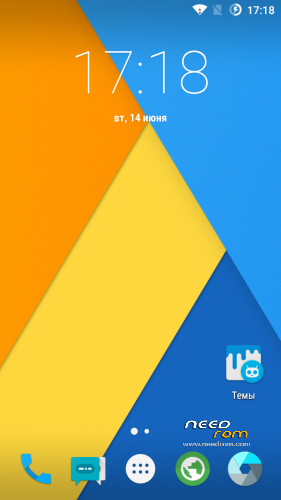
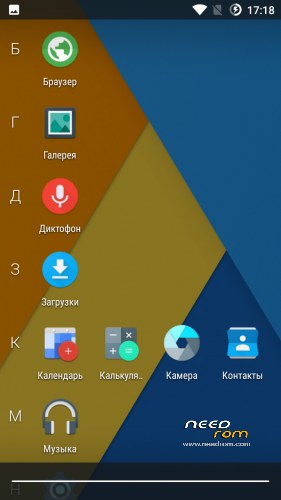
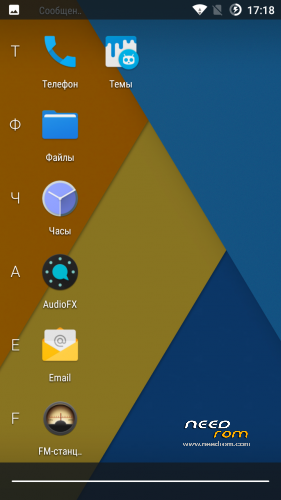
 Member Info
DESCRIPTION
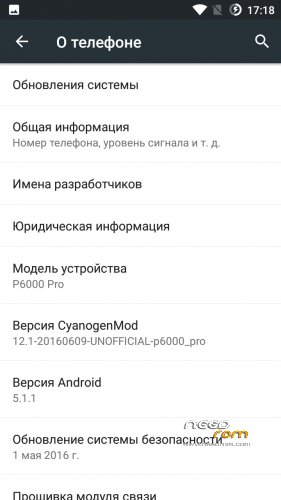
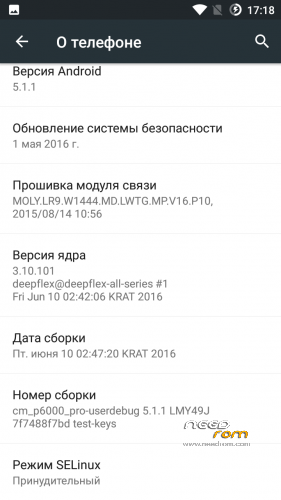
Canogenmod 12.1
Date of build: 2016.06.10
Status: Stable and Final
Release: For custom recovery
Changelog:
Fully fixed charging
Fixed interface lags in some apps like dialer
Bugs:
No bugs, all stable and fast
Features:
All working very smooth and fast
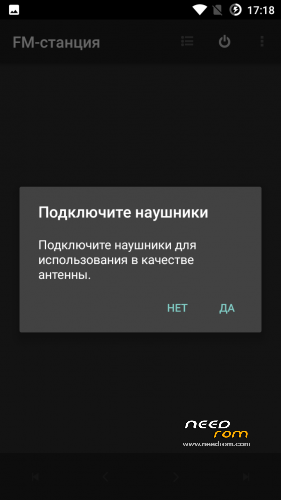
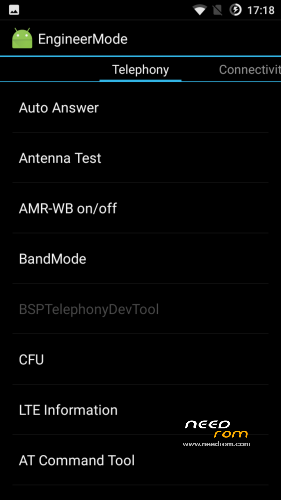
Added MTK FM App and Engineer Menu app
Double Tap To wake working to
And very more of other
PS:
ROM can be set through recovery that is below
Installation:
Download, rom and Gapps that is below:
Copy ROM and Gapps on SD card.
Flash recovery in Flashtool.
Enter in recovery.
Go to "Wipe and format data" by the volume button and press power (Action – accept).
Make Wipe data factory reset and clean to install a New ROM.
Choose "+++++Go Back+++++".
Enter in "Install Zip".
If ROM and Gapps on SD:
Choose zip from /storage/sdcard1.
If ROM and Gapps on internal storrage:
Choose zip from /sdcard.
Choose ROM : cm_p6000_pro_ota…
Wait ~2 minutes
Next step.
Move back, go to install and Flash Gapps.
Reboot, and wait. First boot – 5 min.
p.s If you want install Gapps after already installed ROM, you need to flash Gapps and make Wipe Cache and Dalvik Cache
※Please make a backup of your device before installing or updating ROM
Invalid OTA Package.
Use recovery what in link
The sim is not detected
They are detected. Check your Imei's
And the rom is not official, that was modified by Russian people (you?) , to spy maybe because the russians are strong to that XD
Can I update to this ROM without wiping data from 2016/06/03 rom?
By the way, thank you very muchos cm's Roma are the best.
The camera doesn’t work, just the first time and then no more. You know anything about this problem?
it seems Elephone p6000 pro dont have OTG trhu sdCard only on PC
does this ROM or any ROM come with OTG included
build: 2016.06.10
Flash recovery
Copy Rom and gapps zip files to phone
Boot into recovery by holding power button and vol Up (use Vol Down to select)
goto "wipe and format…" (use power button to select)
factory reset
"yes…"
Then go to "clean to install a new rom"
go back to "install zip"
Choose ROM : cm_p6000_pro_ota…
Wait ~2 minutes
Move back, go to install and Flash Gapps.
Reboot, and wait. First boot – 5 min.
*******************
Fm radio works OK
Both cameras , HDR, Flashlight.
Root included.
Lots of languages.
Usb connection has a problem, "Media Device (MTP)" is not working (was ok with 28.03 version) , It won't show internal nor SD !!!, Do you Know how can I fix this?.
Connect it as "Camera(PTP)" if you want to transfer pictures to and from your internal storage, It will Show "DCIM" and "Pictures" folder only.
The option "Charge only" cannot be set, it goes back to previous selection.
"Mass Storage (UMS)" disconnects the sd card from phone and presents it to the Pc as flash storage, OK.
Thank you Deepflex .
Ok , found a solution for the USB not working as MTP:
When on 28.03 version it was ok, the driver that was installed was http://n2k1.com/n2k1/drivers/S.....Driver_v2.0.rar , after update to 10.06 the phone would not show under device manager.
You need to go to "Developer Options" and enable "Android debugging" .
When I connected the phone to the computer it showed under device manager with a yellow warning and when doing an "Update Driver Software, search automatically.. " it would fail with a " A service installation section in the INF is invalid" error.
Disable driver signing as instructed here : http://www.howtogeek.com/16772.....signed-drivers/
Then go to Device manager, connect phone, right click on Yellow warning device, "Update Driver Software" , "Browse My computer for… "', click on "Let me pick from…", then select "MPT usb Device" your phone will magically appear under "portable devices" as "P6000 Pro" in device manager , close it, open "My computer " and you'll see "P6000 Pro" under "devices and drivers".
Enjoy.
2G/3G/4G doesnt work :/
ah switching to 3G/2G only and back to LTE works..false alarm (:
Link for Flashtool please.