
- Title: Dark L Theme V2
- Listed: October, 2014
- Last modified: 11/23/2014 2:25 am
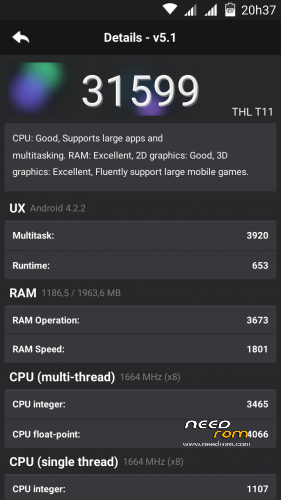
- Version: 4.2.2
You must be logged for ROM download.
26348 total views, 3 today
 Member Info
DESCRIPTION
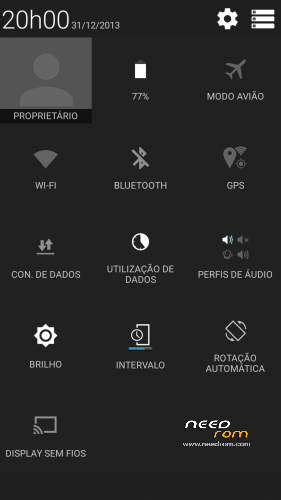
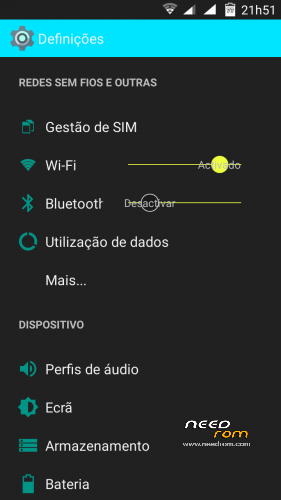
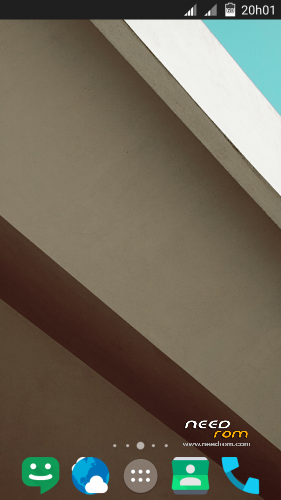
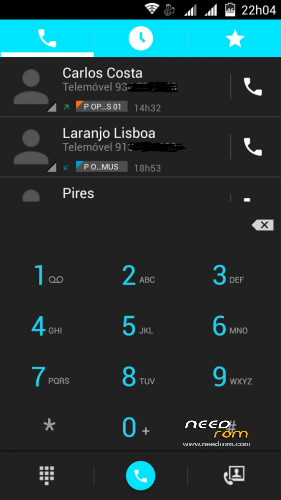
Rom completely modded to look like Dark L material
Used one of the T100 CM11 version from JCampano (thanks)
Boot logo black from Dragonizer (thanks)
100% Deoxed
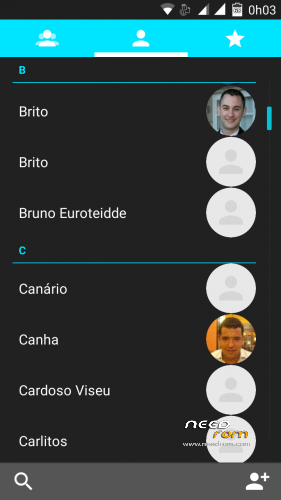
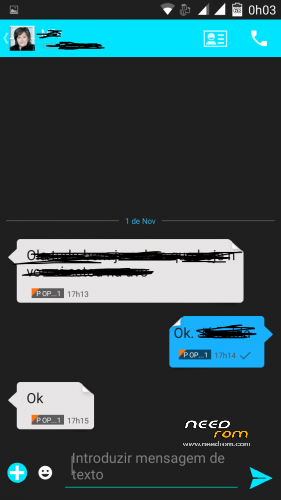
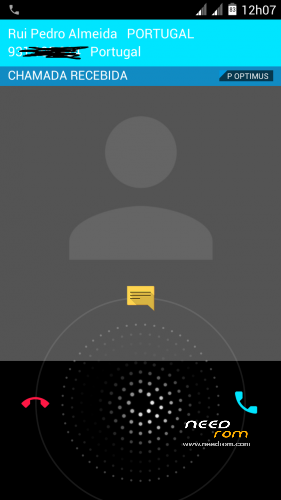
Framework, SystemUi, Settings, Phone, Contacts and Mms extremely modded to look like Dark Material
Autostarts and Engineer mode include in settings
Material keyboard included (go to settings, language,google keyboard,advanced settings and choose material in color)
To get Android L icons (go to Nova settings, icons theme and choose Moonshine (included in rom),then go to color theme and put 00e5ff in hex color before # )
New Playstore 5.0.31,Apollo, Nova,rootexplorer,and more added
Included alarms, notifications, ringtones and ui sonds from Android L
Smart wake works
Xposed and gravity box working
Changes in V2:
Updated all apk (nova, calendar, moonshine, gmail with exchange, google play service)
Removed Titanium Backup, mobile uncle tools, xposed, email apk (now you can include other mail in gmail)
Much more changes in framework and systemUi (much more icons and other things changed to look much nice)
Ring icons in photos instead of square image in Phone, contacts and mms (mms with new bubbles)
Deskclok now looks like the rest of the rom
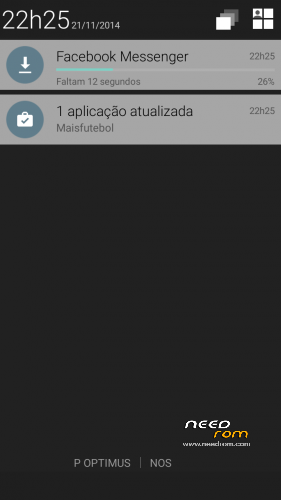
New style in notificatios and extended status bar
Android L boot animation
Install ROM:
CWM
Step 1: Download the custom ROM copied to an external SD card root directory
Step 2: the shutdown state. While holding down:
– Power button + volume button up, to enter the recovery mode.
– Wipe Data / Factory Reset -> delete all user data
– Wipe Cache Partition -> Wipe cache
– Advanced -> Wipe Dalvik Cache
Step 3: Return to recovery main interface Install zip from sdcard -> choose zip from sdcard -> Select your ROM
Step 4: Brush complete, restart the phone Patience required – first boot takes a while.
I take lots of hours to made this rom and hope you enjoy.
※Please make a backup of your device before installing or updating ROM
My gmail works well. I will take a look to the problem.
I don’t understand what problem you mentioned in text color. Can you give me a screenshoot?
Yes I can when I get home tonight as I changed back to another rom
But just to recap
When you press the text button and hit the search botton to find a contact as you type in the persons name is starts to show the numbers but the names you cannot see as there the same colour as the background.
I see now. I allways search first the contact and then write a message, thats why i never see this bug.
I will try fix the bug and see what happens with gmail.
ops, somebody has the same problem.
any solution Carcasa???
I upgraded google play services to 6.5.87 and gmail app is working purrfect
Thanks carcaca
i also updated google playservices and wipe dalvic
and youtube app works again
thanks
by far the best rom for thl T11
Maybe you can do something with KK
Been using it for a few days now all working fine, battery quite good also
Any update on this rom would like to give it another try
Thanks
carcaca , expect a new rom kitkat 4.4 , thanks
Thats great can you make sure the text problem is sorted too
Thanks