
- Title: FEITENG H9500
- Listed: May, 2013
- Last modified: 06/01/2013 7:01 pm
- Version: ROM Android 4.2.1
You must be logged for ROM download.
50825 total views, 1 today
1 Total favorites
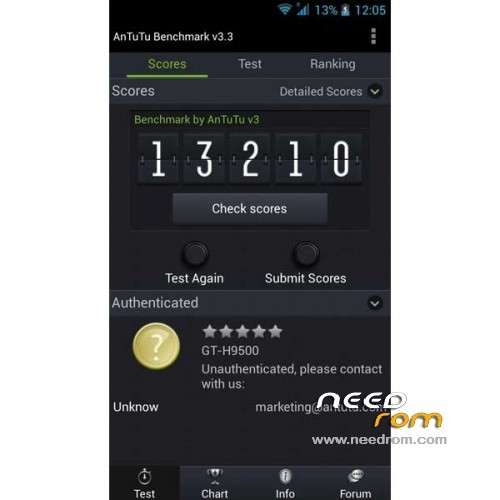
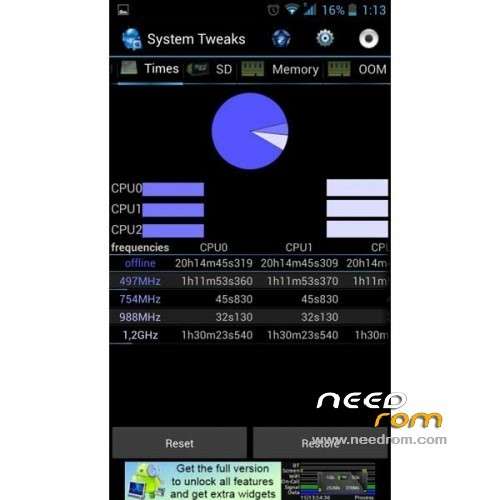
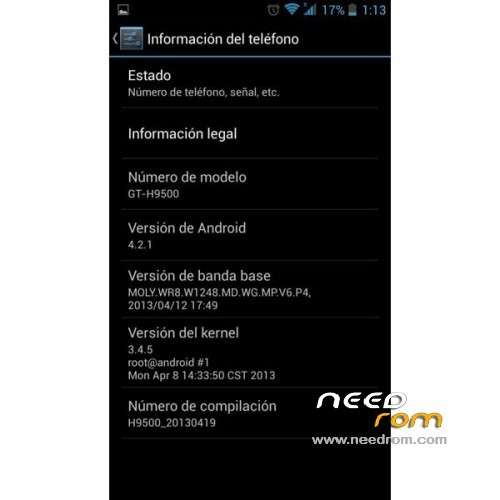
 Member Info
DESCRIPTION
ROM Phone FEITENG H9500 – ROM Android 4.2.1
Update 06/01/2013 ( Thx mado79 for this info )
Update 05/22/2013 ( Thx grelle for this info )
Changelog:
DRX v0.2
– Improved stability
– Improved camera focus
– Modified the values of volume
– New rom based 20130422_e2006_v89
– Fixed problems with Apex Launcher
– Updated the kernel
– Small changes in animations and configuration files
I recommend doing a clean install "Clean Install" if you have problems upgrading from your current rom.
———————————————————————————————————————————
Features ROM:
- Reduced consumption of RAM
- Improved multitasking (profiles minfree / oom / zram)
- Rapid detection of GPS
- Removed advertising in applications
- Custom Setup selection Aroma with tweaks and applications.
- Upgrading from any previous ROM without losing data
- Improved speed ipv4 / 3G
- Fixed reboots the stock rom
- Savings in battery consumption
- Updated the baseband
Language support : Multi Lang
THX to darevix "DRX Custom Rom"
Install ROM :
Unpack FlashTools, and Click on Flash_tool.exe
Select a the MT6589_Android_scatter_emmc.txt in Recovery
Turn off your phone, remove the battery.
Press F9 (or hit Download button) and connect your phone into the computer via USB data cable.
The process will start and a red progress bar will appear after color purple, yellow.
And green circles display
Finish !
You can now safely disconnect your phone and turn it on.
or
CWM
Step 1: Download the custom card brush ROM copied to an external SD card root directory
Step 2: the shutdown state. While holding down:
Power button + volume button + volume key to enter the recovery mode of Brush, Clear user data and cache, and then enter the card brush
Options Brush can.
Step 3: Brush complete, restart the phone
※Please make a backup of your device before installing or updating ROM
Very nice rom..Thanks..
Rom past the screen does not turn into sleep mode..
Please fix.
How to insert android 4.2 (swype style) keyboard with dutch language?
Nice and fast rom…
Nice rom,great job.
Very nice rom..Thanks..
only problem found, Quick Start does not work (phone not boot)
fixed on DRX v0.2
where Scatter file in this rom ?
Hello,
I plugged the phone without battery and clicked download. Seems like the program finds the phone on COM4 but nothing happens. Any help ?
turn off your phone and plug it - windows must recognize it
unplug it
click download
plug it again
if it's not working, unplug it and plug it again.
Remember that you have to load the scatter file first
fix problem standby ….
update on
http://www.movilesdualsim.com/.....1-Feiteng-H9500